

U0442 on 2006-2016 Chevrolet Impala: BCM Communication Error Guide
Code U0442 indicates that the Body Control Module (BCM) is sending invalid data to other modules. This is a network communication error, not a common issue on this car. The most likely causes are a weak battery or poor BCM ground connections. Professional diagnosis is strongly recommended as it requires advanced tools to avoid unnecessarily replacing expensive modules.
- U0442 is a rare network communication code for the Impala, pointing to a problem with the Body Control Module (BCM).
- Do NOT confuse U0442 with the common P0442 EVAP leak code; they have completely different causes and fixes.
- Always start diagnosis by testing the battery, as low voltage is the most common trigger for this code.
- A replacement BCM must be programmed to the vehicle's VIN, requiring professional tools.
What's Unique About the 2006-2016 Chevrolet Impala
There is a significant lack of documented cases of the U0442 code specific to the 2006-2016 Chevrolet Impala. Online searches and technical forums are heavily dominated by information for the unrelated P0442 EVAP code. This suggests that U0442 is a very uncommon fault for this particular vehicle. Therefore, diagnosis should start with the most universal causes of network communication failure on any GM vehicle—such as power supply issues or ground faults—rather than a known Impala-specific pattern failure.
Generation note: The 2006-2016 model years span two generations of the Impala. The 9th generation ran from 2006-2013 (and continued for fleet sales as the 'Impala Limited' from 2014-2016). The 10th generation began in 2014. While the BCM's function is similar in both, the specific wiring, location, and software may differ. The 9th Gen BCM is located under the driver's side dash, above the OBD-II port. The 10th Gen BCM is typically behind the passenger side of the dashboard.
Symptoms You May Notice
- Multiple, seemingly random electrical issues (e.g., power windows, door locks, or interior lights malfunctioning).
- Warning lights on the instrument cluster may flicker or appear without reason, such as for the ABS or Airbag systems.
- Key fob or remote entry system may work intermittently or not at all.
- Security or anti-theft system light may illuminate, potentially causing a no-start or start-and-stall condition.
- Parasitic battery drain that causes the battery to die overnight or after a few days. 🎬 Watch how to perform a parasitic battery draw test
- Check Engine Light is on.
- Erratic or non-functional instrument panel gauges.
- Radio or infotainment system may turn on/off randomly or freeze.
- Replacing EVAP system components like the purge valve or gas cap. This is the correct fix for the common P0442 code, but is completely unrelated to the U0442 network code.
Most Likely Causes
- Weak or Failing Battery 🔴 High Probability Low system voltage (dropping below 10V) during engine cranking is a primary cause of data corruption between modules on many modern vehicles, including this platform.
How to confirm: Perform a battery load test. A healthy battery should maintain above 10.5 volts during a 15-second load test. Also, check the charging system to ensure the alternator is providing stable voltage (typically 13.8-14.6V) when the engine is running.
Typical fix: Replace the vehicle's battery.
Est. part cost: $150-$250 - Poor BCM Ground Connection 🟡 Medium Probability Ground wires can corrode or loosen over time, creating high resistance and causing intermittent module behavior. On the 9th Gen Impala, a key ground point to inspect is G202, located on the left side of the dash.
How to confirm: Locate the BCM's primary ground points using a service manual for your specific model year. Perform a voltage drop test on the ground circuit by placing one multimeter lead on the negative battery terminal and the other on the BCM's ground pin. A reading of more than 0.2-0.3 volts with the system active indicates a poor ground.
Typical fix: Disconnect the battery, then disassemble the ground connection. Clean the terminal and the chassis point to bare metal and tighten the fastener securely.
Est. part cost: $0-$5 - Corroded or Loose BCM Connectors 🟡 Medium Probability The BCM is often located in an area (like under the dash) where water intrusion from a leaking windshield or clogged HVAC drain can occur, leading to corrosion. GM has a TSB (21-NA-183) for other models regarding HVAC drain leaks dripping onto the BCM, a plausible scenario for the Impala as well.
How to confirm: Visually inspect the BCM and its electrical connectors for any signs of water damage, green/white corrosion, or pins that have backed out of the connector.
Typical fix: Disconnect the battery, then unplug the BCM connectors. Clean any corrosion with an electrical contact cleaner and a soft brush. Ensure the connectors are fully seated upon reassembly.
Est. part cost: $5-$15 - Faulty Body Control Module (BCM) ⚪ Low Probability Internal circuit board failures, such as cracked solder joints, failed processors, or a faulty CAN transceiver, can cause the module to send out corrupted data.
How to confirm: This is typically a diagnosis of exclusion. If the battery, power, grounds, and wiring to the BCM are all confirmed to be good via voltage drop testing and visual inspection, the module itself is the likely culprit. A high-end scan tool may show a loss of communication with the BCM or other network codes like U0140.
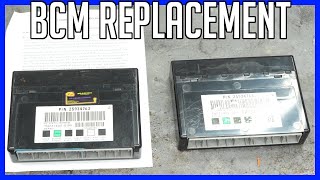
Typical fix: Replace the Body Control Module. 🎬 Watch this guide on replacing a BCM module The new module will require programming by a dealer or a qualified shop with GM-specific software (like SPS) to match the vehicle's VIN and options.
Est. part cost: $250-$500
Rare But Worth Checking
- BCM Software Glitch: Sometimes, the module's operating logic has a bug that can be fixed with a software update. Check with a GM dealer for any available BCM re-flashes before replacing the hardware. GM has issued service updates for BCM communication errors on other vehicles, such as #13257 for 2014 trucks.
- Damaged CAN Bus Wiring: A wire in the CAN network could be chafed, shorted to ground, or broken somewhere in the vehicle, disrupting communication between all modules. This requires advanced electrical diagnosis, often involving measuring resistance (should be ~60 ohms across CAN High and Low) and using an oscilloscope to check the signal waveform.
Diagnosis Steps
- Verify the code with a CAN-capable OBD-II scanner. Note any other 'U' (network) codes that are present, especially U0140.
- CRITICAL FIRST STEP: Fully charge and load test the battery. A weak battery is the most common cause of random communication codes. Replace if it fails the load test.
- With the engine running, check alternator output to ensure stable voltage (13.8V-14.6V). Voltage spikes or drops can corrupt data.
- Locate the BCM. For 9th Gen (2006-2016 Limited), it's under the driver's side dash. For 10th Gen (2014+), it's typically behind the passenger side dash. Visually inspect the BCM's electrical connectors for looseness, damage, or corrosion.
- Using a service manual for reference, locate and inspect the main ground connections for the BCM (e.g., G202 on a 2012 Impala). Perform a voltage drop test on the ground circuit to confirm its integrity.
- If the above steps do not resolve the issue, the problem is likely a faulty BCM, a software issue, or a wiring fault in the CAN bus. This level of diagnosis requires professional tools and expertise to test the CAN network wiring and potentially reprogram or replace the BCM.
Parts You'll Likely Need
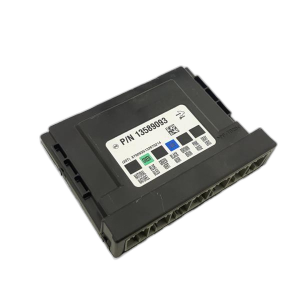
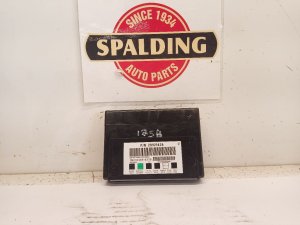
- Body Control Module (BCM)
(OEM #22860591 (fits many 2006-2011 models), 15921353 (fits some 2012 models))— If all power, ground, and wiring checks pass, the module itself may have an internal fault causing it to send corrupt data. Replacement requires programming.
Trusted brands: ACDelco (GM Genuine), Dorman (Remanufactured)
OEM price range: $250-$400
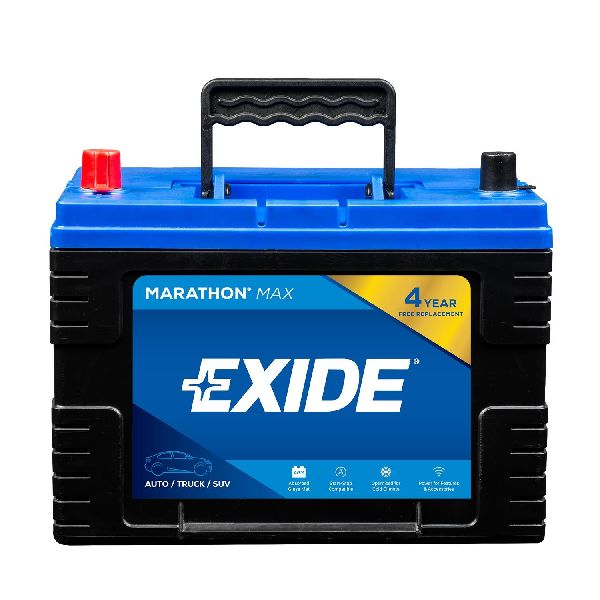
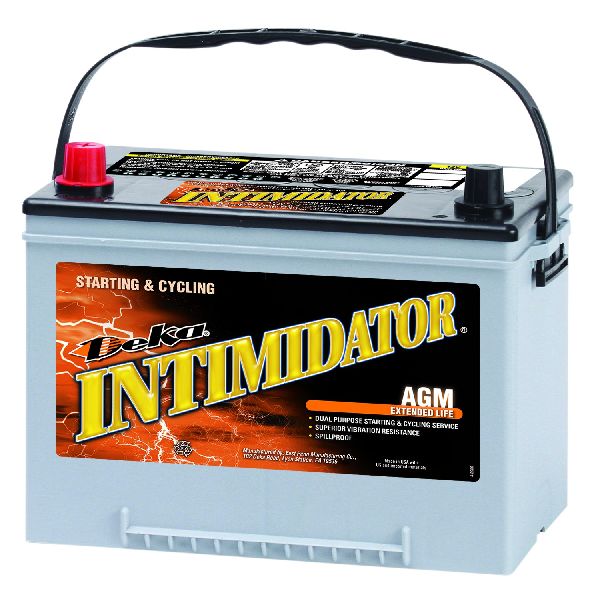
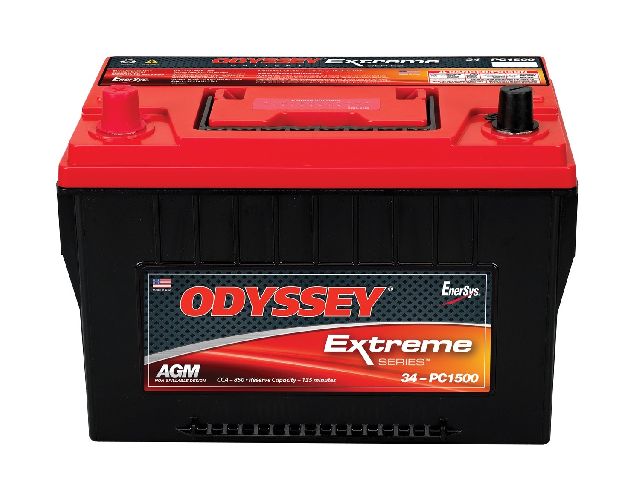
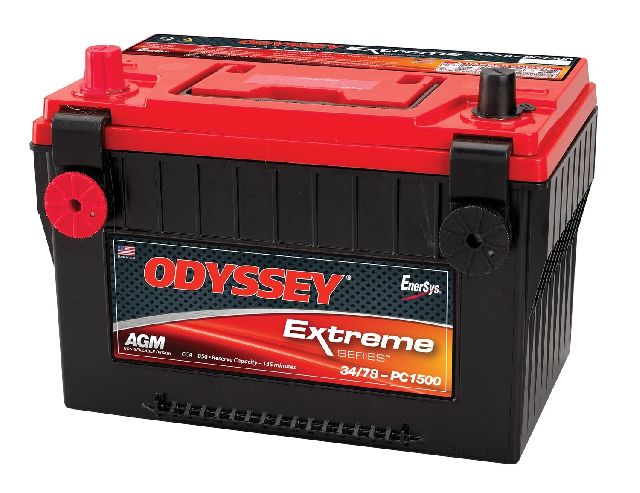
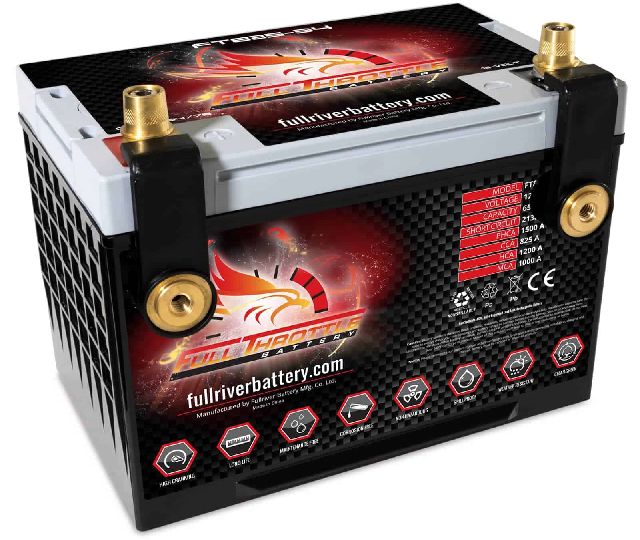
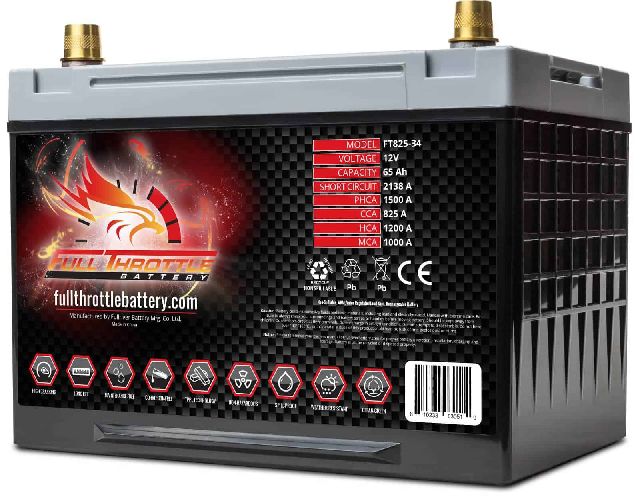
Aftermarket price range: $200-$350 - Automotive Battery — A weak battery is the most frequent cause of module communication errors and data corruption during engine startup.
Trusted brands: ACDelco, Interstate, DieHard
OEM price range: $200-$280
Aftermarket price range: $150-$250
Related Codes That Often Appear With This One
- U0140 - Lost Communication With Body Control Module
- U0073 - Control Module Communication Bus 'A' Off
Technical Service Bulletins (TSBs) & Recalls
- 08-07-30-021H: While not for U0442 specifically, this TSB addresses widespread GMLAN communication loss (U0073, U0140, etc.) on many GM vehicles and points to common causes like terminal issues in transmission connectors and other harness problems that could be relevant.
- 21-NA-183: Pertains to other GM models but is highly relevant, noting that water intrusion from a leaking HVAC drain hose can drip onto the BCM, causing corrosion and failure.
- PIT5569A: This bulletin explains that a U-code with a symptom byte of '71' (Invalid Data) is often a secondary code caused by a fault in another module's input, like a wheel speed sensor. It advises diagnosing the primary fault first before suspecting the module that set the U-code.
Mechanic-Grade Diagnostic Values
- GMLAN Bus Resistance — expected: Approximately 60 Ohms (± 5 Ohms). Failure: A reading of ~120 Ohms indicates an open circuit or a faulty termination resistor. A reading near 0 Ohms indicates the CAN High and CAN Low wires are shorted together.
- GMLAN Bus Voltage (Key On, Engine Off) — expected: CAN High (Pin 6 at DLC) and CAN Low (Pin 14 at DLC) should both be at approximately 2.5V (recessive state).. Failure: Voltages that are stuck high, low, or do not mirror each other during communication indicate a circuit fault or a module pulling the bus down.
- GMLAN Bus Voltage (Communicating) — expected: CAN High toggles to ~3.5V and CAN Low toggles to ~1.5V (dominant state).. Failure: An oscilloscope showing a noisy, distorted, or flat-line waveform instead of clean square waves indicates a data integrity problem.
- Battery Voltage During Cranking — expected: Should remain above 10.0V.. Failure: A drop below 10.0V can cause modules to reset or send corrupt data, triggering U-codes.
Hidden / Shadow Codes Worth Checking
- U0442 71: The '71' is a two-digit symptom byte meaning 'Invalid Serial Data Received'. This strongly suggests the BCM is receiving bad information from another module's sensor (like a wheel speed sensor) and is then broadcasting that invalid data, causing other modules to flag the BCM. Diagnosis should focus on other codes in the system first. (see via A professional GM-specific scan tool like a Tech2 or GDS2 is required to view symptom bytes.)
Scan Tool Commands That Help
- GDS2/Tech2: Module Communication Test — To actively poll all modules on the GMLAN network and see which ones are responding. This can quickly identify if the BCM is offline entirely (more likely a U0140) or just sending bad data (U0442).
- GDS2/Tech2: BCM 'Replace and Reprogram' — This function is required after installing a new or used BCM. It writes the vehicle's VIN and RPO codes (feature configuration) to the module, allowing it to function correctly.
- GDS2/Tech2: Setup SDM Primary Key in BCM — After BCM replacement and programming, this procedure is needed to sync the security information between the BCM and the Inflatable Restraint Sensing and Diagnostic Module (SDM).
- GDS2/Tech2: Isolate Bus by removing module fuses — If a module is suspected of corrupting the entire data bus, a technician can pull the power fuse for each module on the high-speed LAN one by one. If communication with other modules returns after pulling a specific fuse, that module is the likely source of the problem.
Wiring & Ground Locations
- BCM (9th Gen) — Under the driver's side of the dashboard, located just above the OBD-II Data Link Connector (DLC).. This is the primary module in question. Its location makes it susceptible to physical damage from feet or loose objects, and its connectors can be dislodged.
- G202 — For the 2014 Impala Limited (9th Gen), this ground is located at the center of the dash structure.. This is a primary ground point for the BCM on some 9th generation models. A loose or corroded G202 can cause intermittent and difficult-to-diagnose BCM behavior.
- GMLAN High-Speed Bus Wires — A twisted pair of wires, typically Tan and Tan/Black, running between all high-speed modules including the ECM, BCM, TCM, and EBCM.. These are the physical data lines. A chafe, break, or short in either of these wires will corrupt communication and can set U0442.
- Termination Resistor — The GMLAN bus has two 120-Ohm resistors. One is typically internal to the ECM. The other may be in another module or taped into the main wiring harness, often in the trunk area on 9th Gen models.. A failure of one of these resistors will change the bus resistance from 60 Ohms to 120 Ohms, destabilizing the network and causing communication errors.
OEM Part Supersession History
Not specified→22860591— Standard part evolution and consolidation for multiple vehicle platforms.
Heads up: Part number 22860591 is listed as compatible with 2006-2011/2012 Chevrolet Impala models, among many other GM vehicles. It always requires programming to the specific vehicle's VIN and options upon installation.
Model Year Variations Within This Range
- 2006-2013 (9th Gen) vs 2014-2016 (10th Gen): The BCM location is different. On the 9th Gen, it is under the driver's dash above the OBD-II port. On the 10th Gen, it is typically behind the passenger side of the dashboard. The electrical architecture and specific GMLAN bus topology also differ significantly between these two distinct platforms.
Diagnostic Flowchart
Other Known Issues on This Vehicle
Issues unrelated to this code that are worth knowing about as an owner of this generation:
- Transmission Failure or Harsh Shifting (6T70/6T75) 🔴 High — Common on earlier 9th gen models (2006-2011). Caused by broken 3-5-R wave plates or worn solenoid accumulator bores, leading to delayed shifts, slipping, or complete failure.
- HVAC Blend Door Actuator Failure 🟡 Low — Extremely common across both generations. Presents as a loud, repetitive clicking or tapping noise from behind the dashboard. It is a cheap part but can be difficult to access.
- Intermediate Steering Shaft Noise 🟠 Medium — Common on the 9th generation. Causes a clunking or popping noise/feel in the steering wheel during low-speed turns. A revised part is available. (Ref: Multiple TSBs exist, including #070232002 and PI0659F.)
- Timing Chain Stretch (3.6L V6 LFX/LLT) 🔴 High — A known issue on the 3.6L V6 engines, particularly earlier LLT versions. Caused by long oil change intervals and PCV system issues. Symptoms include a rattle on cold start and timing-related CEL codes (P0008, P0017, etc.). (Ref: GM issued extended warranty coverage for some models.)
- Excessive Oil Consumption 🟠 Medium — Reported on both V6 and V8 models of the 9th generation. Often linked to worn piston rings or PCV system issues, it can lead to low oil levels that accelerate other problems like timing chain wear.
- PassLock Anti-Theft System Faults 🟠 Medium — Common on 9th generation models. Can cause a start-and-stall or no-start condition, often with the security light illuminated. Often requires replacement of the ignition lock cylinder.
- Intake Manifold Gasket Leaks 🟠 Medium — A known issue on the 9th generation, particularly the 2006 model year, where the gasket can leak oil or coolant.
Used vs. New Parts: Buying Guide for This Vehicle
When a used part is the smart pick: A used BCM is a financially viable option ONLY if you have access to a professional with GM-specific tools (Tech2/GDS2 with an SPS subscription) capable of reprogramming it, or if you use a mail-in cloning service. A used BCM will NOT work as a simple plug-and-play replacement.
Donor-vehicle mileage cap: roughly under 150000 miles for the part to have meaningful remaining life.
What to inspect on the donor part:
- Verify the part number on the used module matches the original or a known superseded number.
- Inspect the connectors on the donor BCM for any signs of corrosion, bent pins, or water damage.
- Source from a vehicle that was not involved in a flood or fire.
- Obtain the VIN of the donor vehicle if possible, as it can sometimes help with programming.
OEM-only on this vehicle (don't cheap out):
- Body Control Module (BCM) - While aftermarket remanufactured units exist, using a new ACDelco (GM Genuine) part or a properly cloned/reprogrammed used OEM unit is highly recommended to avoid compatibility and programming issues.
Aftermarket brands forum-validated for this vehicle:
- Dorman (Remanufactured)
Brands owners have reported issues with on this vehicle:
- Unbranded, no-name modules from online marketplaces should be avoided due to high failure rates and potential programming difficulties.
Related OBD-II Codes
Frequently Asked Questions
Could a leaking HVAC drain cause the U0442 code on my Impala?
Where is the BCM located on my 2012 Chevrolet Impala Limited?
Why does my Impala have random electrical issues and a dead battery overnight?
Does the U0442 code mean I definitely need to replace the BCM?
If I replace the BCM myself, will it work immediately?
Can a weak battery cause my ABS and Airbag lights to flicker?
Helpful Videos


Used OEM Parts in Stock


New Aftermarket Parts Available

The information in this article is provided for general reference and educational purposes only. Vehicle specifications, procedures, and part compatibility can vary by production date, trim level, and region. Always consult your vehicle's factory service manual and verify part numbers before purchasing or performing repairs. Safety-critical components such as airbags, seat belts, and braking systems should be installed by a qualified professional.
- Chevrolet Impala:
- 🎬 Helpful Videos
- 🛍️ Shop This Part
- What's Unique About the 2006-2016 Chevrolet Impala
- Symptoms You May Notice
- Most Likely Causes
- Rare But Worth Checking
- Diagnosis Steps
- Parts You'll Likely Need
- Related Codes That Often Appear With This One
- Technical Service Bulletins (TSBs) & Recalls
- Mechanic-Grade Diagnostic Values
- Hidden / Shadow Codes Worth Checking
- Scan Tool Commands That Help
- Wiring & Ground Locations
- OEM Part Supersession History
- Model Year Variations Within This Range
- Diagnostic Flowchart
- Other Known Issues on This Vehicle
- Used vs. New Parts: Buying Guide for This Vehicle
- Related OBD-II Codes
- Frequently Asked Questions
- 🎟️ Get 5% Off