

2021-2025 Kia K5 Wireless Charger: Overheating, Alignment Issues, and Replacement
A detailed guide to diagnosing and fixing the common problems with the factory wireless charging module in the 2021-2025 Kia K5.
- Many 'failures' are actually performance issues like overheating and poor alignment, which are common complaints and may not mean the part is broken.
- Before replacing the module, always check that the feature is enabled in the infotainment settings and try charging with the phone's case removed.
- There are no specific recalls or TSBs for the wireless charger; the issues are widely considered design limitations.
- If replacement is necessary, you must verify the correct OEM part number (95560-L2100 or 95560-L2500) from your original unit, as they are not interchangeable.
Symptoms of a Failing or Malfunctioning Kia K5 Wireless Charger
Problems with the wireless charger in the 2021-2025 Kia K5 are common, but they don't always mean the module has failed. Many issues are related to its design and operation. Here are the most frequent complaints:
- Intermittent or No Charging: You might place your phone in the slot and it either doesn't start charging at all, or it charges for a few seconds and then stops. This is often caused by the phone sliding or not aligning perfectly with the charging coils.
- Blinking Orange Indicator Light: According to the owner's manual, if the charger detects a problem, the orange indicator light will blink for about ten seconds and then turn off. This can be caused by a foreign object (like a coin), an incompatible phone case, or a positioning error.
- Phone Overheating: A very common complaint is that the charger makes the phone extremely hot. In some cases, phones get hot enough to display a temperature warning and shut down. While wireless charging naturally generates some heat, the K5's design seems to exacerbate this, especially if you are also using processor-intensive apps like Apple CarPlay or Android Auto.
- Solid Orange Light, But Slow Charging: A solid orange light indicates the phone is charging, while a green light means it's full. However, many owners report that even with a solid orange light, the charging speed is very slow.
Known Issues and First-Step Troubleshooting
Before assuming the charging module is broken, run through these common issues and troubleshooting steps. Many owners find the charger's performance is more of a design flaw than a hardware failure.
1. Check the Infotainment Settings
The wireless charging system can be disabled in the vehicle's settings. Before any other troubleshooting, make sure it's turned on. The location can vary slightly by model year and trim.
- Navigate to Setup > Vehicle > Convenience on your infotainment screen and ensure "Wireless Charging System" is checked.
- On some models, this setting is in the instrument cluster menu, accessible via the steering wheel buttons.
2. Address Alignment and Phone Case Issues
The vertical slot design is sensitive to phone position and case thickness.
- Remove the Phone Case: Thick, rugged cases, or those with metal plates or pop-out grips, will interfere with charging. Try charging with the case off to see if it works consistently.
- Improve Alignment: The charging coils in the pad and phone must line up. Because the K5's slot is large, phones can easily become misaligned. Some owners have had success by placing a small, non-metallic object like a folded microfiber cloth or even an empty chapstick tube at the bottom of the slot to prop the phone up, forcing better alignment with the coils.
3. Manage Overheating
Overheating is a persistent issue. The system has a built-in fan and a thermal shutoff to protect itself and your phone, which can cause charging to stop.
- Avoid using demanding apps like navigation or music streaming via Android Auto/Apple CarPlay while wirelessly charging on long trips.
- If the phone gets hot, remove it from the charger to cool down. The system is designed to pause charging when temperatures get too high.
Pro Tip: Since the 2021-2025 Kia K5 requires a wired connection for Apple CarPlay and Android Auto anyway, many owners find it more reliable to simply plug their phone in. This provides a faster, more stable charge without the overheating and alignment frustrations.
Known Recalls and Technical Service Bulletins (TSBs)
As of mid-2024, there are no active recalls or TSBs from Kia or the NHTSA specifically addressing failure or performance of the wireless charging module in the 2021-2025 K5. Recalls for this vehicle pertain to other systems like the steering, fuel tank, and instrument cluster software.
Buying a Used Wireless Device Charging System Module
If you've gone through all the troubleshooting steps and the charger is still dead (no indicator light, won't charge even with a bare phone), the module itself may have failed. A used OEM module is often the most cost-effective replacement.
1. Verify the Part Number
Two primary part numbers are used for the 2021-2025 K5. It is critical to match the part number from your original unit, as they may differ by trim level or model year. The wrong module may not fit or function correctly.
- 95560-L2100
- 95560-L2500
Before ordering, remove your center console trim to physically inspect and confirm the part number on your existing module.
2. Physical Inspection
When buying a used unit, check for:
- Connector Integrity: Look for bent, broken, or corroded pins on the electrical connector.
- No Physical Damage: Inspect the plastic housing for cracks, signs of melting, or liquid damage.
- Intact Mounting Points: Ensure all screw holes and clips are present and not broken.
3. Why Used OEM is a Good Choice
For a component like this, a used OEM part is generally a better option than a new aftermarket one (if you can even find one). Aftermarket universal chargers are not designed to fit the K5's unique vertical console slot. A used OEM module guarantees perfect physical fitment and proper electronic communication with the vehicle's systems.
Cost Comparison for Kia K5 Wireless Charger Module
Prices can vary based on supplier and availability. Labor costs are based on a typical independent shop rate of $120-$180 per hour.
| Part Type | Estimated Cost |
|---|---|
| New OEM | $270 - $330 |
| Used OEM | $100 - $200 |
| New Aftermarket | Not commonly available as a direct-fit replacement. |
| Shop Labor | $75 - $150 (0.5-1.0 hours) |
Wireless Charger Module Replacement Guide
Replacing the module is a straightforward DIY job for those comfortable with basic interior work. The main task is removing the center console trim to access the charger.
- Difficulty: 2 out of 5
- Estimated Time: 30-60 minutes
- Tools Needed: Plastic trim removal tools, Phillips-head screwdriver, 10mm socket (may be needed for some console bolts).
Step-by-Step Overview
- Use Trim Tools: Start by using a plastic pry tool to gently lift the trim panel surrounding the gear shifter. Work slowly to release the clips without breaking them.
- Disconnect Connectors: As you lift the trim, you will see electrical connectors for the shifter, drive mode buttons, and heated seats. Carefully disconnect these by pressing their release tabs.
- Remove Console Screws: Look for Phillips-head screws securing the console assembly. There are typically screws in the front near the dash and two bolts inside the armrest storage compartment under a small mat.
- Access the Module: Once the screws are out, you can lift the main console assembly enough to access the wireless charging module mounted within the structure.
- Swap the Module: The module is held in by a few screws. Unscrew the old unit, disconnect its electrical plug, and install the new one in its place.
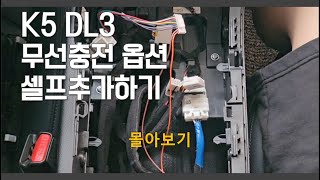
- Reassemble: Reconnect all electrical plugs and carefully snap all trim pieces back into place, ensuring no wires are pinched. Re-install all screws. Test the charger before finishing reassembly. 🎬 See how to install a factory wireless charging module in a K5
Warning: Always use plastic trim removal tools instead of a screwdriver to avoid scratching or cracking your interior panels.
Frequently Asked Questions (FAQ)
Why does my Kia K5 wireless charger make my phone so hot?
Heat is a natural byproduct of inductive charging. The K5's charger is known to run hot, especially when the phone is also running apps like navigation or music streaming. The system has a cooling fan and will automatically stop charging if it gets too hot to prevent damage. This is considered normal operation, though it can be frustrating.
What does a blinking orange light on the charger mean?
A blinking orange light indicates a charging error. This usually means the phone is not positioned correctly, there is a metal object (like keys or coins) on the pad, or your phone case is interfering with the connection. Remove your phone, check for obstructions, and place it back in the center of the slot.
Can I install a factory wireless charger in my K5 if it didn't come with one?
This is not a simple plug-and-play upgrade. It would require purchasing the OEM module, the correct console trim piece with the charger opening, and the necessary wiring harness, which may not be present in a base model vehicle. It is generally not considered a cost-effective or easy modification.
Do I need to take my phone case off for the charger to work?
It depends on the case. Thick cases, wallet cases, or cases with metal plates or magnetic mounts will almost always prevent the charger from working. Many owners report that the K5's charger is particularly sensitive and often works best with a very thin case or no case at all.
Helpful Videos
Technical Specifications
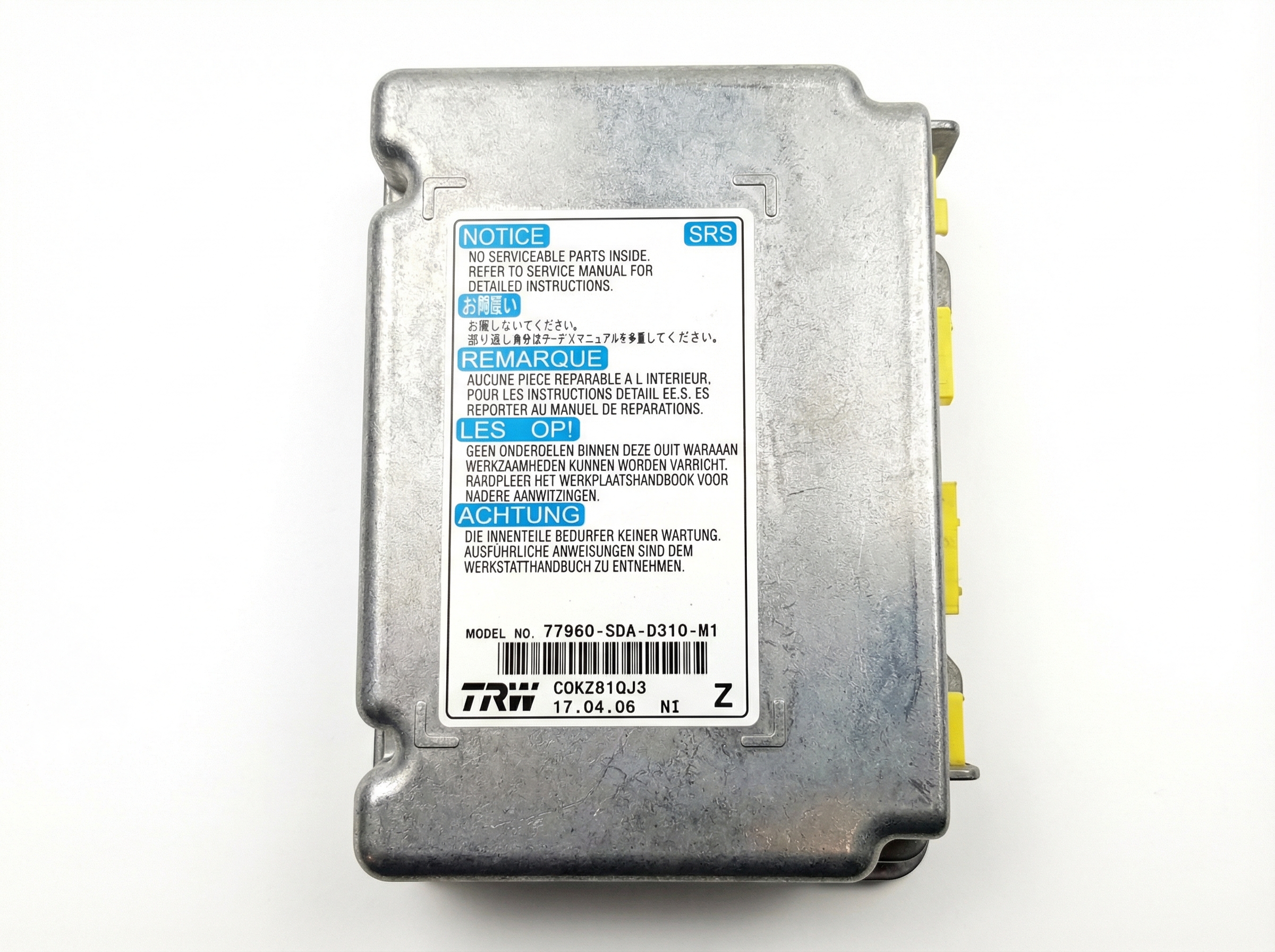
OEM Part Numbers: 95560-L2100 95560L2100 95560-L2500
Qi-compatible inductive charging module integrated into the center console.
We Have This Part in Stock



The information in this article is provided for general reference and educational purposes only. Vehicle specifications, procedures, and part compatibility can vary by production date, trim level, and region. Always consult your vehicle's factory service manual and verify part numbers before purchasing or performing repairs. Safety-critical components such as airbags, seat belts, and braking systems should be installed by a qualified professional.
- Kia K5:
- 🎬 Helpful Videos
- 🛍️ Shop This Part
- Symptoms of a Failing or Malfunctioning Kia K5 Wireless Charger
- Known Issues and First-Step Troubleshooting
- 1. Check the Infotainment Settings
- 2. Address Alignment and Phone Case Issues
- 3. Manage Overheating
- Known Recalls and Technical Service Bulletins (TSBs)
- Buying a Used Wireless Device Charging System Module
- 1. Verify the Part Number
- 2. Physical Inspection
- 3. Why Used OEM is a Good Choice
- Cost Comparison for Kia K5 Wireless Charger Module
- Wireless Charger Module Replacement Guide
- Frequently Asked Questions (FAQ)
- 🎟️ Get 5% Off