

2021-2024 Mazda 3 Telematics Module: Fixing MyMazda App & Connectivity Issues
Your complete guide to diagnosing, replacing, and programming the Telematics Control Unit (TCU) that powers your Mazda's remote features.
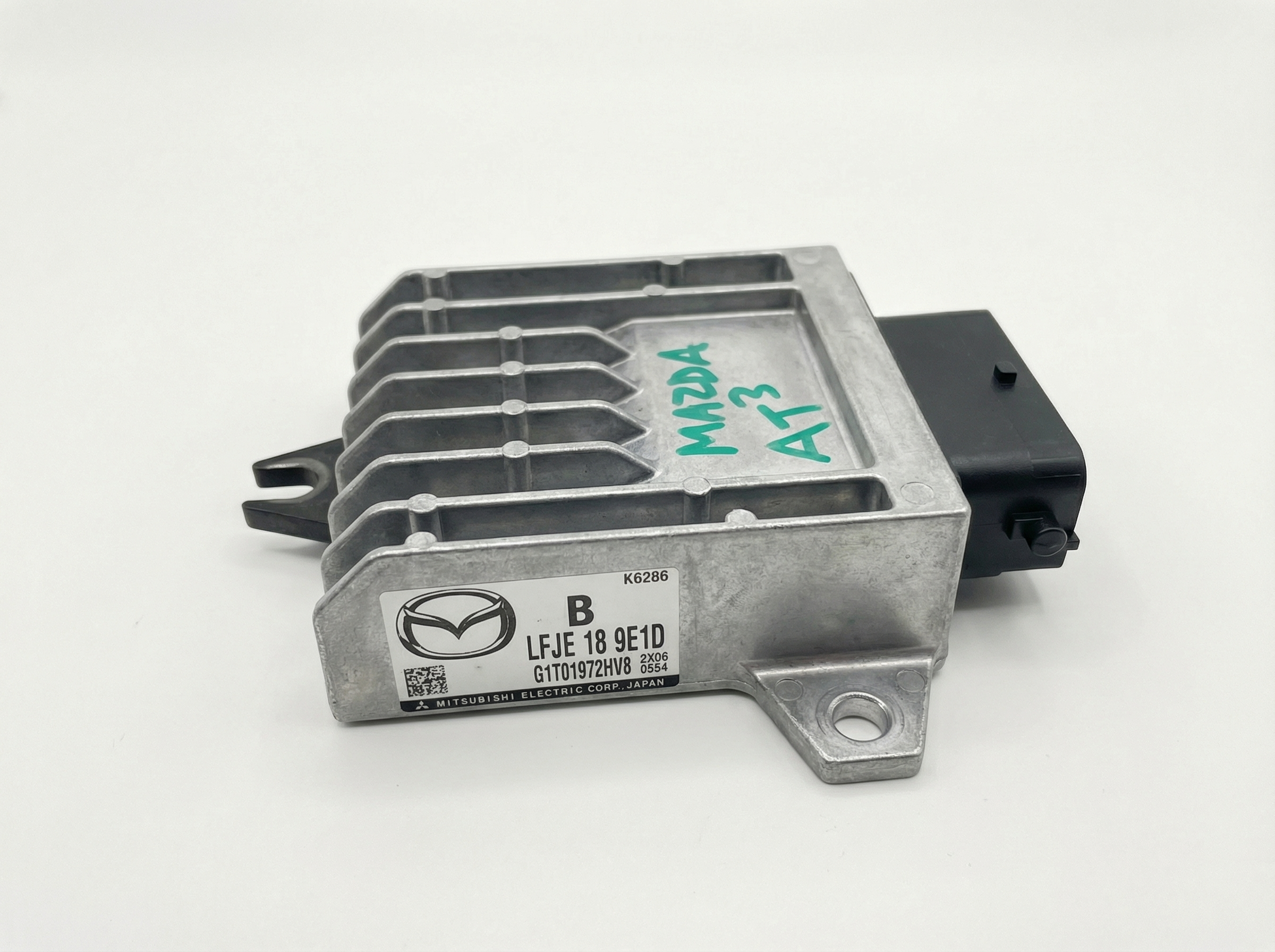
- This part is the Telematics Control Unit (TCU), which controls MyMazda app remote functions, not the main infotainment screen.
- A replacement TCU, whether new or used, MUST be programmed by a Mazda dealer or a shop with MDARS software. It is VIN-locked and not plug-and-play.
- The most common failure symptom is the MyMazda app failing to connect, often with a "Telematics Malfunction" message on the dash and DTC U3000:04.
- A faulty TCU will not prevent the car from being driven; it only affects remote connectivity features.
Symptoms of a Failing Mazda 3 TCU

A problem with the Telematics Control Unit (TCU) won't stop you from driving your car, but it will prevent you from using its remote 'smart' features. The most common signs of a failing TCU are related to software glitches or a complete loss of communication.
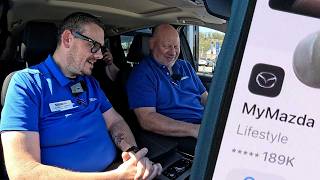
- MyMazda App Not Working: The most obvious symptom is a complete failure of the MyMazda app to connect to your vehicle. 🎬 Watch this step-by-step guide to connecting the MyMazda app Remote start, lock/unlock, and vehicle status checks will fail.
- "Telematics Malfunction" Message: A message may appear on the instrument cluster indicating a fault with the system.
- DTC U3000:04: 🎬 Learn more about diagnosing control module DTC U3000 faults This specific Diagnostic Trouble Code, which means "Telematics communication unit internal malfunction," is often stored when the TCU has a software or hardware fault.
- In-Vehicle Network Malfunction: Some owners report an "In-vehicle Network Malfunction. Have the vehicle inspected" message, which can be triggered by a TCU software issue, especially after the initial complimentary Connected Services period ends.
- GPS and SOS Errors: The TCU houses the GPS for remote services, so a failure can lead to an incorrect vehicle location in the app or issues with the SOS emergency call feature.
Known Issues and TSBs
Mazda has issued Technical Service Bulletins (TSBs) related to the TCU in these vehicles, primarily to address software problems.
- TSB 09-001/24a: Released in February 2024, this TSB addresses the "Telematics Malfunction" message and DTC U3000:04. The fix is a TCU software update performed by a Mazda dealer. A Reddit user reported that a failed update attempt on their 2021 CX-30 led to the dealer quoting $1600 for a full TCU replacement.
Pro Tip: Before assuming the TCU has failed, check the simple things. Ensure your Connected Services subscription is active if you are outside the complimentary 3-year period. Also, if the vehicle has been parked for a week or more, it may enter a "deep sleep" mode to conserve the battery, temporarily disabling the TCU. Driving the car for a few miles should wake it up.
Buying a Used 2021-2024 Mazda 3 TCU

Buying a used Telematics Control Unit can save you a significant amount of money compared to a new part from the dealer. However, this is not a simple plug-and-play component. Understanding the programming requirements is essential.
Programming is MANDATORY
You cannot simply swap a used TCU into your car and expect it to work. A Mazda service alert explicitly states that a new TCU must be activated using the Mazda Diagnostic and Repair Software (MDARS) after installation. The bulletin warns, "DO NOT swap TCU with another vehicle as the TCU is VIN locked after activation. A TCU swap with another vehicle will disable Connected Services on both vehicles." This means that once a TCU is programmed to a car, it is electronically tied to that car's Vehicle Identification Number (VIN). A used module will need to be wiped and reprogrammed to your vehicle's VIN by a dealer or a qualified independent shop with access to Mazda's MDARS software.
Verifying Part Numbers
The part numbers for this module have been updated several times. The latest part number often supersedes the older ones. For example, part number BGMC-67-CM0H replaces previous versions like BGMC-67-CM0D, E, F, and G. When buying used, try to get the newest version possible, but ensure the base number (BGMC-67-CM0) matches. Always confirm compatibility with the seller.
TCU Replacement and Programming

Physically replacing the TCU is relatively straightforward for a technician. It is typically located behind the dashboard. The critical part of the job is the software programming that must follow.
- Physical Installation: The old module is disconnected and removed, and the replacement (new or used) is installed.
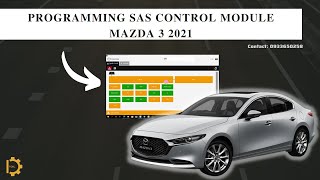
- Connect to MDARS: A technician connects the vehicle to a laptop running the Mazda Diagnostic and Repair Software (MDARS). 🎬 See how module programming works using Mazda MDARS software A stable power supply must be connected to the vehicle's battery during this process to prevent voltage drops that could corrupt the module.
- TCU Activation: Using MDARS, the technician performs the "Activating TCU" procedure, which links the module to Mazda's servers and your vehicle's VIN.
- Link to BCM: A second procedure, "Activating Remote Control by Smart Phone," is run to link the TCU to the Body Control Module (BCM), enabling the remote commands to function correctly.
Warning: This is not a DIY-friendly repair due to the requirement for proprietary Mazda software. Only a Mazda dealership or a highly specialized independent shop will have the necessary MDARS subscription and hardware to perform the programming.
Cost of Replacement
The cost can vary significantly depending on whether you use new or used parts and the labor rates in your area.
| Part/Service | Estimated Cost |
|---|---|
| New OEM TCU | $915 - $1,145 |
| Used OEM TCU | $150 - $300 |
| Shop Labor (Installation & Programming) | $200 - $400 (1.5-2.5 hours) |
Frequently Asked Questions (FAQ)
What's the difference between the TCU and the CMU?
The Telematics Control Unit (TCU) is the modem for your car that handles the MyMazda app remote features and Wi-Fi hotspot. The Connectivity Master Unit (CMU) is the computer that runs the main infotainment display in your dashboard, controlling the radio, settings, and built-in navigation.
Does a used TCU need to be programmed?
Yes, absolutely. The TCU is VIN-locked to the car it was originally installed in. A used module must be reprogrammed to your car's VIN by a Mazda dealer or a shop with MDARS software to function.
Can I drive my Mazda 3 if the TCU is broken?
Yes. A faulty TCU will not affect the car's ability to start, drive, or brake. You will only lose access to remote features through the MyMazda app and potentially the in-car SOS button.
Can a locksmith program a new or used TCU?
It is highly unlikely. While some advanced locksmiths can program keys, programming a TCU requires a subscription to Mazda's proprietary MDARS software, which is typically limited to dealerships and specialized repair facilities.
Helpful Videos

Technical Specifications
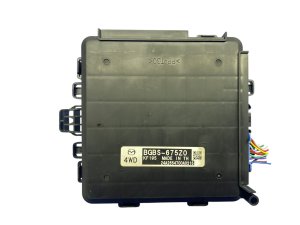
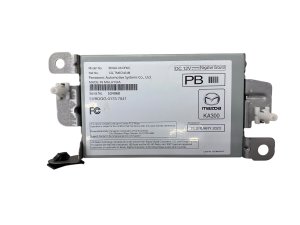
OEM Part Numbers: BGMC67CM0A BGMC67CM0C BGMC67CM0D BGMC67CM0E BGMC67CM0F BGMC67CM0G BGMC67CM0H BJGT67CM0
The TCU is also referred to as the Data Communication Module. It contains a cellular modem and GPS receiver to enable Mazda Connected Services.
We Have This Part in Stock




The information in this article is provided for general reference and educational purposes only. Vehicle specifications, procedures, and part compatibility can vary by production date, trim level, and region. Always consult your vehicle's factory service manual and verify part numbers before purchasing or performing repairs. Safety-critical components such as airbags, seat belts, and braking systems should be installed by a qualified professional.
- Mazda 3: