

2014-2016 Hyundai Elantra Telematics Module: Battery Drains and Dead Blue Link Explained
This guide explains why your Blue Link system is permanently offline due to the 3G network shutdown and what to do about related battery drain or error messages.
- Blue Link services are permanently disabled on this vehicle due to the 3G network shutdown; replacing the module will NOT restore them.
- The primary reason to replace a faulty module is to fix a parasitic battery drain or clear a system error light.
- This module is for sedan models WITHOUT factory navigation. The part number must be exactly 965103X510.
- The module is likely VIN-locked. Using a new part requires dealer programming, and a used part may not be programmable at all.
The #1 Issue: 3G Network Shutdown Has Permanently Disabled Blue Link Services

Critical Information: The telematics module in the 2014-2016 Hyundai Elantra relies on a 3G cellular network to function. As of early 2023, all major cellular carriers have shut down their 3G networks. This means that even with a perfectly working module, all Blue Link connected services—including remote start, SOS, automatic crash reporting, and vehicle status checks—are permanently disabled and will not work. The hardware in these vehicles cannot be upgraded to modern 4G or 5G networks. A class-action lawsuit was filed against Hyundai regarding this issue, as many owners were left with obsolete features.
Because of the 3G sunset, replacing a faulty telematics module will not restore Blue Link services. The primary reasons to replace a failed module today are to resolve specific symptoms like a parasitic battery drain or to clear persistent error messages related to the telematics system.
Symptoms of a Failed Telematics Module

When the telematics module fails, it can cause several noticeable issues. While the loss of Blue Link services is now universal due to the 3G shutdown, a faulty module can create additional problems.
- Parasitic Battery Drain: This is the most serious symptom. A defective module may fail to enter its low-power "sleep mode" after the car is turned off. Instead, it may continuously search for the non-existent 3G network, draining the vehicle's 12-volt battery, sometimes overnight or over a few days.
- Red SOS Light on Rearview Mirror: The status light on the rearview mirror, which is normally off or green, may stay illuminated in red, indicating a system fault.
- "Telematics System Malfunction" Message: A warning message may appear on the instrument cluster or infotainment screen.
- Inoperative Blue Link Buttons: The buttons on the rearview mirror for SOS, roadside assistance, and other services will be completely unresponsive.
- Incorrect GPS Data: In some cases, a failing module can cause the vehicle's GPS to report an incorrect location or stop updating.
No specific OBD-II trouble codes are commonly associated with telematics module failure in this vehicle. Diagnosis is typically based on the symptoms listed above, especially parasitic draw tests that isolate the telematics module as the source of the drain.
🎬 Watch this guide on diagnosing parasitic battery draw on a HyundaiBuying a Used 2014-2016 Elantra Telematics Module

If you're replacing your module to fix a battery drain or error message, buying a used OEM part can be a cost-effective option. However, there are significant risks and compatibility checks you must perform.
Programming Warning: A Hyundai Technical Service Bulletin (TSB) for a similar model year explicitly warns technicians: "Never replace with a used Blue Link TMU. Never swap the Blue Link TMU between vehicles. NOT even for testing purposes only." This strongly suggests the module is VIN-locked to the original vehicle. Installing a used module from another car may not work, even if the part numbers match. It may not be possible for a dealer to reprogram a used module to your vehicle's VIN. You are buying a used module at your own risk.
How to Verify Compatibility:
- Match the Part Number Exactly: The only verified OEM part number for this application is 965103X510. Do not install a module with a different part number.
- Confirm Vehicle Options: This module is specifically for 2014-2016 Elantra Sedan models WITHOUT the factory navigation system. If your vehicle has factory navigation, it uses a different system where the telematics functions are integrated into the head unit.
- Physical Inspection: When buying a used module, inspect the casing for any signs of water damage, corrosion, or physical impact. Check that all connector pins are straight and clean.
Cost to Replace Telematics Interface Module
The cost can vary depending on the part source and labor rates in your area. Remember that this repair will only fix electrical faults; it will not bring Blue Link services back online.
| Item | Estimated Cost |
|---|---|
| New OEM Module | $350 - $450 |
| New Aftermarket Module | Not Available |
| Used OEM Module | $75 - $175 |
| Shop Labor | $120 - $250 (1.0 - 1.5 hours) |
Replacement and Programming Overview
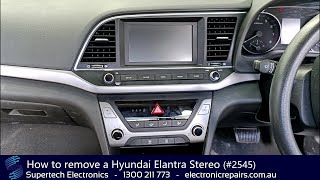
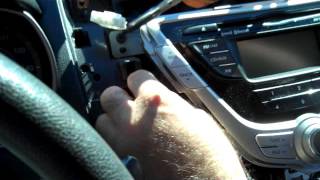
The telematics module is located in the center of the dashboard, typically behind the radio/head unit. Replacement requires removing the dashboard trim surrounding the radio, unbolting the radio itself to gain access, 🎬 Watch: Step-by-step Hyundai Elantra stereo removal tutorial and then removing the four screws that hold the telematics module in its bracket.
Due to the likely VIN-locking of these modules, professional installation and programming at a Hyundai dealership is strongly recommended if you are using a new part. An independent shop or locksmith may not have the specific equipment to program a new module to the vehicle. As noted previously, reprogramming a used module may not be possible at all.
Frequently Asked Questions (FAQ)
Will replacing the telematics module make my Blue Link app work again?
No. The Blue Link services for 2014-2016 Elantras are permanently offline because they relied on 3G cellular networks that have been shut down. Replacing the module will not restore any of these connected features.
Can a bad telematics module drain my car battery?
Yes. This is a common failure mode. The module can get stuck searching for a cell signal that no longer exists, preventing it from entering a low-power sleep mode and causing a parasitic drain on the 12V battery.
🎬 Learn more about Hyundai battery discharge warning messagesDo I have to get this module programmed at the dealer?
For a new module, a Hyundai dealer is the only guaranteed place to have it programmed correctly to your vehicle's VIN. For a used module, it may not be possible to reprogram it at all, even by the dealer, due to VIN-locking security measures.
What is the red light on my rearview mirror?
The red light on the mirror is the telematics system status indicator. If it remains lit, it signals a fault in the Blue Link system. This could be due to an internal module failure or its inability to connect to the now-defunct 3G network.
Helpful Videos


Technical Specifications
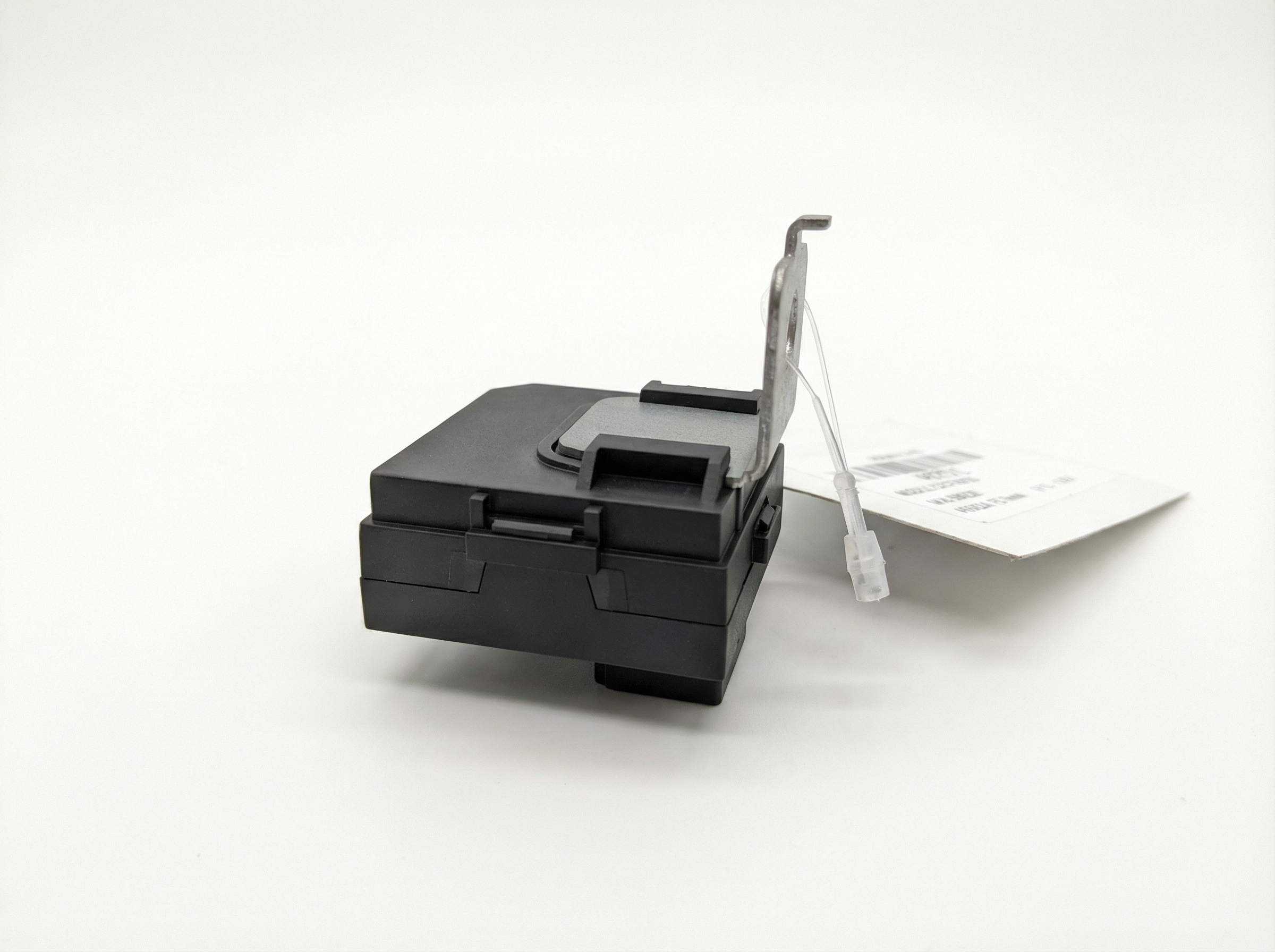
OEM Part Numbers: 965103X510
Location: Upper center dash, behind radio. Compatibility: Sedan models without factory navigation system.
We Have This Part in Stock





The information in this article is provided for general reference and educational purposes only. Vehicle specifications, procedures, and part compatibility can vary by production date, trim level, and region. Always consult your vehicle's factory service manual and verify part numbers before purchasing or performing repairs. Safety-critical components such as airbags, seat belts, and braking systems should be installed by a qualified professional.
- Hyundai Elantra:
- 🎬 Helpful Videos
- 🛍️ Shop This Part
- The #1 Issue: 3G Network Shutdown Has Permanently Disabled Blue Link Services
- Symptoms of a Failed Telematics Module
- Buying a Used 2014-2016 Elantra Telematics Module
- How to Verify Compatibility:
- Cost to Replace Telematics Interface Module
- Replacement and Programming Overview
- Frequently Asked Questions (FAQ)
- 🎟️ Get 5% Off