

2024 Honda Civic Telematics Module: HondaLink Fixes and Programming Secrets
This guide covers the essential programming, part number matching, and troubleshooting steps for a faulty Telematics Control Unit (TCU) in your 2024 Civic.
- A replacement telematics module MUST be programmed to the vehicle by a Honda dealer or a specialized shop with the proper software.
- You must match the OEM part number from your original unit exactly, as there are different versions for hybrid, non-hybrid, and Type R trims.
- Failure of this module disables HondaLink remote features and emergency SOS calling but will not prevent the car from being driven.
- Before replacing the module, try rebooting the infotainment system, as simple software glitches can sometimes cause similar symptoms.
Critical Information: Programming is Required
Warning: A replacement Telematics Interface Module—whether new or used—is NOT plug-and-play. The module must be electronically registered to the vehicle's center display unit and VIN. This process, often called a 'handshake,' requires dealer-level diagnostic tools (like the Honda i-HDS) and software. Attempting to install a used module without proper programming will result in it not functioning.
Symptoms of a Failing Telematics Module
A faulty telematics module primarily affects connected services and does not typically prevent the car from starting or driving. You will likely notice one or more of the following issues:
- HondaLink App Not Working: Remote commands from your smartphone app, such as remote start, lock/unlock, or checking vehicle status (fuel level, odometer), will fail. The app may show that data sharing is off or that it cannot connect to the vehicle. 🎬 Watch: How to fix HondaLink app connection issues
- SOS System Malfunction: The overhead console contains indicator lights for the HondaLink system. A failure in the telematics unit can cause the light to turn red, indicating a problem. You may also see a message on the driver information display like, "A problem with the Telematics system has occurred. See your dealer." This means the Automatic Crash Notification and emergency calling features are disabled.
- Wi-Fi Hotspot Inoperative: If you subscribe to the in-car Wi-Fi hotspot, it will fail to connect or provide an internet connection.
- Failed Over-the-Air (OTA) Updates: The vehicle will be unable to download and install software updates for its various systems.
- Diagnostic Trouble Codes (DTCs): A scan with an advanced tool may reveal specific communication codes. While TSBs for the 2024 Civic are still emerging, similar Honda models log codes like B2B05-92 for telematics software issues.
Pro Tip: Before assuming the module has failed, try rebooting the main infotainment system. On many modern Hondas, you can do this by pressing and holding the audio system's power/volume knob for about 10 seconds until a reboot prompt appears. Sometimes, simple software glitches can cause connectivity issues that a reboot can resolve.
Buying a Used 2024 Civic Telematics Module
Purchasing a used OEM telematics module can be a cost-effective solution, but careful verification is crucial. Given the programming requirements, the process is more involved than for a simple mechanical part.
1. Match the Part Number EXACTLY
Warning: Honda uses several different telematics module part numbers for the 2024 Civic, depending on the trim level and powertrain. For example, there are different units for hybrid and non-hybrid models, and the Type R may use a specific version. You MUST match the part number from your original module. Installing a module with the wrong part number will not work, even with programming.
Common part numbers include:
- 8B100-T20-A11 (Often seen for Type R)
- 8B100-T20-A31 (Often seen for non-hybrid models)
- 8B100-T20-A24 / 8B100-T20-A25 (Often seen for hybrid models)
Always confirm the number printed on your vehicle's original unit before ordering a replacement.
2. Plan for Professional Programming
A used module cannot be installed by a DIY mechanic without access to specialized tools. You must factor in the cost of programming by a Honda dealership or a well-equipped independent auto electronics specialist.
- The process involves connecting the Honda Diagnostic System (i-HDS) to the vehicle.
- The technician will perform a registration procedure to make the replacement module 'talk' to the car's other computers.
- This registration process can take around 15 minutes once connected.
3. Physical Inspection
When your used part arrives, inspect the plastic housing for cracks and ensure all connector pins are straight and free of corrosion. Since these modules are located inside the dashboard, they are rarely subject to physical damage, but shipping mishaps can occur.
Replacement Cost Breakdown
Prices can vary based on the specific part number required for your trim level. The following is an estimated cost breakdown:
| Part Type | Estimated Cost |
|---|---|
| New OEM | $300 - $850 |
| Used OEM | $75 - $250 |
| Shop Labor (Replacement & Programming) | $120 - $270 |
Frequently Asked Questions (FAQ)
Does a used 2024 Civic telematics module need to be programmed?
Yes, absolutely. The module must be registered to the vehicle's VIN and main infotainment unit using Honda's diagnostic software. It will not function if you simply swap it out.
Can I replace the telematics module myself?
While the physical replacement is potentially a DIY job for someone comfortable working behind the dashboard, the mandatory programming step requires a trip to a dealer or a specialized shop with the correct tools. The module is typically located behind the main infotainment screen.
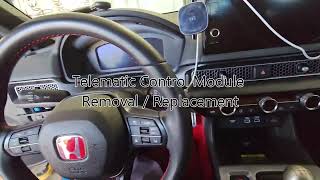
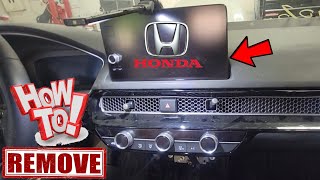
🎬 Watch this 11th gen Civic telematics replacement guideWhy are there so many different part numbers for the same year?
The part numbers vary based on the vehicle's specific configuration, most notably whether it is a standard gasoline, hybrid, or Type R model. Each may have slightly different hardware or software requirements, making it critical to match your original part number.
Is it true Honda collects my driving data through this module?
Yes. Like most modern connected vehicles, the telematics module collects vehicle operation and performance information, including trip logs, speed, and braking habits. There have been reports that this data can be shared with third parties who may provide it to insurance companies. You can contact Honda to learn about deactivating these services.
Helpful Videos


Technical Specifications
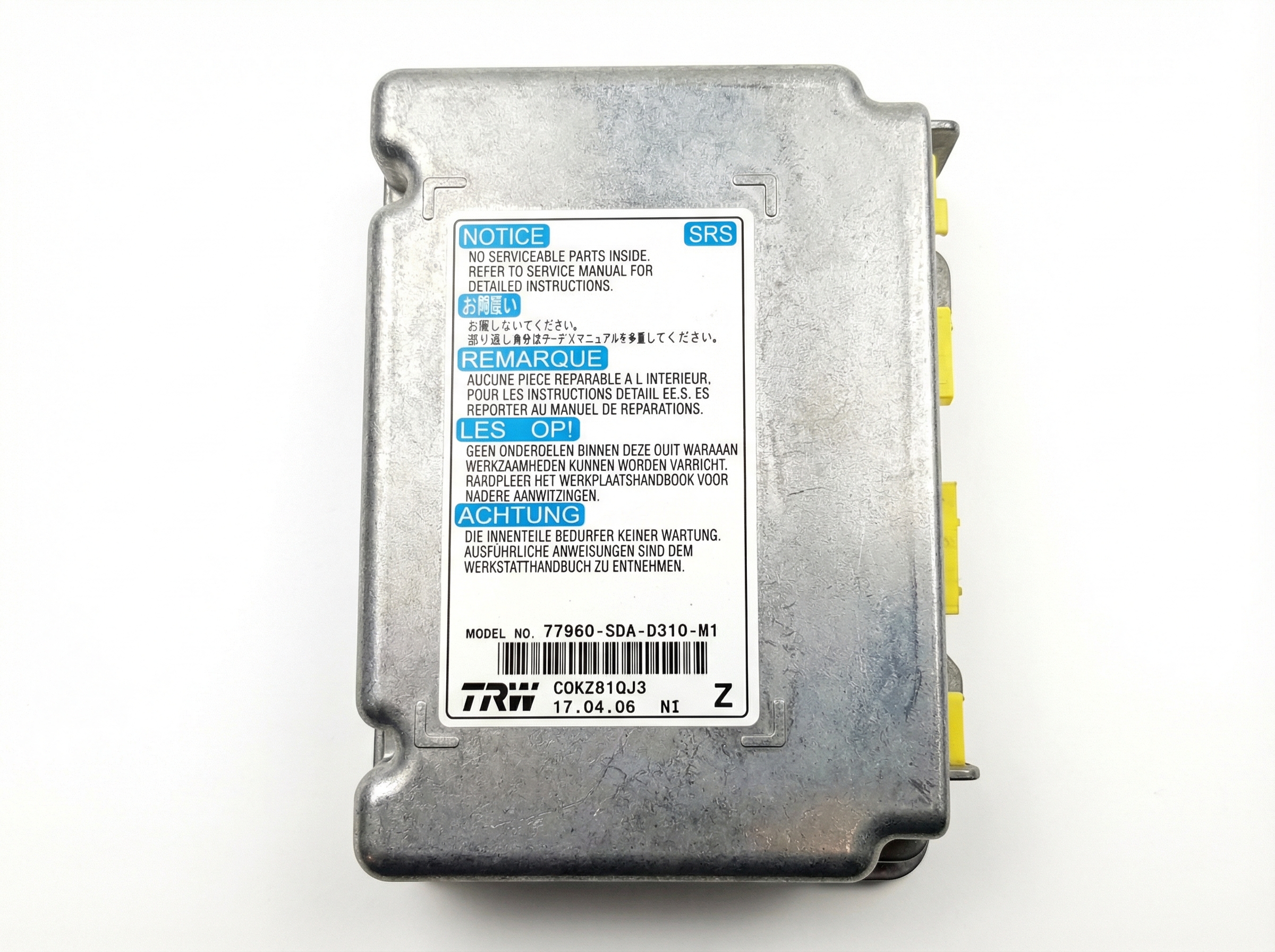
OEM Part Numbers: 8B100-T20-A11 8B100T20A11 8B100-T20-A31 8B100-T20-A24 8B100-T20-A25 8B100-T20-A22 8B100-T20-A23
Contains integrated cellular and GPS modules for communication with the HondaLink network.
We Have This Part in Stock




The information in this article is provided for general reference and educational purposes only. Vehicle specifications, procedures, and part compatibility can vary by production date, trim level, and region. Always consult your vehicle's factory service manual and verify part numbers before purchasing or performing repairs. Safety-critical components such as airbags, seat belts, and braking systems should be installed by a qualified professional.
- Honda Civic:
- 🎬 Helpful Videos
- 🛍️ Shop This Part
- Critical Information: Programming is Required
- Symptoms of a Failing Telematics Module
- Buying a Used 2024 Civic Telematics Module
- 1. Match the Part Number EXACTLY
- 2. Plan for Professional Programming
- 3. Physical Inspection
- Replacement Cost Breakdown
- Frequently Asked Questions (FAQ)
- 🎟️ Get 5% Off