

Chevrolet Equinox Mass Air Flow Sensor Guide (2013-2017)
Diagnose and replace the mass air flow sensor on your 2013-2017 Chevrolet Equinox to fix poor idling and hesitation.
- A failing MAF sensor causes rough idle, hesitation, and poor gas mileage, often with a P0101 code.
- Replacement is a very easy 15-minute DIY job with just a Torx driver or small socket.
- Always check for air intake leaks before replacing the sensor, as this can cause the same symptoms.
- For reliable performance, choose an OEM (ACDelco) or premium aftermarket (Delphi) brand; cheaper sensors often cause new problems.
Is Your Equinox Running Rough? It Could Be the MAF Sensor

If your Equinox is idling poorly, hesitating when you accelerate, or getting worse gas mileage than usual, a failing Mass Air Flow (MAF) sensor is a likely culprit. This sensor provides vital information to your engine's computer, and when it sends bad data, your engine's performance suffers. Common trouble codes associated with a failing MAF sensor include P0101, P0102, and P0171.
Pro Tip: Check This Before Replacing the Sensor
The most common trouble code, P0101 (Mass Air Flow Sensor Performance), doesn't always mean the sensor itself is bad. This code can also be triggered by an air leak anywhere between the sensor and the engine. Before buying a new part, carefully inspect the large black air intake tube for cracks and ensure all hose clamps are tight, especially the connection at the throttle body. A loose or cracked tube is a common issue that can mimic the symptoms of a failed sensor.
Symptoms of a Failing MAF Sensor

A dirty or faulty MAF sensor can cause several noticeable problems. You might experience one or more of the following:
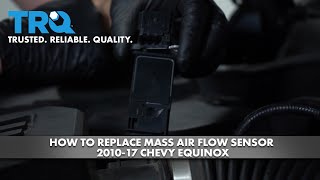
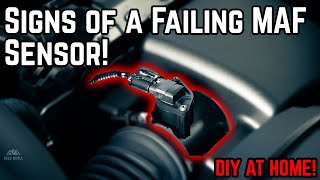
🎬 Watch: 5 common symptoms of a failing MAF sensor- Check Engine Light: This is often the first sign. A code reader will typically show codes P0101, P0102, or P0103.
- Rough Idle: The engine may shake, vibrate, or sound uneven when the vehicle is stopped.
- Hesitation or Stalling: The vehicle may jerk, hesitate, or even stall when you accelerate, especially from a stop.
- Poor Fuel Economy: The engine computer may inject too much fuel to compensate for incorrect air readings, causing you to visit the gas station more often.
- Black Smoke from Exhaust: This is a sign that the engine is running too rich (too much fuel, not enough air), which can be caused by a bad MAF sensor.
Choosing the Right Aftermarket MAF Sensor

When it comes to engine sensors, quality matters. While saving money is tempting, a cheap, poorly calibrated MAF sensor can cause more problems than it solves, leading to persistent driveability issues. For GM vehicles like the Equinox, it is highly recommended to stick with trusted brands.
| Brand Tier | Brands | Notes |
|---|---|---|
| OEM / Premium Aftermarket | ACDelco, Delphi | ACDelco is the original GM parts brand. Delphi was the original parts supplier for GM for many years and is widely considered an OEM-equivalent in quality, often at a lower price. For sensors, these are the most reliable choices to ensure proper performance. |
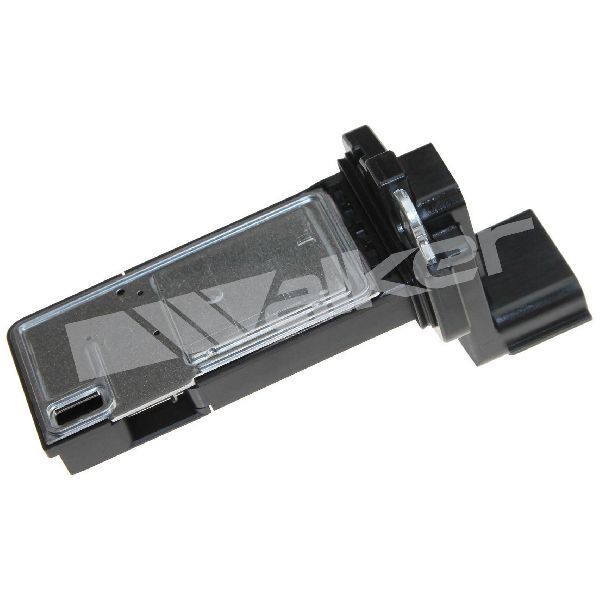
| Quality Aftermarket | Hitachi, NGK, Standard Ignition, Walker Products | These brands are established manufacturers that produce reliable parts. Hitachi and NGK are well-known OE suppliers for many automakers. While generally a good value, for sensitive electronics like a MAF, sticking to the OEM/Premium tier is often the safest bet to avoid compatibility issues. |
| Economy / Store Brands | (Varies by retailer) | Use with caution. Forum discussions and mechanic experience show that low-cost or store-brand sensors can be poorly calibrated, causing rough running, incorrect shifting, and new trouble codes immediately after installation. The savings are often not worth the potential frustration. |
DIY Replacement: An Easy 15-Minute Job

Replacing the MAF sensor on a 2013-2017 Equinox is a very simple DIY task that requires minimal tools.
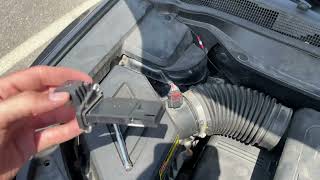
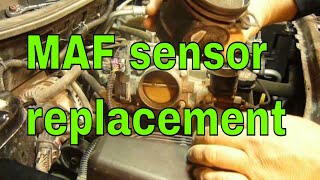
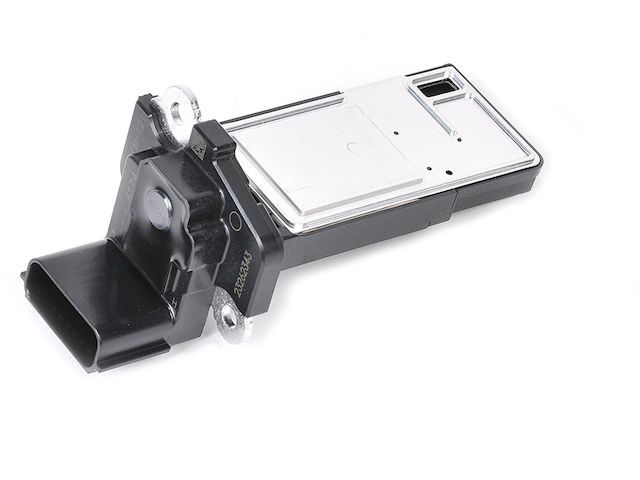
🎬 See this step-by-step guide for replacing your Equinox sensor- Locate the Sensor: Open the hood and find the air filter box on the driver's side. The MAF sensor is a small, rectangular plastic part mounted in the large black air tube coming from the box.
- Disconnect the Connector: There is a small locking tab (often red or grey) on the electrical connector. Slide this tab to unlock it, then press the release button and pull the connector straight off. Be gentle, as old plastic can be brittle.
- Remove the Screws: The sensor is held in place by two screws. These are typically T20 Torx screws, though some models may use a 5.5mm hex head. Remove both screws and keep them in a safe place.
- Swap the Sensor: Gently pull the old sensor straight out of the air tube. Insert the new sensor, making sure it is seated fully. Reinstall the two screws and tighten them until they are snug—do not overtighten.
- Reconnect and Finish: Plug the electrical connector back in until it clicks, then push the locking tab back into place. It is a good practice to disconnect the battery for 15 minutes to reset the engine computer's fuel trims.
Frequently Asked Questions (FAQ)
Can I just clean my MAF sensor instead of replacing it?
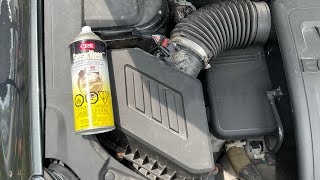
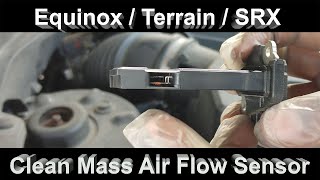
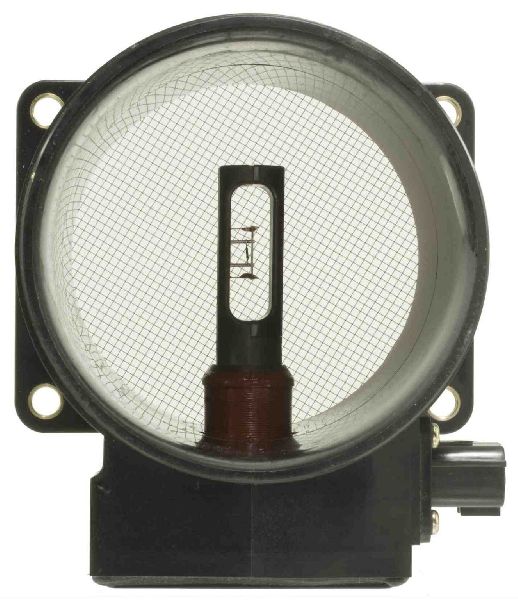
Sometimes, cleaning the sensor can fix the problem, especially if it's just dirty. You must use a dedicated Mass Airflow Sensor Cleaner spray. Never touch the delicate internal wires or use other chemicals like brake cleaner, which will destroy the sensor. If cleaning doesn't solve the issue, replacement is necessary.
🎬 Watch: How to properly clean your MAF and IAT sensorWhy does my car run worse after installing a new MAF sensor?
This is a common issue with low-quality, cheap aftermarket sensors. Their calibration is often incorrect, providing the wrong data to your car's computer. This is why it is critical to use a high-quality OEM or premium aftermarket brand like ACDelco or Delphi.
Are there any recalls for the MAF sensor on the 2013-2017 Equinox?
No. There are no active recalls or common Technical Service Bulletins (TSBs) from GM specifically for a faulty Mass Air Flow sensor on this generation of Equinox.
What is the difference between ACDelco GM Original Equipment and ACDelco Gold/Professional?
ACDelco GM Original Equipment is the exact same part that was installed on your vehicle at the factory. ACDelco Gold (formerly Professional) is ACDelco's high-quality aftermarket line. While still a good part, for critical sensors, the GM Original Equipment part is the guaranteed fit and function.
Helpful Videos
Technical Specifications
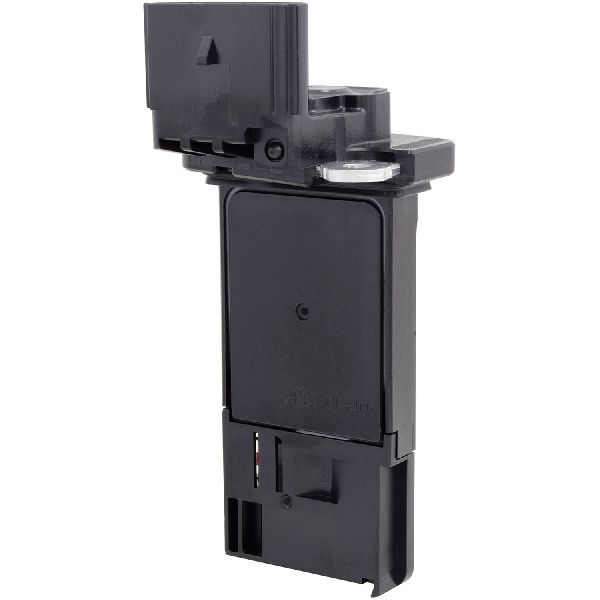
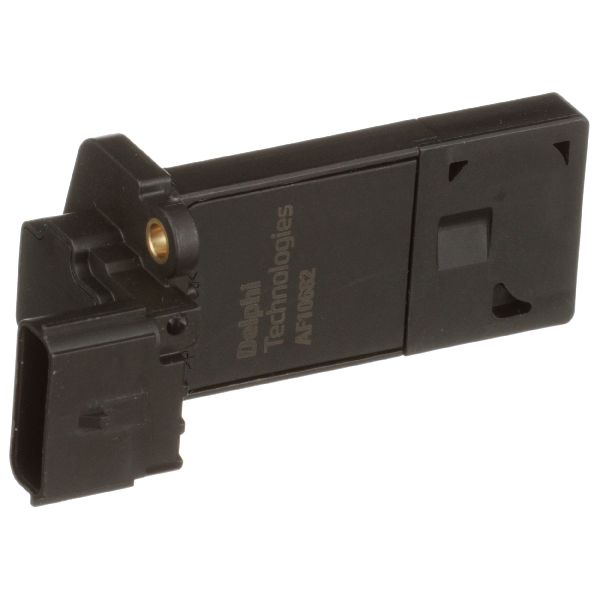
OEM Part Numbers: 23262343 20787043 23118170
Fits 2013-2017 Chevrolet Equinox with 2.4L or 3.6L engine. Sensor mounts to the air intake tube with two screws.
We Have This Part in Stock


The information in this article is provided for general reference and educational purposes only. Vehicle specifications, procedures, and part compatibility can vary by production date, trim level, and region. Always consult your vehicle's factory service manual and verify part numbers before purchasing or performing repairs. Safety-critical components such as airbags, seat belts, and braking systems should be installed by a qualified professional.
- Chevrolet Equinox: