

Mass Air Flow Sensor Guide for the 2006-2011 Chevrolet Express 3500
Solve rough idling, stalling, and poor gas mileage on your Express van by understanding and choosing the right MAF sensor.
- Always try cleaning the MAF sensor with dedicated cleaner before replacing it; contamination is the most common issue.
- For reliable performance, choose an OEM-grade brand like ACDelco or Delphi; cheap aftermarket sensors often cause persistent problems on GM vehicles.
- A P0101 code doesn't always mean the sensor is bad. Check for vacuum leaks, a dirty air filter, or wiring issues first.
- Replacement is very easy and can be done in under 30 minutes with basic hand tools.
Is Your Express 3500 Running Rough? It Could Be the MAF Sensor
If your work van is suddenly stalling, hesitating when you accelerate, or using more gas than usual, a failing Mass Air Flow (MAF) sensor is a likely culprit. This sensor tells your engine's computer how much air is coming in, which is vital for a proper air-fuel mixture. When it gets dirty or fails, it sends bad information, leading to a host of engine problems. The Check Engine Light will almost always come on, with code P0101 being the most common.
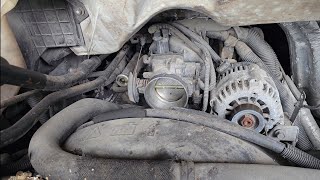
🎬 Watch: Diagnosing P0101 codes and limp mode symptomsPro Tip: Try Cleaning It First!
The most common reason a MAF sensor fails on these vans is contamination. Dust, debris, or oil from an aftermarket air filter can coat the delicate sensing wire. Before you buy a new part, try cleaning your current sensor with a dedicated MAF sensor cleaner spray. This simple, 15-minute job often solves the problem and can save you over $100.
Choosing the Right Aftermarket MAF Sensor
When it comes to engine sensors for your Chevrolet, brand quality matters. Cheaper, off-brand sensors can have poor calibration, leading to the same problems you were trying to fix. It's often better to buy a quality part once than a cheap part twice.
Tier 1: OEM & OEM-Equivalent Brands
These are the safest and most reliable choices. They are either the original part manufacturer or have a long history of supplying them.
- ACDelco: This is the original GM parts brand. Choosing ACDelco guarantees a perfect fit and the correct calibration for your van's engine.
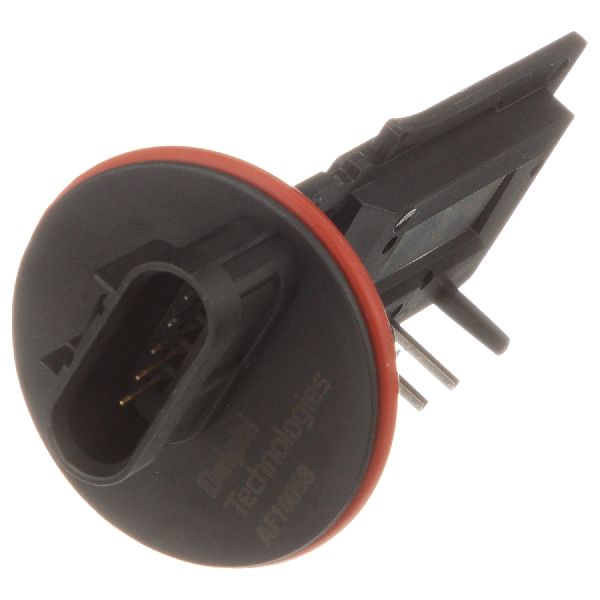
- Delphi: Delphi was once part of GM and is a major OEM supplier. Their sensors are built to the same standards as the original parts and are highly recommended by professional mechanics.
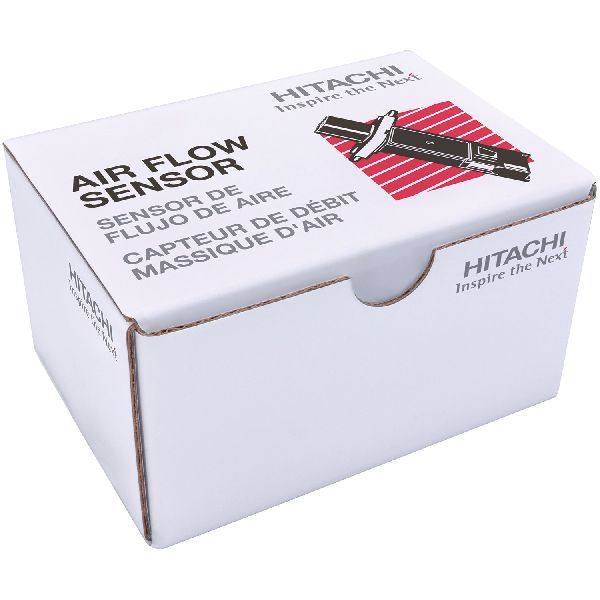
- Hitachi: Hitachi is another well-respected OEM supplier for many car brands. They are known for making high-quality electronic parts that are reliable and perform correctly.
Tier 2: Reputable Aftermarket Brands
These brands are known for producing quality parts and are a solid choice if an OEM-tier part isn't in the budget.
- NGK (NTK): While famous for spark plugs, their sensor line (NTK) is well-regarded.
- Standard Ignition (SMP): A long-standing brand in the aftermarket that produces reliable engine management components.
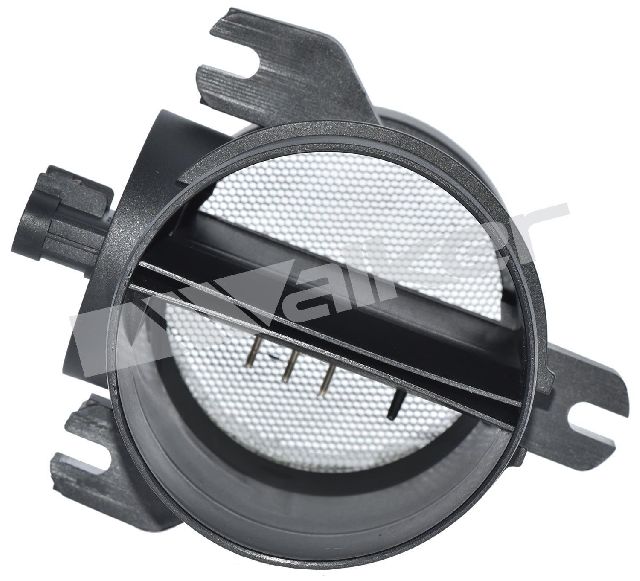
- Walker Products: A company specializing in fuel and engine management parts with a decent reputation.
Tier 3: Value Brands
These brands offer the lowest prices, but the quality can be inconsistent. Be cautious, as some owners report that cheaper sensors do not solve the problem or fail quickly.
- Cardone
- Spectra
- DriveWire
- Global Parts
Warning: It Might Not Be the MAF Sensor
The P0101 code can also be triggered by other issues. If you replace the sensor and the problem persists, check for these common culprits:
- Vacuum Leaks: A cracked or loose hose in the intake system after the MAF sensor can let in unmetered air.
- Dirty Air Filter: A severely clogged air filter can restrict airflow and cause a P0101 code.
- Clogged Catalytic Converter: On some GM vehicles, a blocked catalytic converter can cause backpressure that triggers a MAF sensor code.
- Wiring Issues: A damaged wire or a bad connector can interrupt the signal from the sensor to the computer.
Cost of Replacing a MAF Sensor on a 2006-2011 Express 3500
| Part Type | Estimated Cost |
|---|---|
| New Aftermarket | $53 - $295 |
| New OEM (ACDelco) | $160 - $300 |
| Shop Labor | $50 - $100 |
Frequently Asked Questions (FAQ)
Do I need special tools to replace the MAF sensor?
No, you typically only need a flathead screwdriver to loosen the intake tube clamps and possibly a Torx T20 security bit to remove the two screws holding the sensor in place. It is a very straightforward job for any DIYer.
What happens if I ignore a bad MAF sensor?
Ignoring it can lead to more expensive problems. Persistently running too rich (too much fuel) can cause black smoke and damage your catalytic converter, a very costly repair. Poor performance, stalling, and bad fuel economy will also continue.
Is an expensive ACDelco or Delphi sensor really worth it?
For this specific part, yes. Engine computers on GM vehicles are sensitive to the data from the MAF sensor. Forum discussions are filled with stories of owners who tried a cheap sensor only to have the Check Engine Light return. Paying more for an OEM-grade part like ACDelco or Delphi is a good investment for reliability.
Do I need to disconnect the battery to change the MAF sensor?
It is always a recommended safety precaution to disconnect the negative battery terminal before unplugging any engine sensors. This prevents any accidental electrical shorts. After replacement, some sources recommend clearing the codes with a scanner to reset the system.
Helpful Videos
Technical Specifications
OEM Part Numbers: 23118170 20787043 22951817 23144941 22895480
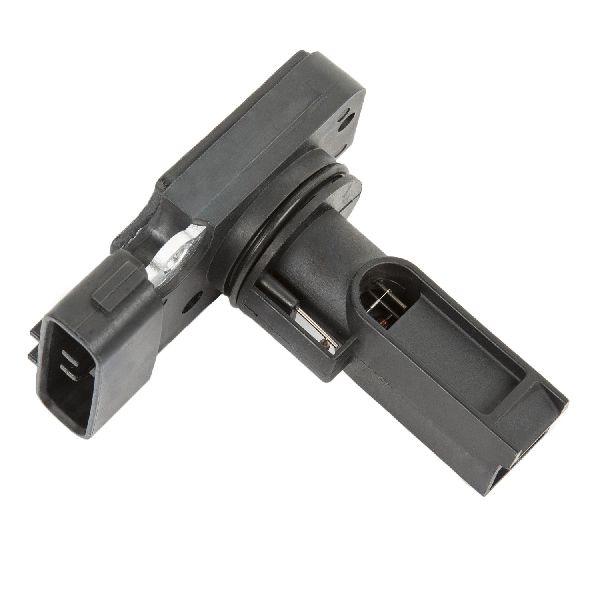
The MAF sensor for the 2006-2011 Chevrolet Express 3500 is typically a hot-wire type sensor that may be integrated with the Intake Air Temperature (IAT) sensor. It is located in the plastic air intake duct between the air filter housing and the engine's throttle body.
We Have This Part in Stock


The information in this article is provided for general reference and educational purposes only. Vehicle specifications, procedures, and part compatibility can vary by production date, trim level, and region. Always consult your vehicle's factory service manual and verify part numbers before purchasing or performing repairs. Safety-critical components such as airbags, seat belts, and braking systems should be installed by a qualified professional.
- Chevrolet Express 3500: