

Choosing the Right Aftermarket Brake Pads for Your 2002-2016 Mini Cooper
Your Mini's brakes are unique; here's how to pick the perfect aftermarket pads without the guesswork.
- Always replace the brake pad wear sensors with the pads; they are a one-time-use part once tripped.
- Choose pads based on your driving style: Akebono for low dust, Textar/Pagid for OEM feel, or EBC/Hawk for performance.
- OEM Mini pads are known for great stopping power but create a lot of dust; many aftermarket ceramic pads solve this issue.
- Always verify your Mini's specific sub-model (Cooper, S, JCW) and generation (Gen 1 vs. Gen 2) before ordering parts.
Signs Your Mini Cooper Needs New Brake Pads


Your Mini is designed to tell you when its brakes need attention. Ignoring these signs can lead to more expensive repairs. The most common symptoms include:
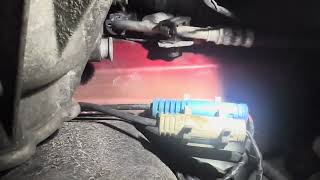
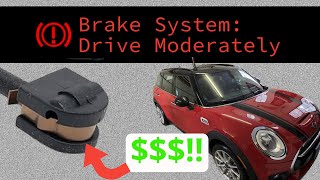
- Brake Warning Light: Your Mini is equipped with electronic brake pad wear sensors. There is one on the front left wheel and one on the right rear wheel. When a pad wears down to a certain minimum thickness, it breaks a circuit in the sensor, triggering a warning light on your dashboard. Once this light is on, the sensor must be replaced along with the pads.
- Squealing or Grinding Noises: A high-pitched squeal when you apply the brakes is an early warning that the pads are getting thin. A harsher, metal-on-metal grinding sound means the pads are completely worn out, and the metal backing plate is damaging the brake rotor. This is a critical situation that requires immediate attention.
- Vibration or Pulsing: If you feel a pulsation in the brake pedal or a vibration in the steering wheel when braking, it often points to warped brake rotors, which can happen when pads are worn out.
- Spongy or Soft Brake Pedal: A pedal that feels mushy or goes further to the floor than usual can indicate worn pads or, more seriously, air in the brake lines.
- Excessive Brake Dust: While Mini Cooper brake pads are known for producing a lot of dust even when new, a sudden increase can be a sign of rapid wear.
A Note on Brake Wear Sensors
The 2002-2016 Mini Cooper uses a specific brake monitoring system. For Gen 1 models (2002-2006), a tripped sensor simply turns on a light. For Gen 2 models (2007-2016), the system is more complex, called Condition Based Servicing (CBS). 🎬 Watch how to change and reset the Mini brake pad wear sensor It estimates pad life and can be confusing. Sometimes the system needs to be reset even if the pads are fine, or a faulty sensor can give a false warning. Pro Tip: Always buy new wear sensors when you buy new pads. They are inexpensive and must be replaced if the warning light has been triggered.
Choosing the Right Aftermarket Brake Pads

Not all brake pads are created equal. The best choice for your Mini depends on your driving style and budget. Aftermarket pads can offer significant savings and tailored performance compared to dealership OEM parts.
Brand Quality Tiers for Mini Cooper
Based on owner feedback and brand reputation, we can group popular brands into three tiers:
- OEM-Equivalent & Daily Driver Brands: These brands aim to provide the same quality, feel, and performance as the original parts, sometimes even being the original manufacturer. They are perfect for daily driving.
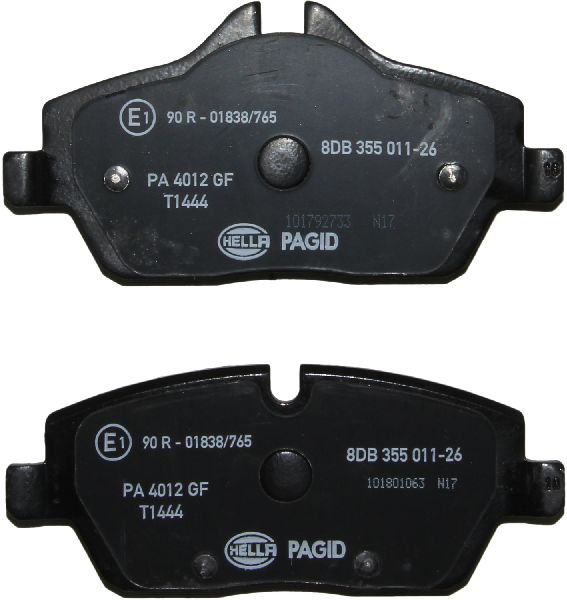
- Textar & Pagid: Both are often cited as original equipment manufacturers for BMW/Mini. Choosing these is like getting OEM quality without the dealership price tag.
- Akebono: Highly regarded for their Pro-ACT ceramic pads, which offer excellent stopping power with significantly less dust than stock pads—a common complaint among Mini owners.
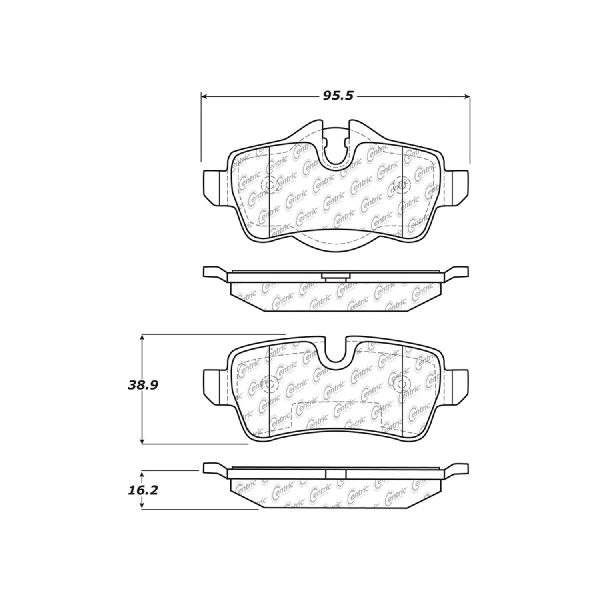
- Bosch & Centric: Offer a wide range of pads from basic replacements to premium options that meet or exceed OEM standards. They are a reliable and cost-effective choice.
- Performance & Track-Focused Brands: For the spirited driver who wants more bite, better fade resistance, and is willing to tolerate more dust and potentially some noise.
- EBC Brakes: Offers a color-coded range. Greenstuff pads are a popular upgrade for spirited street use with less dust than OEM. Yellowstuff pads are more aggressive for street/track use but create more dust.
- Hawk Performance: Their HPS (High Performance Street) pads offer a noticeable increase in stopping power over stock. The HP+ pads are even more aggressive, suitable for autocross, but can be noisy for daily driving.
- Brembo: A legendary name in braking, Brembo offers high-quality aftermarket pads that provide excellent performance, often as part of a complete brake system upgrade.
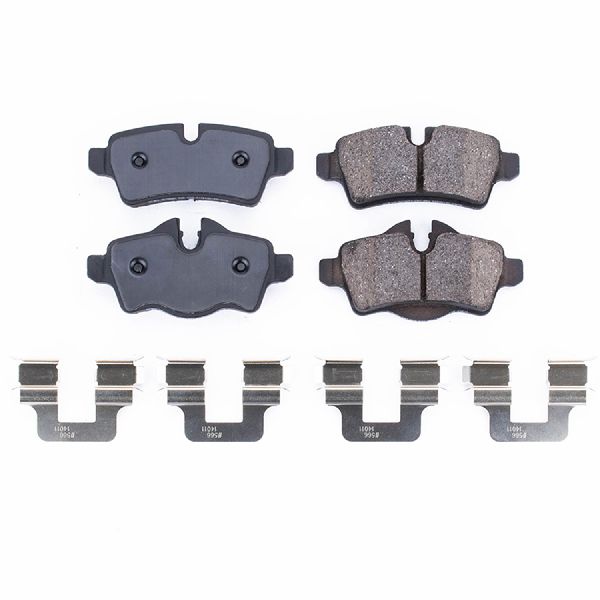
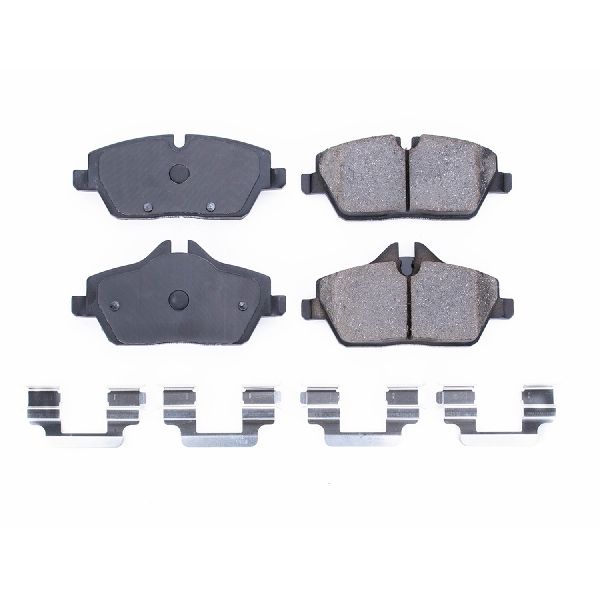
- Powerstop: Known for their complete brake kits (pads and rotors). The Z23 and Z26 kits are popular for providing a performance upgrade at a reasonable price point.
- Economy Brands: These brands focus on providing a safe, functional replacement at the lowest possible price point.
- Dynamic Friction, Pronto, Wagner: These brands offer budget-friendly options that meet federal safety standards and are a good choice for drivers who prioritize cost above all else.
Common Ordering Mistake
The 2002-2016 range covers two Mini generations: Gen 1 (R50/R52/R53) and Gen 2 (R56/R55/R57 etc.). Furthermore, Cooper, Cooper S, and JCW models often have different size brakes. Always verify your specific sub-model and build date before ordering to ensure you get the correct pads.
Known Issues, Recalls, and Service Bulletins
My search for official NHTSA recalls specifically for the brake pads on 2002-2016 Mini Coopers did not find any results. However, there have been recalls for other brake system components on different model years, such as brake lights or integrated brake modules on newer cars, which do not apply to this part or year range. The most common owner-reported "issue" is not a defect but a characteristic: the stock pads produce a lot of dust and the wear sensor system can be finicky.
Frequently Asked Questions (FAQ)

Do I need to replace my brake rotors with the pads?
It is highly recommended. Most shops will suggest replacing rotors and pads together. A new, flat rotor surface ensures the new pads bed-in correctly and provides optimal performance and longevity. If your old rotors have a noticeable lip on the edge, grooves, or show signs of vibration, they must be replaced.
What's the difference between Ceramic and Semi-Metallic pads?
Semi-metallic pads (like many stock Mini pads) offer great performance and handle heat well, but they are dusty and can be noisy. Ceramic pads, like the Akebono Pro-ACT, are known for being very quiet, producing much less dust, and being gentle on rotors, making them a popular choice for daily drivers who want cleaner wheels. Performance-oriented ceramic pads also exist that can handle spirited driving.
What is "bedding-in" and do I need to do it?
Yes. Bedding-in is the process of transferring a thin, even layer of friction material from the new pads onto the rotors. It is critical for performance and preventing brake judder. The process typically involves several hard, controlled stops from a moderate speed without coming to a complete stop, followed by a cool-down period. Always follow the specific instructions provided by the pad manufacturer.
Can I do this replacement myself?
Yes, replacing brake pads is a common DIY job for those with the right tools and mechanical aptitude. You will need a jack, jack stands, a basic socket set, a caliper piston tool (rear calipers on Minis require a tool that rotates the piston as it compresses) 🎬 See how to replace Mini Cooper rear pads and rotors yourself, and a torque wrench. If you are not comfortable working on your brake system, it is best to have a professional mechanic perform the installation.
Helpful Videos

Technical Specifications
Brake System: Disc Brakes Pad Material: Varies by brand (Ceramic, Semi-Metallic, Organic) Wear Indication: Electronic wear sensors (1 front, 1 rear)
We Have This Part in Stock
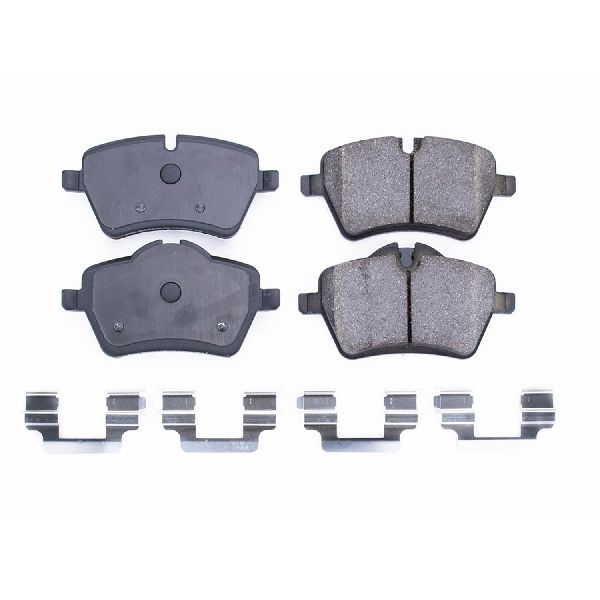
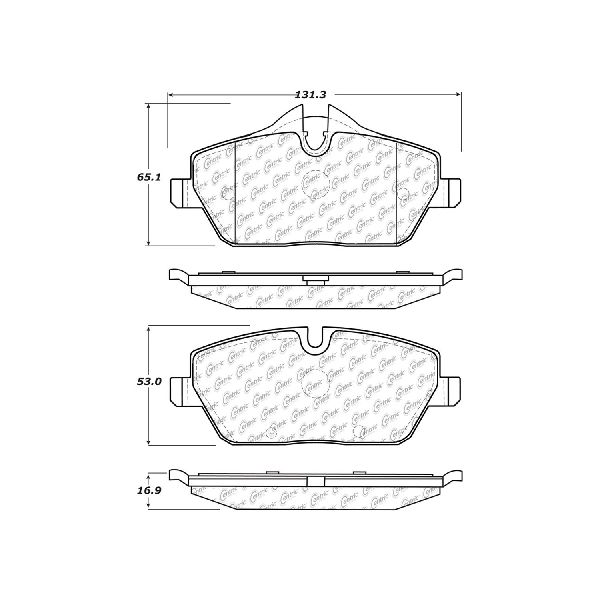

The information in this article is provided for general reference and educational purposes only. Vehicle specifications, procedures, and part compatibility can vary by production date, trim level, and region. Always consult your vehicle's factory service manual and verify part numbers before purchasing or performing repairs. Safety-critical components such as airbags, seat belts, and braking systems should be installed by a qualified professional.
- Mini Cooper: