

A Mechanic's Guide to the 1996-2001 Honda Civic Brake Light Switch
Solve common brake light, cruise control, and shifting problems by understanding this simple but critical part.
- First, check for a broken plastic stopper on the brake pedal arm if your lights are stuck ON; this is the most common issue.
- Symptoms of a bad switch include brake lights not working, being unable to shift from Park, or cruise control failure.
- Ensure you buy the correct part: a 4-pin switch for Civics with cruise control, and a 2-pin for those without.
- This is a very easy and inexpensive DIY replacement that typically takes less than 30 minutes.
Is Your Civic's Brake Light Switch Failing?

A faulty brake light switch can cause several confusing problems. Because it controls more than just the lights, understanding the symptoms is key to a correct diagnosis. Driving without working brake lights is a major safety hazard and can get you a ticket.
Most Common Failure Point: The Plastic Stopper
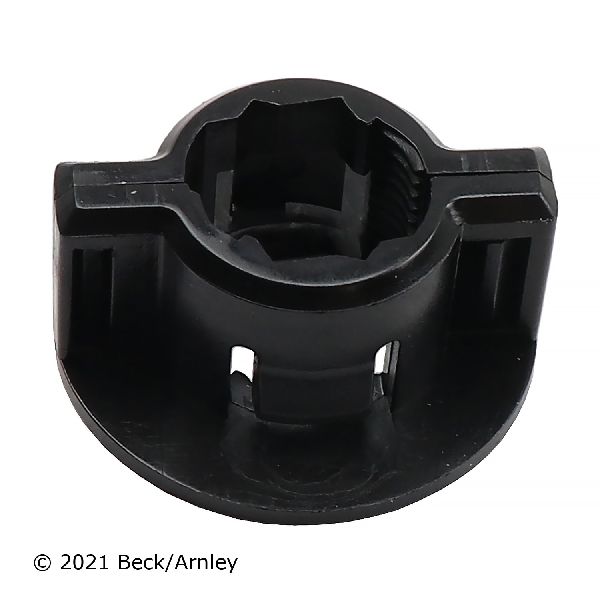
CHECK THIS FIRST: One of the most common issues on a 1996-2001 Civic is NOT the switch itself, but a small plastic stopper on the brake pedal arm. Over time, this stopper becomes brittle and can crumble, falling to the floor mat in small pieces. When it breaks, it can no longer press the switch's plunger, causing the brake lights to stay on constantly and drain your battery. Before buying a new switch, check for broken plastic bits on your driver's side floor and look at the brake pedal arm for a small hole where the stopper used to be. This stopper is a cheap and easy fix (Honda Part #46505-SA5-000).
🎬 Watch this tutorial on replacing the brake pedal stop pad.Choosing the Right Aftermarket Brake Light Switch

If you've confirmed the switch itself is bad, you have several good aftermarket options. For a simple part like this, an aftermarket switch can offer the same performance as the original for less money. The most important factor is ensuring you get the correct switch for your car's features.
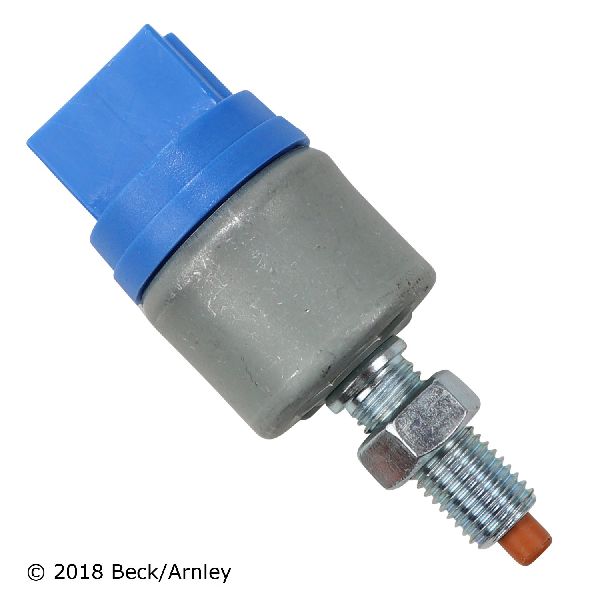
Your Civic uses either a 2-pin or 4-pin switch. The 4-pin version is for models equipped with cruise control. Be sure to select the correct one for your vehicle.
- Premium Aftermarket (e.g., Beck Arnley, Standard Ignition): These brands are well-known for producing parts that meet or exceed original equipment (OE) specifications for fit and function. They are a reliable choice for a long-lasting repair.
- Quality Standard (e.g., Holstein, Facet, Vemo): These brands offer a solid value. They provide a functional replacement that will get your brake lights working correctly again at a budget-friendly price.
Pro Tip: When you replace the switch, it's a good idea to also replace the plastic brake pedal stopper. It's an inexpensive part and good insurance against future problems.
Cost of Replacing a Brake Light Switch
Replacing the brake light switch on a 6th generation Civic is an inexpensive repair, whether you do it yourself or have a shop handle it.
| Part/Service | Estimated Cost |
|---|---|
| New OEM Part | $9 - $15 |
| New Aftermarket Part | $10 - $60 |
| Shop Labor | $50 - $100 |
| DIY Total (Aftermarket) | $10 - $60 |
Frequently Asked Questions

Why are my brake lights stuck on?
This is almost always caused by a broken or missing plastic stopper pad on the brake pedal arm. The stopper is supposed to push the switch in when your foot is off the brake. When it disintegrates, the switch stays extended, keeping the lights on and draining the battery. Look for blue, black, or white plastic crumbs 🎬 Watch how to fix brake lights that won't turn off. on your floor mat.
Why can't I shift my automatic Civic out of Park?
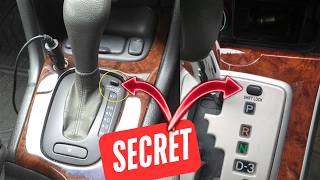
The brake light switch sends a signal to the shift interlock, releasing the shifter when you press the brake. If the switch is faulty, it won't send the signal, and your car will be stuck in Park as a safety measure.
🎬 See what to do if your shifter is stuck in Park.Is this a difficult DIY repair?
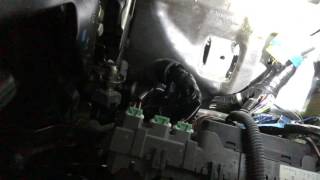
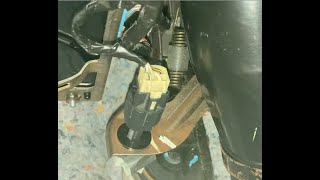
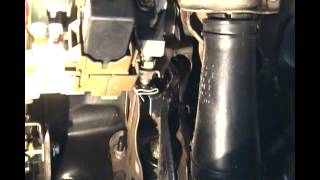
No, this is a very easy repair for a beginner. It requires no special tools and can be done in about 15-30 minutes. The switch is located above the brake pedal and is usually held in place by a locknut or by twisting it into a bracket.
Do I need a 2-pin or 4-pin switch?
You need a 4-pin switch if your Civic has cruise control. The extra two pins are for the cruise control deactivation circuit. If your car does not have cruise control, you will need the 2-pin switch. Using the wrong one will cause problems.
Helpful Videos
Technical Specifications
OEM Part Numbers: 35350-S04-003 36750-S04-003 46505-SA5-000 (Pedal Stopper)
Located above the brake pedal arm. Available in 2-pin (standard) and 4-pin (with cruise control) configurations. Operates a plunger that is depressed when the brake pedal is at rest.
We Have This Part in Stock


The information in this article is provided for general reference and educational purposes only. Vehicle specifications, procedures, and part compatibility can vary by production date, trim level, and region. Always consult your vehicle's factory service manual and verify part numbers before purchasing or performing repairs. Safety-critical components such as airbags, seat belts, and braking systems should be installed by a qualified professional.
- Honda Civic: