

2004-2009 Nissan Quest Park Assist Module: Diagnosing Sonar and Navigation Faults
This in-depth guide covers the common failures, diagnostic procedures, and replacement of the park assist (sonar) control module for the 2004-2009 Nissan Quest.
- This module does NOT require programming, making a used OEM part a great plug-and-play option.
- Use the built-in self-diagnostic test (by pressing the sonar button 10+ times) to get fault codes before buying parts.
- The module controls both the rear sonar and is integrated with the navigation display; failure can affect both.
- Ensure the part is for a vehicle WITHOUT the run-flat tire option, as they are different.
- The original part (28532-5Z000) was replaced by an updated version (28532-ZF000); both are compatible.
Symptoms of a Failing Park Assist Control Module
When the park assist module in a 2004-2009 Nissan Quest begins to fail, it can cause several distinct issues. While a faulty sensor or buzzer can cause similar problems, these symptoms often point directly to the control unit.
Primary Symptoms (Sonar System)
- "Sonar System OFF" Light Stays On: The most common symptom is the orange indicator light on the sonar system's dashboard switch remaining constantly illuminated. This indicates the system has detected a fault and has been automatically disabled.
- No Beeping in Reverse: The system will not produce any audible beeps from the sonar buzzer when you put the van in reverse, even when close to an object.
- Crackling or Failed Buzzer: In some cases, the sonar buzzer itself may crackle before failing completely. While this is often a buzzer failure, it can be triggered by a fault in the control module sending erratic signals.
Secondary Symptom (Navigation System)
- Blank or Unresponsive Center Screen: Some owners have reported intermittent or total failure of the central navigation and information screen. Because the sonar module is integrated with the vehicle's unified meter and A/C amp (the central display controller), a fault in the sonar unit can sometimes disrupt the communication network, leading to a blank screen. However, this symptom can also be caused by other issues, such as a weak battery or a failure in the display unit itself.
Diagnosing the Sonar System at Home
The Nissan Quest has a built-in self-diagnostic mode for the sonar system that you can access without any special tools. This is the first step you should take to identify the source of the problem.
Pro Tip: A common failure point is the sonar buzzer itself, which is located behind the instrument cluster. If the buzzer is dead, the system may not beep to enter diagnostic mode, making diagnosis difficult. You can test the sensors first by putting the vehicle in reverse (with the ignition on but engine off) and listening closely to each sensor on the bumper; a working sensor will emit a faint, rapid ticking or clicking sound.
How to Enter Self-Diagnostic Mode
- Turn the ignition key to the 'ON' position (do not start the engine).
- Within a few seconds, the 'Sonar System OFF' light should turn on and then off. If it stays on, a fault is already stored.
- Immediately press the sonar switch on the dashboard 10 to 16 times in quick succession (under 5 seconds). The system should enter diagnostic mode, and the 'OFF' light will turn off.
- Press the switch one more time. The system will now flash the 'OFF' light to indicate a fault code. It will repeat the code five times.
Common Fault Codes
The system uses a two-digit code, flashing the first digit, pausing for one second, and then flashing the second digit.
| Code | Meaning |
|---|---|
| 1-1 | Rear Sensor, Left-Hand Outer |
| 1-2 | Rear Sensor, Left-Hand Inner |
| 1-3 | Rear Sensor, Right-Hand Inner |
| 1-4 | Rear Sensor, Right-Hand Outer |
| 2-1 | Sonar Buzzer |
| 2-2 | Rear Sonar System 'OFF' Indicator Light |
| 2-3 | Rear Sonar System 'OFF' Switch |
| 2-4 | Sonar Control Unit (The module itself) |
Known Issues, Recalls, and TSBs
As of mid-2026, there are no active recalls or Technical Service Bulletins (TSBs) from Nissan specifically for the park assist control module on the 2004-2009 Quest. The most common known issue reported by owners in forums is the failure of the sonar buzzer, which can mimic a module failure.
Compatibility Warning: This module is for Nissan Quest models that are NOT equipped with the run-flat tire option. The module for vehicles with the run-flat option is different. Always verify compatibility before purchasing.
Buying a Used Park Assist Control Module
Since this module does not require programming, a used OEM unit is an excellent, cost-effective solution. When buying a used module, follow these guidelines:
- Verify the Part Number: The original part number is 28532-5Z000. This was later superseded by part number 28532-ZF000. Either part number will work, but 28532-ZF000 is the newer version. Match the number on your original module to the one you are buying.
- Inspect for Corrosion: The module is located under the rear seat, making it vulnerable to liquid spills. Carefully inspect the connector pins and the case for any signs of corrosion, water marks, or physical damage. Do not buy a module with any signs of water intrusion.
- Check the Casing: Ensure the plastic casing, especially around the connector port, is not cracked or broken.
- Source from a Reputable Seller: Purchase from a seller who offers a warranty and has good reviews. This protects you if you receive a non-working part.
Programming and Installation
Does this module need to be programmed?
No. The 2004-2009 Nissan Quest Park Assist Control Module does not require any programming or flashing. It is a plug-and-play part. You can swap it yourself without needing a trip to the dealership, making a used module an ideal repair option.
Replacement Guide
Replacing the module is straightforward and can be done with basic hand tools.
- Disconnect the Battery: Before working on any electronic component, disconnect the negative terminal of your vehicle's battery.
- Locate the Module: The module is located under the rear seat. You will likely need to lift or remove the rear seat cushion to access it.
- Unplug and Unbolt: Disconnect the electrical connector by pressing the release tab. Remove the bolts holding the module to its bracket.
- Install the New Module: Bolt the replacement module into place, reconnect the electrical connector, and reinstall the rear seat.
- Reconnect and Test: Reconnect the battery. Turn the ignition to 'ON' and test the sonar system by putting the vehicle in reverse. The 'OFF' light should not be illuminated, and the system should beep as you approach an object.
Cost of Replacement
The cost to replace the park assist module can vary significantly depending on whether you buy a new or used part and whether you perform the labor yourself.
| Part Type | Estimated Cost |
|---|---|
| New OEM | $350 - $500 |
| New Aftermarket | Not commonly available |
| Used OEM | $50 - $100 |
| Shop Labor | $60 - $120 (0.5-1.0 hours) |
Frequently Asked Questions (FAQ)
Does the 2004-2009 Quest park assist module need to be programmed?
No, this module is plug-and-play. It does not require any special programming or calibration from a dealer or mechanic after installation.
Where is the park assist control module located on a Nissan Quest?
The module is located under the rear seat. You will need to lift or remove the seat cushion to access it.
Why is my Quest's sonar OFF light always on?
This indicates a fault in the system. It could be a bad sensor, a failed buzzer, damaged wiring, or a faulty control module. You can use the built-in self-diagnostic procedure to retrieve a fault code that will help pinpoint the problem.
Can I replace the park assist module myself?
Yes, this is a DIY-friendly repair. The module is accessible under the rear seat and does not require programming, so replacement involves simple unbolting and unplugging of the old unit and installing the new one.
Technical Specifications
OEM Part Numbers: 28532-5Z000 285325Z000 28532-ZF000 28532ZF000
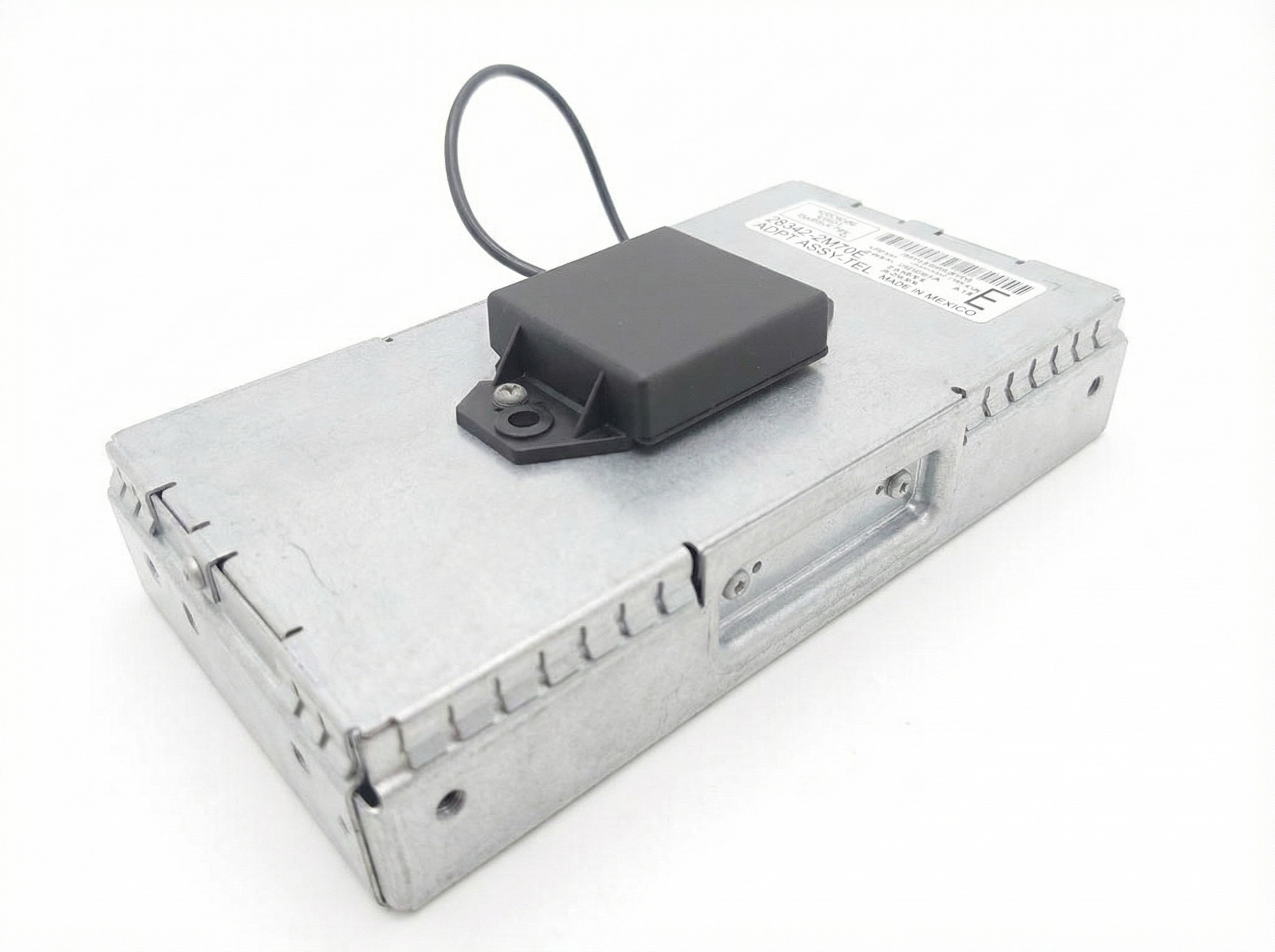
Location: Under rear seat. Controls rear sonar parking sensors. Integrated with navigation display unit.
We Have This Part in Stock



The information in this article is provided for general reference and educational purposes only. Vehicle specifications, procedures, and part compatibility can vary by production date, trim level, and region. Always consult your vehicle's factory service manual and verify part numbers before purchasing or performing repairs. Safety-critical components such as airbags, seat belts, and braking systems should be installed by a qualified professional.
- Nissan Quest:
- 🛍️ Shop This Part
- Symptoms of a Failing Park Assist Control Module
- Primary Symptoms (Sonar System)
- Secondary Symptom (Navigation System)
- Diagnosing the Sonar System at Home
- How to Enter Self-Diagnostic Mode
- Common Fault Codes
- Known Issues, Recalls, and TSBs
- Buying a Used Park Assist Control Module
- Programming and Installation
- Does this module need to be programmed?
- Replacement Guide
- Cost of Replacement
- Frequently Asked Questions (FAQ)
- 🎟️ Get 5% Off