

U1153 on 2004-2008 Cadillac SRX: No-Start & Communication Loss Fixes
On a 2004-2008 SRX, U1153 indicates a severe communication failure, often causing a no-start or a key stuck in the ignition. The most likely cause is a wiring fault to the Engine Control Module (ECM) as per GM TSB #PIC5460B, or a failing ignition switch. This is a complex electrical issue that typically requires professional diagnosis.
- U1153 is a critical network failure code on a 2004-2008 SRX, not a minor issue. Do not drive the vehicle.
- The most likely cause is a specific wiring problem near the ECM, as documented in GM TSB #PIC5460B.
- Do not replace the ECM or other expensive modules until the wiring harness and ignition switch have been thoroughly tested.
- This is a complex electrical problem. Professional diagnosis is strongly recommended to avoid unnecessary expense and frustration.
What's Unique About the 2004-2008 Cadillac SRX
The first-generation SRX, built on the GM Sigma platform, uses a Class 2 data bus that is highly susceptible to electrical interruptions. A specific GM Technical Service Bulletin (TSB #PIC5460B) directly links code U1153 and its related symptoms (no-crank, stuck key) to a known wiring failure pattern in the power feed or data line to the Engine Control Module (ECM). This makes the issue less about a random part failing and more about a specific, documented vulnerability in the vehicle's wiring harness.
Diagnostic Flowchart
Tap your situation to follow the diagnostic path that matches what you're seeing on this vehicle.
Symptoms You May Notice
- Engine will not crank (no-start condition)
- Key is stuck in the ignition lock cylinder and cannot be removed
- Multiple warning lights on the instrument panel
- Loss of communication with multiple control modules when using a scan tool
- Intermittent stalling while driving
- 'Service Theft System' message on the Driver Information Center (DIC)
- Replacing the Engine Control Module (ECM) first. TSB #PIC5460B clearly indicates that wiring and connections should be checked thoroughly before suspecting the ECM itself. An ECM is the final step after all wiring and inputs are verified.
- Replacing the battery without performing a load test. A battery can show 12 volts but still be unable to provide enough power under load, causing network issues.
- Replacing the starter. A 'no-crank' symptom caused by a communication failure is often mistaken for a bad starter, but the starter is simply not receiving the command 🎬 Watch: Troubleshooting a no-crank no-start condition on a Cadillac SRX to engage from the ECM.
Most Likely Causes
- Wiring Fault in ECM Power or Data Circuit 🔴 High Probability This is a documented failure pattern in GM TSB #PIC5460B for this specific vehicle. The harness can chafe, corrode, or break, causing an open in the Ignition 1 Power Feed (Circuit 5290) or the Class 2 Serial Data line (Circuit 1807) to the ECM. This harness is routed in the engine bay and can be subject to heat and vibration, leading to failure over time.
How to confirm: Using a multimeter, check for battery voltage at the ECM fuse in the underhood fuse block. If voltage is present, test the integrity and continuity of Circuit 5290 (often a pink/black wire at ECM connector C1, Pin 19) and Circuit 1807 (often a purple wire at ECM connector C1, Pin 48) between the fuse block and the ECM connector. A visual inspection of the harness for chafing or damage, particularly near the fuse block and where it bends toward the ECM, is crucial.
Typical fix: Repair the open or short in the affected wire. This may involve soldering the broken wire and protecting it with heat shrink tubing or replacing a section of the harness with a pigtail connector.
Est. part cost: $10-$50 for wiring repair supplies - Failing Ignition Switch 🟡 Medium Probability GM vehicles from this era are known for ignition switch failures. The electrical contacts inside the switch wear out, causing intermittent power loss to critical modules and data networks. The symptoms of a bad switch (no-crank, stalling, stuck key) perfectly match the symptoms for U1153.
How to confirm: Perform a 'wiggle test': with the key in the 'ON' position, gently wiggle it. If dashboard lights flicker, communication is restored, or the engine stalls, the ignition switch is highly suspect. A technician can also test for consistent voltage output from the switch in each key position.
Typical fix: Replace the ignition switch and/or the ignition lock cylinder housing. The common ACDelco replacement part is D1462G. A key relearn procedure may be required after replacement.
Est. part cost: $40-$150 - Faulty Module on the Class 2 Network 🟡 Medium Probability Any single module on the data bus can fail, shorting the network and preventing other modules from communicating. While the ECM is the primary suspect when U1153 is present with a no-crank, other modules like the climate control, radio, OnStar, or Body Control Module (BCM) can also be culprits.
How to confirm: This requires a professional scan tool to see which modules are not communicating. The diagnostic process involves systematically unplugging one module at a time and re-scanning the vehicle to see if communication is restored to the other modules. This can be done at a splice pack connector to isolate circuits more easily.
Typical fix: Replace the faulty module that is bringing down the network. The replacement module will likely require programming to the vehicle.
Est. part cost: $100-$800 depending on the module - Poor System Voltage or Ground Connection ⚪ Low Probability The Class 2 network is sensitive to low voltage. While less specific than a wiring fault, a weak battery, failing alternator, or corroded main battery/engine ground straps can cause unpredictable communication errors across the vehicle.
How to confirm: Test the battery with a load tester to ensure it's healthy (not just showing 12V). Check that battery terminals are clean and tight. Inspect and clean the main ground straps from the battery to the chassis and from the engine to the chassis. Key grounds for the ECM are often designated G101 and G106 on GM vehicles.
Typical fix: Replace the weak battery, failing alternator, or clean/replace corroded ground straps.
Est. part cost: $10-$250
Diagnosis Steps
- Verify the battery is fully charged and passes a load test. Ensure terminals are clean and tight.
- Scan all modules for DTCs using a professional-grade scan tool that can read manufacturer-specific codes, like a Tech 2. Document all 'U' codes.
- Confirm the primary symptoms: 'no crank' and/or 'key stuck in ignition'. If the key is stuck, you can use the manual interlock bypass. It is a small access plug under the steering column; remove the plug and press the release button inside with a screwdriver to turn and remove the key. 🎬 See this quick walkthrough for removing a stuck ignition key
- Follow TSB #PIC5460B: Check for battery voltage at the ECM-related fuses in the underhood fuse block.
- If fuse voltage is good, gain access to the ECM connectors. On the SRX, the ECM is located on the passenger side of the engine for the 3.6L, or on the left frame rail below the driver's side headlight for the 4.6L. Inspect connectors for corrosion or backed-out pins.
- With the key on, test for battery voltage at the Ignition 1 Power Feed wire (Circuit 5290, typically Pink/Black) at ECM connector C1, Pin 19.
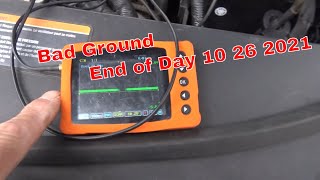
- Test the Class 2 Serial Data line (Circuit 1807, typically Purple) at ECM connector C1, Pin 48. With an oscilloscope, you should see a square wave fluctuating between 0V and 7V. Check for continuity to the OBD-II port (Pin 2).
- Thoroughly inspect the wiring harness for physical damage, especially near the ECM and underhood fuse block.
- If wiring to the ECM is confirmed good, perform a 'wiggle test' on the ignition key and switch to check for intermittent faults.
- If the cause is still not found, begin isolating modules. Locate the Class 2 splice packs (often labeled JX200 series) which join the data lines from multiple modules. Disconnect the comb to isolate each circuit, then reconnect them one by one while monitoring scan tool communication to identify which module, when reconnected, causes the network to fail.
- If all wiring and modules check out, the ECM itself may be faulty, but this should be the last resort.
Parts You'll Likely Need
- Ignition Switch / Lock Cylinder Housing
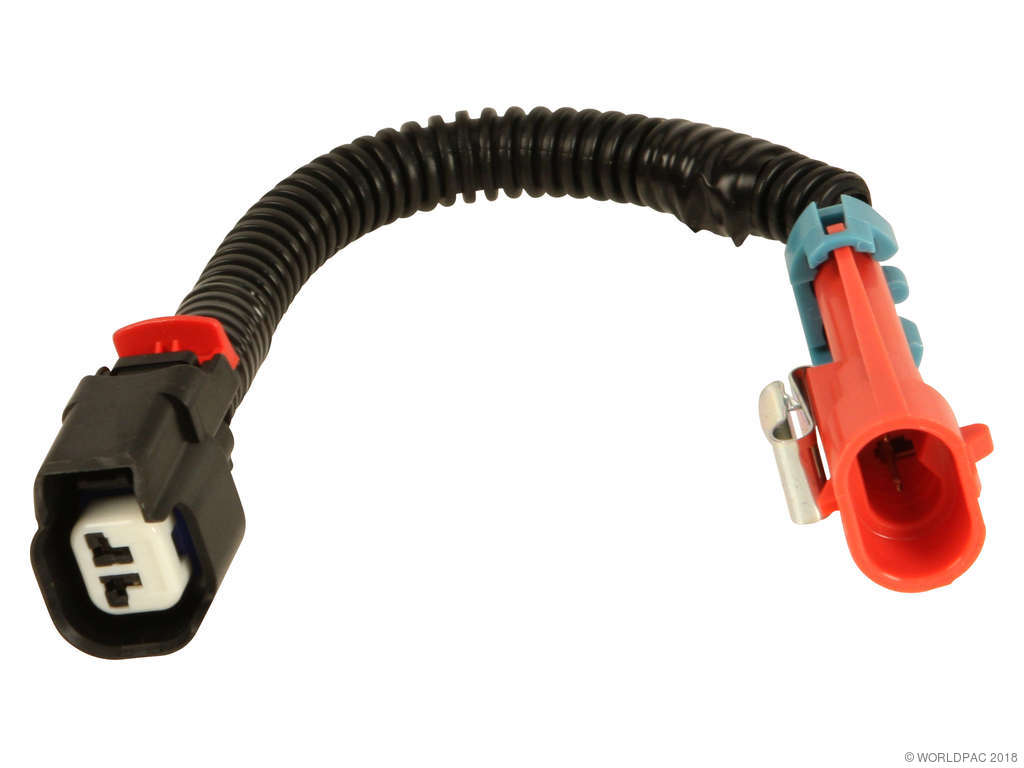
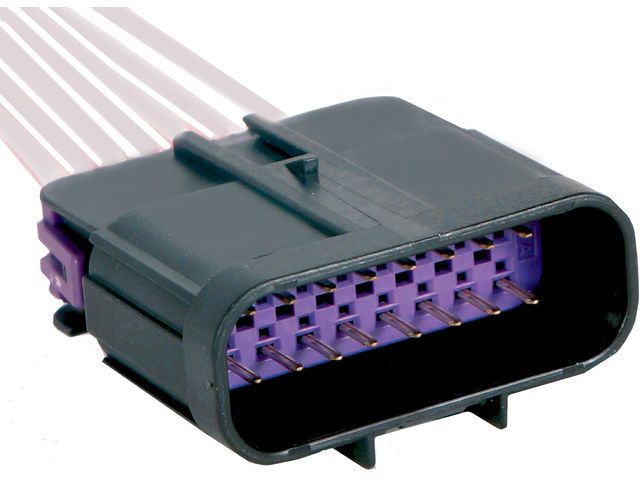
(OEM #ACDelco D1462G)— A common failure point on these vehicles whose symptoms directly align with the U1153 code. The internal contacts wear, causing power loss to critical networks. - Wiring Harness Pigtail Connector — If the wiring fault is found at the ECM connector, a pigtail may be needed to replace corroded or broken terminals and wires.
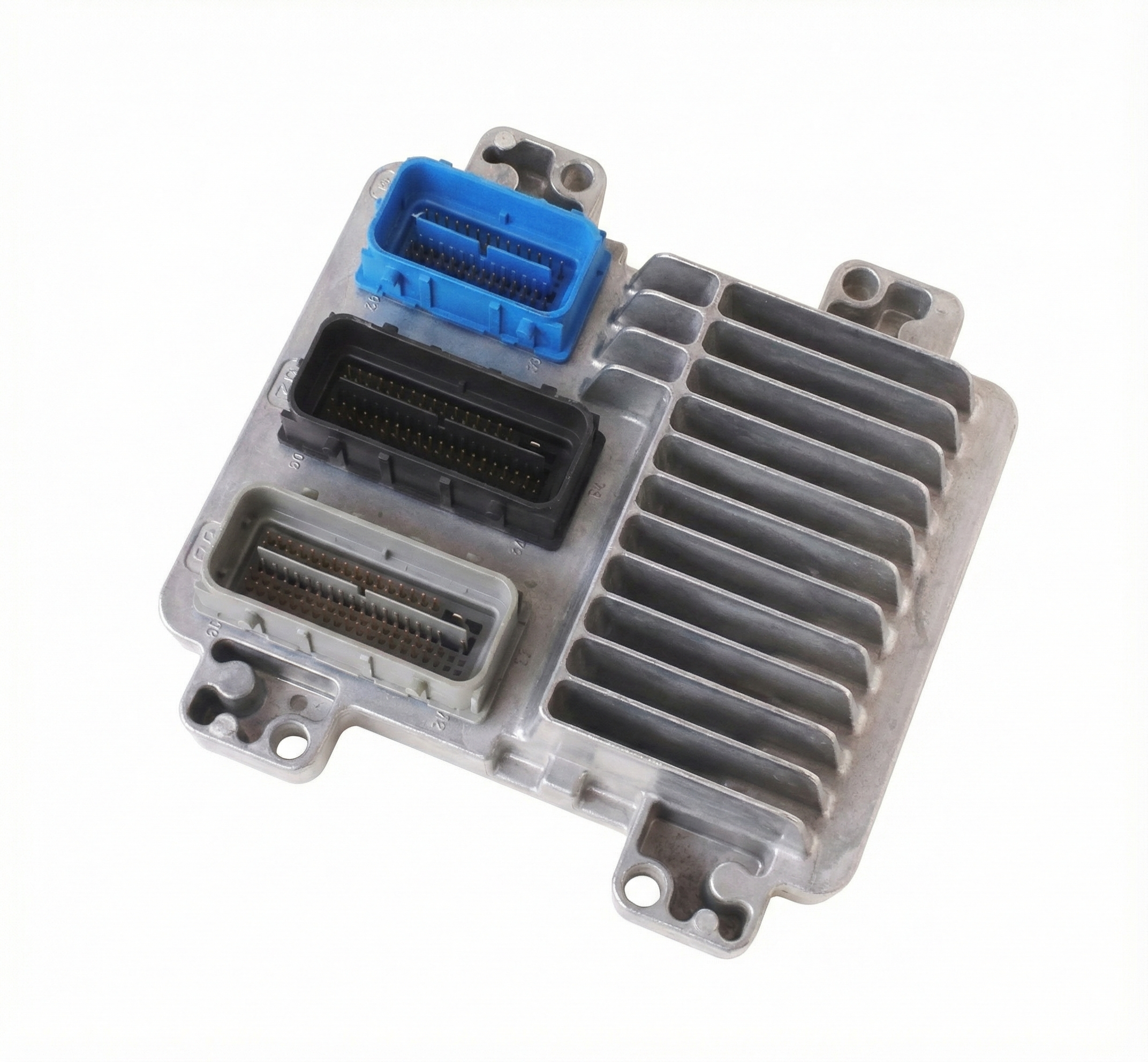
- Engine Control Module (ECM)
(OEM #e.g., 12602703, 12592124 (Varies by year/engine))— This is a last resort. If all wiring and other modules are confirmed to be good, the ECM itself may have an internal failure preventing communication.
Related Codes That Often Appear With This One
- U0100 — This is a generic code for 'Lost Communication with ECM'. It is often stored in other modules when the ECM goes offline due to the wiring fault described in TSB PIC5460B.
- U1000 — This is a general 'Class 2 Data Link Malfunction' code, indicating a problem on the network. It will almost always appear with more specific U-codes like U1153 when a major communication breakdown occurs.
- P1629 — This code relates to the Theft Deterrent System. The ECM is a key part of this system, and when it loses power or communication, the theft system activates and prevents the engine from starting. It is explicitly mentioned in TSB PIC5460B.
- U1040, U1064, U1192, U1300 — These are all other 'Lost Communication' codes for various modules. They are listed alongside U1153 in TSB PIC5460B, indicating a network-wide failure event triggered by the loss of the ECM.
Technical Service Bulletins (TSBs) & Recalls
- PIC5460B: Directly addresses a 'no crank' or 'key stuck in ignition' concern with code U1153 (and others), pointing to a wiring concern in the Ignition 1 Power Feed (CKT 5290) or Class 2 data line (CKT 1807) to the ECM.
Platform-Specific Known Issues
- Per TSB #PIC5460B, the wiring harness leading to the ECM is a known weak point. Specifically, the Ignition 1 Power Feed (Circuit 5290) and the Class 2 Serial Data line (Circuit 1807) are prone to opens or shorts, directly causing the no-crank/stuck key symptoms associated with U1153.
Mechanic-Grade Diagnostic Values
- Class 2 Serial Data Line Voltage — expected: A square wave fluctuating between approximately 0V (inactive) and +7V (active).. Failure: Voltage stuck high (at 7V or battery voltage), stuck low (at 0V), or not reaching the full 7V swing (e.g., only reaching 5V) indicates a short or open on the network.
- ECM Ignition 1 Power Feed Voltage (at ECM connector) — expected: Full battery voltage with Key On, Engine Off.. Failure: Voltage less than battery voltage or 0V indicates an open or high resistance in Circuit 5290, as described in TSB #PIC5460B.
Scan Tool Commands That Help
- Tech 2: Module Status / Class 2 Message Monitor — When diagnosing a U1153, this function allows a technician to see a list of all modules on the network and their communication status (e.g., 'Communicating' or 'Not Communicating'). This is the fastest way to confirm which modules are offline and helps guide the diagnostic process of isolating the faulty module or circuit.
- Tech 2: Pass-Thru Programming (with SPS) — After replacing a module like the ECM or BCM, the Tech 2 is used as a pass-thru device to load the correct vehicle-specific software and security information from GM's Service Programming System (SPS). This is required to make the new module function in the car.
Wiring & Ground Locations
- ECM C1 Connector — On the Engine Control Module. For 3.6L V6, the ECM is on the passenger side of the engine under a cover. For 4.6L V8, it is on the left (driver's side) frame rail below the headlight.. This is the main connector where critical power and data lines must be tested. Pin 19 (Pink/Black) is the Ignition 1 Power Feed (CKT 5290) and Pin 48 (Purple) is the Class 2 Serial Data line (CKT 1807).
- G103 / G201 — G103 is often on the cowl, above the brake booster. G201 is typically in the upper left corner of the instrument panel, near the A-pillar.. These are primary ground points for various interior modules, including the BCM and Instrument Panel Cluster (IPC). A corroded or loose ground here can cause erratic communication issues across the Class 2 network.
- Splice Pack JX200 / SP205 — Often located behind the driver's side kick panel or under the dash. It's a small connector with a 'comb' that joins multiple purple Class 2 data wires together.. This is a central diagnostic point. A technician can remove the comb to disconnect all modules from the data bus, then add them back one by one to see which module is shorting the network and causing the communication loss.
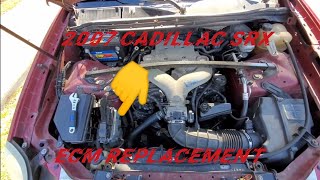
- ECM Location (3.6L LY7) — On the passenger side of the engine, under a plastic cover.. Correctly locating the module is the first step to testing the power and data circuits as per TSB #PIC5460B.
- ECM Location (4.6L LH2) — On the left (driver's side) frame rail, located below the driver's side headlight assembly.. This location is different from the V6 model and is more exposed to wheel splash, making connector corrosion a higher possibility.
Real Owner Repair Stories
- CadillacForums user 'Maggs123' (2005 SRX) — Intermittent no-start, security light on. Bypassing by jumping ignition wire to the battery would start the car.
❌ Tried (didn't work) Considering replacing the battery or computer.
✅ What actually fixed it A friend suggested the key itself might be worn out. Getting a new key made completely resolved the starting problem. - CadillacForums user 'Evan Rea' (Year not specified, but symptoms match 1st Gen SRX.) — Intermittent no-start, same as other users in the thread.
❌ Tried (didn't work) Replacing the 'computer relay' (likely the main powertrain relay) worked for a week, then the problem returned.
✅ What actually fixed it Replacing the starter relay in the underhood fuse box provided a permanent fix. The user recommended trying this cheap part first.
OEM Part Supersession History
12592124→12602703, 12605843, and others— Standard part updates for reliability and software compatibility.
Heads up: When replacing the ECM, the service number must be matched. The replacement module requires programming with the vehicle's VIN and security key relearning to function.
Model Year Variations Within This Range
- 2004-2006 (3.6L V6 & 4.6L V8): The ECM is located in different places depending on the engine. The 3.6L V6 has the ECM on the engine itself, while the 4.6L V8 has it mounted on the driver's side frame rail. This changes the diagnostic approach for accessing and inspecting the module and its connectors.
Helpful Videos

Used OEM Parts in Stock




New Aftermarket Parts Available

The information in this article is provided for general reference and educational purposes only. Vehicle specifications, procedures, and part compatibility can vary by production date, trim level, and region. Always consult your vehicle's factory service manual and verify part numbers before purchasing or performing repairs. Safety-critical components such as airbags, seat belts, and braking systems should be installed by a qualified professional.
- Cadillac SRX:
- 🎬 Helpful Videos
- 🛍️ Shop This Part
- What's Unique About the 2004-2008 Cadillac SRX
- Diagnostic Flowchart
- Symptoms You May Notice
- Most Likely Causes
- Diagnosis Steps
- Parts You'll Likely Need
- Related Codes That Often Appear With This One
- Technical Service Bulletins (TSBs) & Recalls
- Platform-Specific Known Issues
- Mechanic-Grade Diagnostic Values
- Scan Tool Commands That Help
- Wiring & Ground Locations
- Real Owner Repair Stories
- OEM Part Supersession History
- Model Year Variations Within This Range
- 🎟️ Get 5% Off