

U1000 on 2015-2016 Nissan Versa: Causes and Fixes for CAN Communication Errors
The U1000 code on a 2015-2016 Nissan Versa indicates a CAN network communication failure, not a specific bad part. The most common causes are a weak battery or poor ground connections. Start by load-testing the battery and cleaning the main chassis and transmission grounds before attempting more complex repairs.
- U1000 is a network communication error, not a specific component failure. Do not replace the module that logged the code without further diagnosis.
- Always start by load-testing the battery and thoroughly inspecting, cleaning, and tightening all main power and ground connections. This solves a high percentage of cases.
- Symptoms can be widespread and seem unrelated, from a no-start condition to erratic gauges, because multiple vehicle systems rely on the CAN network to function.
- If basic electrical checks don't solve the problem, professional diagnosis is recommended due to the complexity of CAN network troubleshooting.
What's Unique About the 2015-2016 Nissan VERSA
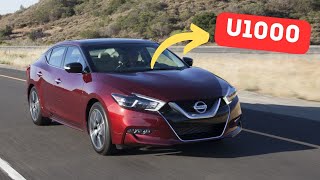
On the 2015-2016 Versa, the U1000 code is frequently a symptom of a basic electrical system problem rather than a complex module failure. 🎬 Watch: Common reasons for the U1000 code in Nissans Real-world data and technician reports show that this platform is particularly sensitive to low battery voltage and corrosion on the main ground straps. The key ground points are the negative battery cable's connection to the chassis and the strap from the chassis to the transmission housing. Unlike some vehicles where a U-code might point to a specific faulty computer, on the Versa, it's almost always a directive to check the electrical foundation—power and ground—first.
Diagnostic Flowchart
Tap your situation to follow the diagnostic path that matches what you're seeing on this vehicle.
Symptoms You May Notice
- Check Engine Light is on
- Multiple other warning lights may illuminate (ABS, Airbag, etc.)
- Vehicle may crank but not start.
- Solid red key/security light on the dash, indicating the ECM is offline.
- Engine hesitation, stalling, or lack of power.
- Erratic or non-functional gauges
- Transmission may not shift properly or get stuck in one gear.
- Electrical glitches with windows, locks, or the radio.
- Radiator fan runs constantly when the key is on (a failsafe for when the ECM is offline).
- Replacing the control module that stored the U1000 code. As per Nissan TSB NTB10066A, the module logging the code is often not the one that is faulty; it is simply reporting that another module is not communicating.
Most Likely Causes
- Weak or Failing Battery 🔴 High Probability Modern Nissans are sensitive to voltage drops. A battery that can't maintain stable voltage (especially below 10V) during startup can cause modules to temporarily lose communication and trigger a U1000 code. Many owners have resolved the code simply by replacing an old battery.
How to confirm: Perform a load test on the battery. A simple voltage check with a multimeter is not sufficient to determine the battery's health under load. Most auto parts stores offer this service for free. A battery older than 4-5 years is a primary suspect.
Typical fix: Replace the 12V battery.
Est. part cost: $120-$250 - Poor or Corroded Ground Connections 🔴 High Probability Nissan TSBs frequently point to poor grounds as a primary cause for U1000. The main ground strap from the battery to the chassis and then to the transmission case is a known point of corrosion on this platform, leading to high resistance and communication errors. Because the terminal is crimped on, the entire cable often needs replacement if cleaning is insufficient.
How to confirm: Visually inspect the main ground straps. Key locations are the negative battery cable's connection to the chassis (often under the battery tray) and the ground strap that connects the chassis to the transmission housing. Look for fraying, looseness, and any green or white corrosion. Perform a voltage drop test on the ground circuit for a definitive diagnosis.
Typical fix: Remove, clean all contact points to shiny metal, and securely re-tighten the ground connections. If the strap or cable is badly corroded or frayed, it must be replaced.
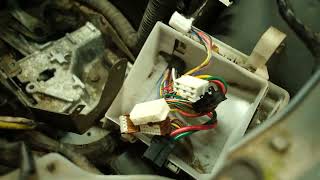
Est. part cost: $15-$70 - Damaged Wiring or Corroded Connectors 🟡 Medium Probability Wiring harnesses can be damaged by vibrations, improper repairs, or rodent intrusion. Connectors, especially those exposed to the elements or at the IPDM, can corrode and cause intermittent connections. A YouTube video on a 2007 Versa with a U1000 and no-start condition traced the fault to a single bad pin inside the main IPDM connector.
How to confirm: Visually inspect the main wiring harnesses, particularly around the engine bay and under the dashboard, for any signs of damage, chafing, or corrosion at connector pins. Wiggling the harness at key connectors (like the IPDM or ECM) while monitoring CAN resistance can help pinpoint an intermittent open or short.
Typical fix: Repair the damaged section of the wire or replace the faulty connector pin. This may require soldering and heat-shrinking for a durable repair.
Est. part cost: $10-$100 - Faulty Control Module ⚪ Low Probability While possible, a module failure (ECM, BCM, TCM, etc.) is the least common cause. It should only be considered after all power, ground, and wiring issues have been ruled out. The IPDM is the most likely module to fail on this platform.
How to confirm: This requires a professional scan tool to perform a network test and see which module is not responding. The module would then be tested for proper power, ground, and network signals at its connector before being condemned.
Typical fix: Replace the faulty module and program it to the vehicle if necessary.
Est. part cost: $200-$1200
Rare But Worth Checking
- Faulty IPDM (Intelligent Power Distribution Module): The IPDM is a smart fuse and relay box in the engine compartment. An internal failure, such as a bad ECM relay within the IPDM, can cut power to other modules, causing a communication breakdown and a U1000 code. Symptoms often include a crank-no-start or intermittent stalling. A self-test can be run on the IPDM to check its functions.
- Improperly Installed Aftermarket Electronics: Aftermarket stereos, alarms, or remote starters that are improperly tapped into the vehicle's wiring can interfere with the CAN network and cause communication faults. Forum users report issues when aftermarket components are not grounded correctly, disrupting the sensitive network.
Diagnosis Steps
- Connect a professional scan tool (like Nissan CONSULT) and perform a full vehicle scan. Note which modules are storing the U1000 code and which modules, if any, are not communicating at all.
- Check the battery's state of charge and perform a load test. A battery voltage below 12.4V at rest or one that fails a load test should be charged or replaced immediately.
- Inspect the negative battery terminal and all associated ground connections. Disconnect, clean any corrosion from the cable ends and mating surfaces with a wire brush until shiny metal is visible, and re-tighten securely. Pay special attention to the chassis ground point (often near/under the battery) and the transmission ground strap.
- Inspect all accessible wiring harnesses for signs of physical damage, chafing, or corrosion, particularly where they pass through the firewall or near hot engine components. Pay close attention to the main connector at the IPDM.
- Check fuses related to the various control modules (ECM, TCM, BCM) in both the interior and under-hood fuse boxes (IPDM).
- If the above steps do not resolve the issue, perform a CAN bus resistance test. Disconnect the battery. Using a multimeter, measure the resistance between Pin 6 (CAN High) and Pin 14 (CAN Low) at the OBD-II port. A healthy network should read approximately 60 ohms. A reading of 120 ohms indicates an open circuit or that a terminating module (like the ECM or IPDM) is offline. A reading near 0 ohms indicates a short between the two CAN wires.
Parts You'll Likely Need
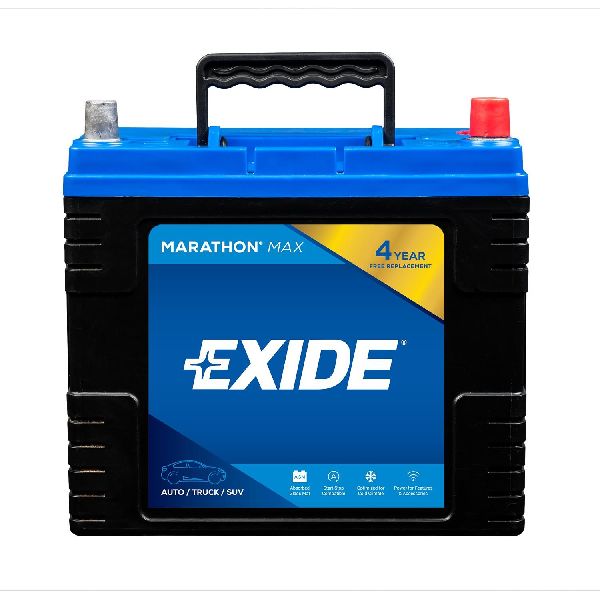
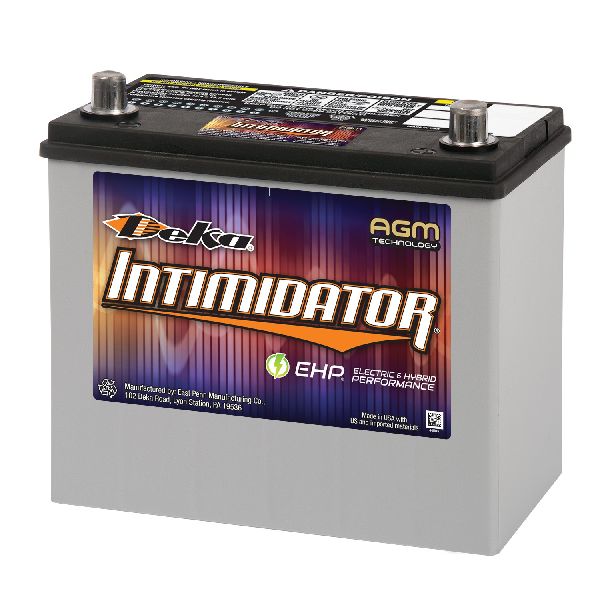
- 12V Battery — A weak or failing battery is a primary cause of voltage-sensitive communication errors like U1000. The correct group size for the 2015-2016 Versa is typically 51R.
Trusted brands: Interstate, DieHard, Duralast
OEM price range: $180-$250
Aftermarket price range: $120-$200 - Battery Ground Cable/Strap
(OEM #24080-3WC0A (for Manual Transmission), 24080-3WC0B (for CVT))— The factory ground straps are known to corrode, creating high resistance that disrupts module communication. Replacing a corroded strap is a common fix.
Trusted brands: Nissan Genuine, Standard Motor Products, Dorman
OEM price range: $70-$125
Aftermarket price range: $15-$50
Related Codes That Often Appear With This One
- U1001 — This is another CAN communication code, specifically for a missing ECM communication, often seen with U1000, indicating a widespread network issue.
- U0100 — This code specifically means 'Lost Communication With ECM/PCM'. It can appear alongside U1000 if the Engine Control Module is the one that has gone offline, often due to a bad ground or IPDM failure.
- U0121 — This code means 'Lost Communication With Anti-Lock Brake System (ABS) Control Module'. If the U1000 is being caused by a faulty ABS module or its wiring, this code will likely be present as well.
Technical Service Bulletins (TSBs) & Recalls
- NTB10066A: Service information regarding communication codes U1000, U1001, U1002, U1010. Confirms that the module reporting U1000 is usually not the cause and that low battery voltage can set CAN DTCs.
- NTB13106E: Addresses audio system issues that may be accompanied by a U1000 code in the AVM control unit.
- NTB13-027C: Provides a general diagnostic flowchart for CAN communication issues, defining the different U-codes and emphasizing checking battery voltage and harness connections.
Platform-Specific Known Issues
- Per TSB NTB10066A, when a U1000 code is present, the module storing the code is often functioning correctly; it is reporting a communication loss from another module on the network.
- Per TSB NTB13106E, a U1000 code for the AVM (Around View Monitor) Control Unit may be present alongside audio system issues like overly sensitive volume control. The fix is to confirm the correct configuration of the Audio/Navigation unit.
Mechanic-Grade Diagnostic Values
- CAN Bus Resistance (at OBD-II Port) — expected: ~60 Ω. Failure: A reading of ~120 Ω indicates an open circuit or a missing terminating resistor. A reading near 0 Ω indicates a short between CAN High and CAN Low wires.
- CAN High (CAN-H) Voltage to Ground — expected: ~2.7V (dominant state), ~2.5V (recessive state). Failure: Significant deviation from these voltages indicates a potential short to power or ground, or a faulty transceiver.
- CAN Low (CAN-L) Voltage to Ground — expected: ~2.3V (dominant state), ~2.5V (recessive state). Failure: Significant deviation from these voltages points to wiring faults or a bad module transceiver.
- CAN Differential Voltage (CAN-H vs CAN-L) — expected: ~2V (dominant state), ~0V (recessive state). Failure: An incorrect differential voltage prevents modules from correctly interpreting data bits on the network.
Scan Tool Commands That Help
- Nissan CONSULT: CAN Diagnostic System Check — This is the primary function used to automatically poll all modules on the network and display a system map showing which modules are communicating (green/OK) and which are not (red/NG). It's the starting point for any U1000 diagnosis.
- Nissan CONSULT: Self-Diagnostic Results — After identifying a non-communicating module, this function allows the technician to see if the module has stored any codes internally that might explain its failure, even if it's offline to the rest of the network.
- Manual Procedure (No Scan Tool): IPDM E/R Auto Active Test — This built-in self-test commands the IPDM to cycle various outputs (wipers, lights, A/C clutch, etc.). If the test initiates (indicated by a horn chirp), it confirms the CAN communication link between the BCM and IPDM is functional, helping to rule out a major network failure between those two key modules.
Wiring & Ground Locations
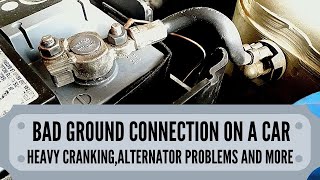
- Main Battery Ground — Negative battery cable connects to the chassis frame, often near or under the battery tray, with a secondary strap to the transmission case.. This is the most common failure point. Corrosion or looseness here creates high resistance, dropping voltage to all modules and causing network-wide communication failures.
- Engine Ground Strap — A ground strap often runs from the cylinder head (exhaust side) to the firewall.. A poor ground here can specifically affect the ECM's ability to communicate, leading to U1000 and U0100 codes.
- OBD-II Port Pins — Under the driver's side dashboard. Pin 6 is CAN High, and Pin 14 is CAN Low.. These pins are the primary access point for testing the entire CAN bus for correct resistance and voltage with a multimeter or oscilloscope.
- IPDM E/R (Intelligent Power Distribution Module Engine Room) — Located in the engine compartment, it's the main fuse and relay box.. The IPDM is a CAN module itself and a terminating resistor. A bad connection at its main harness connector or an internal failure can take down the entire network.
Real Owner Repair Stories
- Go-Parts research article on 2007-2014 Versa (2009 Nissan Versa) — Crank no-start condition with U1000 code present.
❌ Tried (didn't work) Checking fuses, Inspecting wiring for visible damage
✅ What actually fixed it The problem was severe corrosion on the positive battery terminal. Cleaning the terminal thoroughly with a wire brush and baking soda solution restored proper voltage to the system and resolved the communication code.
Helpful Videos



We Have This Part in Stock

The information in this article is provided for general reference and educational purposes only. Vehicle specifications, procedures, and part compatibility can vary by production date, trim level, and region. Always consult your vehicle's factory service manual and verify part numbers before purchasing or performing repairs. Safety-critical components such as airbags, seat belts, and braking systems should be installed by a qualified professional.
- Nissan VERSA:
- 🎬 Helpful Videos
- 🛍️ Shop This Part
- What's Unique About the 2015-2016 Nissan VERSA
- Diagnostic Flowchart
- Symptoms You May Notice
- Most Likely Causes
- Rare But Worth Checking
- Diagnosis Steps
- Parts You'll Likely Need
- Related Codes That Often Appear With This One
- Technical Service Bulletins (TSBs) & Recalls
- Platform-Specific Known Issues
- Mechanic-Grade Diagnostic Values
- Scan Tool Commands That Help
- Wiring & Ground Locations
- Real Owner Repair Stories
- 🎟️ Get 5% Off