

U1000 on 2005-2012 Nissan Frontier: Causes and Fixes for CAN Communication Loss
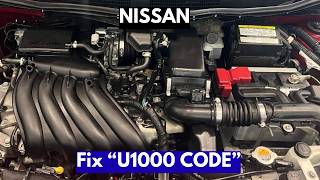
On a 2005-2012 Nissan Frontier, a U1000 code almost always points to an electrical issue, not a failed expensive computer. Start by checking for a weak battery and cleaning all major ground connections, especially the negative battery cable-to-body ground. This often resolves the issue for little to no cost.
- Do not rush to replace any computers. The U1000 code is almost always caused by a problem with the electrical foundation: the battery, its connections, or the vehicle's ground points.
- Start your diagnosis with the simplest and cheapest fixes: load test your battery and thoroughly clean all main ground connections.
- A basic code reader is not enough. You need a more advanced scan tool that can poll all vehicle modules to see which one is offline.
- The Intelligent Power Distribution Module (IPDM) near the battery is a known weak point on these trucks. Inspect it for corrosion if ground and battery issues are ruled out.
What's Unique About the 2005-2012 Nissan FRONTIER

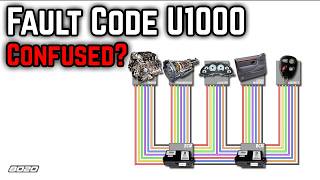
On the second-generation (D40) Nissan Frontier, the U1000 code is notoriously linked to poor ground connections and issues with the Intelligent Power Distribution Module (IPDM). These trucks are known for having main body grounds that can corrode or loosen over time, creating intermittent and confusing electrical symptoms. The IPDM, which houses many critical fuses and relays, is also sensitive to moisture and voltage fluctuations, making it a common point of failure that can disrupt the entire CAN network. 🎬 Watch: Understanding the Nissan U1000 CAN communication signal malfunction. A specific TSB was even released for 2005-2006 models with a 'white' IPDM that was prone to internal ECM relay failure, causing stalling and other performance issues.
Diagnostic Flowchart

Tap your situation to follow the diagnostic path that matches what you're seeing on this vehicle.
Symptoms You May Notice
- Check Engine Light is on
- VDC, Slip, or ABS warning lights illuminate, sometimes flickering
- Engine may stall, especially at low speeds
- Rough or no idle
- Hard shifting or transmission entering 'safe mode'
- No-start or intermittent no-crank condition, sometimes with clicking relays
- Erratic electrical behavior (wipers, horn, lights activating on their own, often during IPDM self-test)
- Cooling fans running constantly or not at all
- Gear position indicator on the dash may not display the current gear
- Replacing the ECM or another control module without first verifying power and ground integrity. This is an expensive mistake, as the issue is often a simple wiring or battery problem.
- Replacing the battery without cleaning the cable terminals and the chassis ground connection point, leading to the code returning.
Most Likely Causes

- Weak Battery or Poor Terminal Connections 🔴 High Probability Low voltage during startup is a very common trigger for CAN communication codes across all Nissan vehicles. Even a momentary voltage drop can cause modules to lose communication and set a U1000 code.
How to confirm: Test the battery with a load tester. Ensure it holds a charge above 12.4 volts. Check that battery terminals are clean, tight, and free of corrosion. A simple cleaning with a wire brush and baking soda solution can often restore a good connection.
Typical fix: Charge or replace the battery. Clean the battery terminals and cable ends with a wire brush. Apply dielectric grease or an anti-corrosion spray to prevent future buildup.
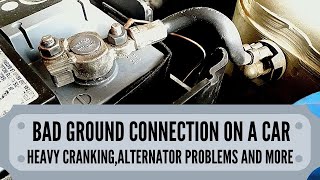
Est. part cost: $100-$250 - Corroded or Loose Ground Wires 🔴 High Probability Nissan TSBs frequently point to poor grounds as a root cause for U1000. The main body ground on the Frontier, often a braided strap on the inner fender near the battery, is a known weak point for corrosion and loosening. Vehicles from rust-prone areas are especially susceptible.
How to confirm: Visually inspect the main negative battery cable where it bolts to the chassis and engine block. Look for other ground straps (e.g., from the engine to the firewall) and check for corrosion or looseness. A voltage drop test from the negative battery post to the chassis and then to the engine block (should be < 0.2V) can confirm a bad ground.
Typical fix: Remove the ground connection, clean all contact surfaces (metal-to-metal) with a wire brush or sandpaper, and re-secure it tightly. It is critical to clean the terminal, the chassis surface, and both sides of any washers. Replace the ground strap if it is frayed or heavily corroded.
Est. part cost: $5-$30 - Faulty Intelligent Power Distribution Module (IPDM E/R) 🟡 Medium Probability The IPDM on the Frontier is located in the engine bay near the battery and is susceptible to moisture and corrosion, which can damage its internal circuits and non-serviceable relays. A TSB (NTB07-067c) was issued for 2005-2006 models with white-colored IPDMs for a faulty ECM relay causing stalling, a problem that can trigger a U1000 code.
How to confirm: With the battery disconnected, inspect the IPDM fuses and relays for corrosion. A professional can perform a self-test on the IPDM by cycling the door switch, which tests various outputs like wipers, lights, and horn. If a scan tool shows the IPDM is not communicating, or if swapping the ECM relay with the fog lamp relay (on some models) temporarily resolves a no-start issue, the IPDM is likely faulty.
Typical fix: Replacement of the entire IPDM unit is typically required. Nissan advises against replacing individual internal relays, with the exception of the specific ECM relay covered in the TSB. The replacement part is often black, updating the original white-colored unit.
Est. part cost: $250-$400 - Damaged CAN Bus Wiring Harness ⚪ Low Probability Wiring can be damaged by rodents, chafing against other components, or corrosion from road salt, especially in vehicles from rust-prone areas. The twisted pair of CAN wires can be shorted or opened, disrupting the network.
How to confirm: Visually inspect the wiring harnesses leading to the major control modules (ECM, TCM, BCM). Look for any signs of damage. A technician can test the CAN bus resistance (should be ~60 ohms with the battery disconnected) between pins 6 and 14 of the OBD-II port. A reading of 120 ohms suggests one of the two terminating resistors (in the ECM or BCM) is offline.
Typical fix: Repair the specific section of damaged wire. This requires cutting out the bad section and splicing in a new piece of wire with sealed, weatherproof connectors.
Est. part cost: $10-$50
Rare But Worth Checking
- Faulty Control Module (ECM, BCM, TCM): While possible, a module is rarely the cause. The TSB states the module reporting the U1000 code is usually healthy. All other causes, especially grounds and power supply, should be ruled out before replacing an expensive module. A failing TCM has been noted in some forum discussions to cause U1000 along with severe shifting issues.
- Improperly Installed Aftermarket Electronics: A poorly installed remote starter, alarm, or stereo can interfere with the CAN network, causing communication errors. If the problem started after an installation, this should be the first place you look. Tapping into the wrong wires can introduce noise or voltage irregularities onto the bus.
Diagnosis Steps
- Check Battery Health: Start by fully charging and load testing the battery. A weak battery is the number one cause.
- Inspect Battery Terminals and Main Grounds: Clean and tighten the battery terminals. Follow the negative battery cable to its connection points on the body (inner fender) and engine block. Remove, clean all metal contact surfaces, and tighten these grounds.
- Scan with an Advanced Tool: Use a scan tool capable of communicating with all modules (BCM, TCM, IPDM, etc.). A basic OBD-II reader will only show the code from the ECM. The goal is to see which module(s) are not responding.
- Inspect Fuses: Check all fuses related to the control modules, both in the cabin fuse box and in the IPDM in the engine bay.
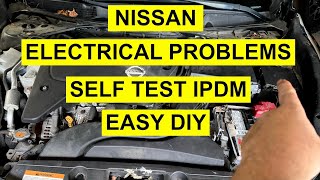
- Perform IPDM Self-Test: With the key on, engine off, press the driver's door switch 10 times, then turn the key off and on again. The IPDM will cycle through its outputs (wipers, lights, horn), confirming its basic operation.
- Inspect the IPDM: Visually inspect the IPDM for any signs of water intrusion or corrosion on the fuses and connectors. Check if it is the older, failure-prone white-colored model.
- Check CAN Bus Resistance: With the battery disconnected, a technician can measure the resistance between pins 6 (CAN High) and 14 (CAN Low) of the OBD-II port. A healthy network should read approximately 60 ohms.
- Perform a Visual Wiring Inspection: Trace the main wiring harnesses, especially the twisted pair of CAN wires, looking for any signs of chafing, melting, or rodent damage.
Parts You'll Likely Need
- Battery Ground Cable / Strap
(OEM #24080-EA200 (for 4.0L V6), 24080-EA000)— The factory ground points are a well-documented failure point due to corrosion, leading to high resistance and intermittent electrical faults including the U1000 code. - Intelligent Power Distribution Module (IPDM)
(OEM #284B7-ZE03B (for 2009-2019 models))— The IPDM is prone to internal failure from moisture and vibration. The early 'white' units on 2005-2006 models were particularly problematic. A faulty IPDM can disrupt communication across the entire CAN network.
Related Codes That Often Appear With This One
- U1001 — This code specifically points to a CAN communication error where the ECM is the module that has lost communication. It often appears with U1000.
- C11xx (e.g., C1163) — Various C-codes related to the ABS and Vehicle Dynamic Control (VDC) systems may appear because these systems rely on data from other modules. A communication loss (U1000) will prevent them from functioning correctly, triggering their own codes.
- P0882 — This code indicates a low voltage signal to the Transmission Control Module (TCM). It can be triggered by the same weak battery or poor ground condition that causes the U1000 code.
Technical Service Bulletins (TSBs) & Recalls
- Addresses MIL on with DTC U1000 or U1010, recommending cleaning and re-tightening ECM ground connections and the negative battery cable body connection as the primary repair.
- Specific to 2005-06 Frontier, Pathfinder, and Xterra models with a 'white' IPDM. It addresses engine performance issues, including stalling, by replacing the internal ECM relay.
Platform-Specific Known Issues
- A service bulletin (NTB07-067c) was issued for some 2005-2006 models with a 'white' IPDM concerning a fault in the internal ECM relay that could cause stalling. The fix involved a new relay (P/N 284B7-CW29E) and a special tool for removal, though Nissan generally forbids replacing individual relays.
- Another TSB (NTB06-009a) addresses U1000 codes across many Nissan models, including the 2005-2006 Frontier, and explicitly directs technicians to clean ECM and battery ground connections as the primary fix.
Mechanic-Grade Diagnostic Values
- CAN Bus Network Resistance — expected: ~60 Ω. Failure: A reading of ~120 Ω indicates one of the two terminating resistors is offline (or an open circuit). A reading of 0 Ω indicates a direct short between the CAN High and CAN Low wires.
- Body Ground Voltage Drop — expected: < 0.2 Volts. Failure: A reading greater than 0.2V (and especially over 0.5V) indicates a high-resistance ground connection that needs to be disassembled, cleaned, and re-secured.
- CAN Line DC Voltage to Ground — expected: ~2.5V on both CAN High and CAN Low. Failure: A significant deviation from 2.5V on either line with the key on and engine off points to a short to power, short to ground, or a faulty module transceiver.
Hidden / Shadow Codes Worth Checking
- Pattern Analysis (not a single code): For Nissan, U1000 is often a generic 'victim' code. The true fault is frequently a more specific code stored in another module (like the TCM or ABS) that a basic scanner can't read. The 'hidden' information is the complete list of codes from ALL modules on the network. (see via A professional-level scan tool (like Nissan CONSULT) or an advanced aftermarket scanner capable of performing a full network scan or 'module roll-call' is required to see which module is offline or reporting a specific error.)
Scan Tool Commands That Help
- Manual Procedure (No Scan Tool): IPDM E/R Auto Active Test — Use this to confirm if the Body Control Module (BCM) can communicate with the IPDM over the CAN bus. If the test initiates (horn chirps, wipers move, etc.), it proves the communication line between those two key modules is likely intact, helping to narrow down the search. The procedure is: Ignition ON, press driver's door switch 10 times within 20 seconds, Ignition OFF, then Ignition ON again.
Wiring & Ground Locations

- Main Body Ground — On the passenger-side inner fender panel in the engine bay, near the battery. Often part of the main negative battery cable.. This is a widely-known failure point for corrosion on the D40 Frontier. A poor connection here creates high resistance, causing voltage fluctuations that trigger communication codes like U1000.
- Ground Points E15 & E24 — Located on the right front side of the engine compartment.. These are primary ground points for engine bay components. Corrosion here can affect the ABS actuator, lighting, and other systems that communicate on the CAN bus.
- Ground Point M57 — Behind the left side of the dashboard.. This is a crucial interior ground point serving the BCM, combination meter, and the Data Link Connector (OBD-II port) itself. A fault here can cause a loss of communication with the scan tool and widespread errors.
- CAN Bus Wires (at OBD-II Port) — Pins 6 (CAN High) and 14 (CAN Low) in the Data Link Connector under the driver's side dashboard.. This is the primary diagnostic access point for the entire CAN network. Resistance and voltage tests performed here give a quick health check of the main communication bus.
Real Owner Repair Stories
- YouTube Channel 'BL Automotive' (2016 Nissan Frontier (D40 platform, same as the specified range)) — Intermittent no-start, CAN bus communication fault codes.
❌ Tried (didn't work) Initial testing showed incorrect and fluctuating resistance on the CAN bus at the OBD-II port.
✅ What actually fixed it The technician isolated the fault by systematically pulling fuses for different control modules. When the 'AT CONT' (Automatic Transmission Controller) fuse was pulled, the CAN bus resistance immediately stabilized at the correct 60 ohms. The fault was an internal short in the Transmission Control Module (TCM) that was corrupting the entire network. Replacing the TCM resolved all issues.
OEM Part Supersession History
Varies (early models used a white-colored housing)→284B7-ZE03B (common for 2009-2019 models)— The original white-cased IPDMs, particularly on 2005-2006 models, were prone to internal relay and circuit failure due to moisture and vibration. Later revisions with black housings are more robust.
Heads up: IPDM replacement on this platform generally does not require programming, but the part number must match the vehicle's specific options (4WD, fog lamps, etc.). Using the wrong IPDM can cause certain features to not function.
Model Year Variations Within This Range
- 2005-2008 vs. 2009-2012: A significant facelift occurred for the 2009 model year. This included a completely redesigned dashboard, center console, and front-end styling. This affects the physical location and service procedures for interior components like the radio, HVAC controls, and BCM. The problematic white-colored IPDM was phased out after the early years of this range.
Helpful Videos




Used OEM Parts in Stock

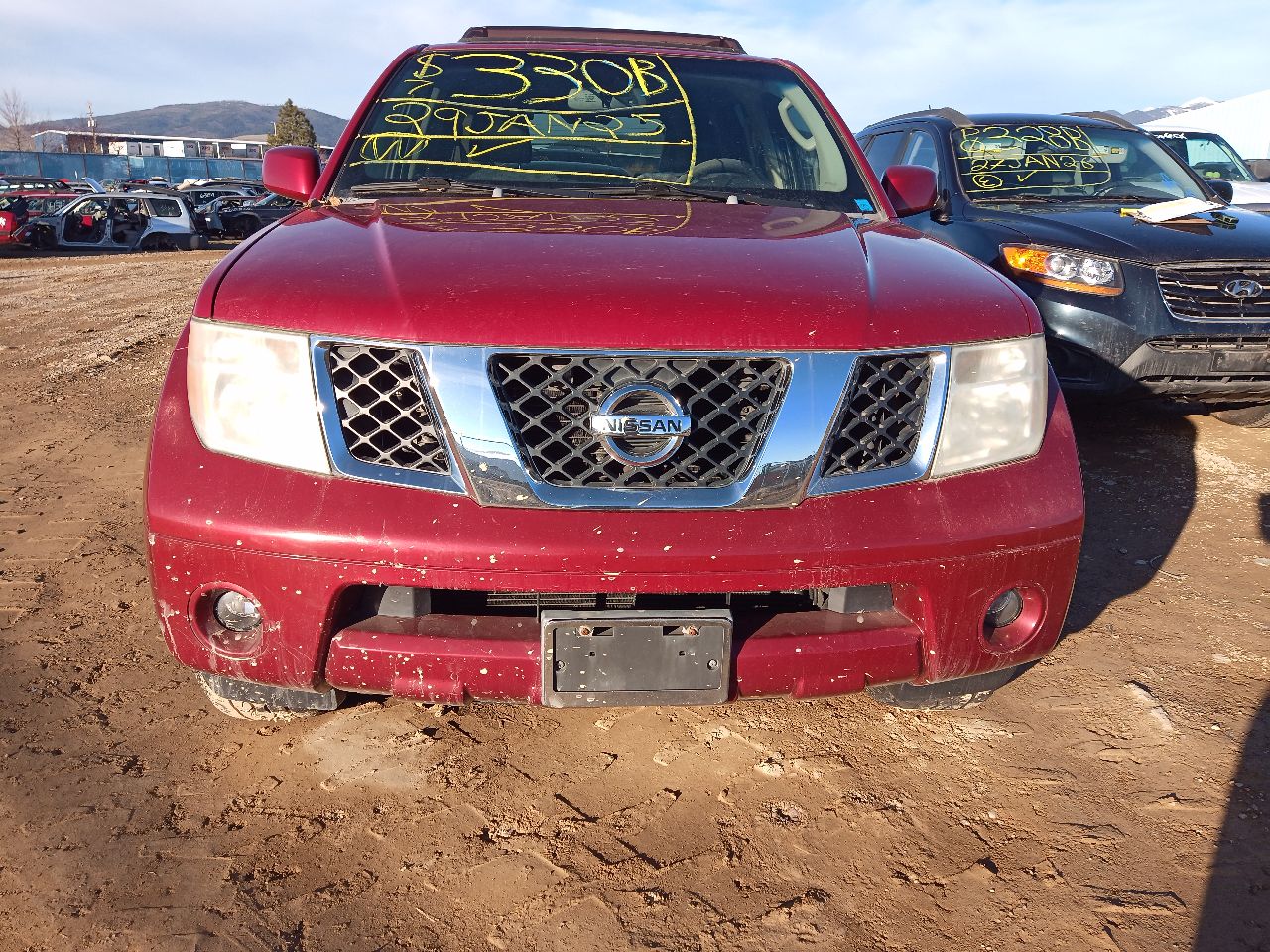

New Aftermarket Parts Available


The information in this article is provided for general reference and educational purposes only. Vehicle specifications, procedures, and part compatibility can vary by production date, trim level, and region. Always consult your vehicle's factory service manual and verify part numbers before purchasing or performing repairs. Safety-critical components such as airbags, seat belts, and braking systems should be installed by a qualified professional.
- Nissan FRONTIER:
- 🎬 Helpful Videos
- 🛍️ Shop This Part
- What's Unique About the 2005-2012 Nissan FRONTIER
- Diagnostic Flowchart
- Symptoms You May Notice
- Most Likely Causes
- Rare But Worth Checking
- Diagnosis Steps
- Parts You'll Likely Need
- Related Codes That Often Appear With This One
- Technical Service Bulletins (TSBs) & Recalls
- Platform-Specific Known Issues
- Mechanic-Grade Diagnostic Values
- Hidden / Shadow Codes Worth Checking
- Scan Tool Commands That Help
- Wiring & Ground Locations
- Real Owner Repair Stories
- OEM Part Supersession History
- Model Year Variations Within This Range
- 🎟️ Get 5% Off