

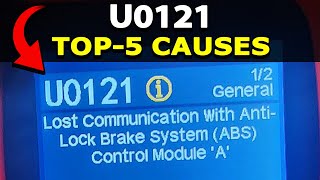
U0121 on 2017-2018 Cadillac XT5: Lost Communication with ABS Module Guide
On a 2017-2018 XT5, a U0121 code found only in the Front View Camera Module (FVCM) history is almost always a harmless software glitch per GM Technical Service Bulletins. If there are no ABS or StabiliTrak warning lights, the code should be ignored. A real fault requiring diagnosis is only likely if warning lights are on, which is often caused by a weak or failing battery before the ABS module itself is suspected.
- The first step is to identify WHICH module is storing the U0121 code.
- If the code is a 'history' code in the Front View Camera Module (FVCM) with no dash lights, it is a known glitch and can be ignored.
- Do NOT replace the FVCM or EBCM based on this phantom code.
- If you have ABS and StabiliTrak warning lights, a weak battery is a more likely cause than a failed EBCM and should be tested first.
What's Unique About the 2017-2018 Cadillac XT5
The 2017-2018 Cadillac XT5 is unique regarding code U0121. While the code normally points to a serious brake system communication failure, this specific vehicle is known for setting a 'phantom' U0121 due to a well-documented software bug in the Front View Camera Module (FVCM). Manufacturer bulletins PIT5599 and 16-NA-177 repeatedly state that if this code appears in the FVCM's history without any other symptoms, it is not a real problem and should be ignored. This is a critical distinction that saves owners from pursuing expensive and unnecessary diagnostic paths. This issue was reportedly corrected in the 2018 model year software.
Diagnostic Flowchart
Tap your situation to follow the diagnostic path that matches what you're seeing on this vehicle.
Symptoms You May Notice
- Symptom of the known software glitch: No symptoms at all. The code is only visible when scanning the vehicle's modules.
- Symptoms of a true U0121 fault: ABS warning light illuminated
- Symptoms of a true U0121 fault: StabiliTrak or Traction Control warning light illuminated
- Symptoms of a true U0121 fault: 'Service StabiliTrak' message on the Driver Information Center (DIC)
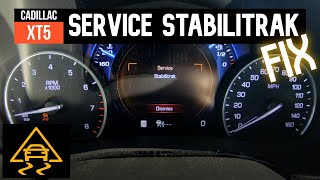
- Symptoms of a true U0121 fault: 'Service Brake Assist' message appearing intermittently, especially after an auto-stop/start event. 🎬 Watch: How to fix StabiliTrak issues caused by auto-stop/start.
- Symptoms of a true U0121 fault: Anti-lock brakes and stability control are disabled
- Replacing the Front View Camera Module (FVCM) for a history U0121 code. TSBs explicitly warn against this.
- Replacing the Electronic Brake Control Module (EBCM) without first confirming if the code is just the known software glitch in the FVCM.
- Replacing the EBCM when the actual cause is a weak battery, which is a very common issue on these vehicles causing similar warning lights. 🎬 See how a weak battery triggers these specific Cadillac warnings.
Most Likely Causes
- Front View Camera Module (FVCM) Software Anomaly 🔴 High Probability A documented software bug exists for this specific model and year range, confirmed by multiple GM Technical Service Bulletins. The code sets in history during every ignition cycle.
How to confirm: Use a scan tool to check where the code is stored. If the code U0121 is found as a 'history' code ONLY in the Front View Camera Module (FVCM) and there are no dashboard warning lights, this is the cause.
Typical fix: No fix is required. The code should be ignored and cleared. Per TSB #PIT5599, do not replace or reprogram the FVCM for this specific issue. GM stated the issue would be resolved in 2018 model year software.
Est. part cost: $0 - Weak or Failing Battery 🟡 Medium Probability Modern vehicles like the XT5 are packed with electronics that are sensitive to voltage fluctuations. The auto start/stop feature puts a high demand on the battery. Low voltage is a very common cause for random communication codes and StabiliTrak messages on these vehicles.
How to confirm: Check the battery voltage with a multimeter (should be >12.4V engine off). Many auto parts stores offer free battery testing. On the XT5, intermittent 'Service StabiliTrak' or 'Service Brake Assist' messages, especially during an auto-start cycle, strongly point to a weak battery.
Typical fix: Replace the vehicle's battery. Ensure it is the correct type (AGM) and is properly registered to the vehicle if required.
Est. part cost: $200-$400 - EBCM/ABS Module Power or Ground Issue ⚪ Low Probability While not specific to the XT5, corroded or loose ground connections are a common source of electronic issues on all GM vehicles. The main EBCM ground is often located on the frame rail under the driver's side.
How to confirm: Check the battery voltage and charging system. Inspect and test the EBCM-related fuses. Visually inspect the main ground connections for the EBCM (often on the frame near the module) for cleanliness and tightness.
Typical fix: Charge or replace the battery. Clean or tighten ground connections. Replace blown fuses.
Est. part cost: $0-$250 - Wiring Harness or Connector Fault ⚪ Low Probability This is a generic potential failure, not a specific known issue for the XT5 platform regarding this code. However, wiring issues are a common cause for communication faults in general.
How to confirm: Visually inspect the wiring harness going to the Electronic Brake Control Module (EBCM) for damage. Disconnect the connector and check for corrosion or bent pins. Test the CAN bus wires for proper resistance (should be approx. 60 ohms between CAN High and CAN Low) and voltage (approx. 2.5V on each line).
Typical fix: Repair the damaged section of the wiring harness or clean/replace the connector.
Est. part cost: $10-$100 - Failed Electronic Brake Control Module (EBCM) ⚪ Low Probability
How to confirm: This is diagnosed by exclusion. If power, ground, and the CAN bus wiring to the module are all confirmed to be good, but the module still does not communicate, the module itself has likely failed.
Typical fix: Replace the EBCM. The new module will require programming by a professional with the correct tools (GM's SPS2 software). It is sometimes possible to program a used module using the 'Replace and Reprogram' function.
Est. part cost: $400-$900
Diagnosis Steps
- Connect a professional-grade scan tool capable of reading codes from all vehicle modules.
- Determine which module(s) have stored the U0121 code.
- CRITICAL STEP: If the code is ONLY present in the Front View Camera Module (FVCM) and is in 'history' status, and there are no ABS/StabiliTrak lights on the dash, this is the known software anomaly. No further action is needed per TSB #PIT5599 and #16-NA-177.
- If the code is 'current' or stored in other modules (e.g., ECM, BCM), or if ABS/StabiliTrak lights are ON, proceed with diagnosing a true fault.
- Check the Battery First: Test the battery and charging system. A weak battery is a very common cause of StabiliTrak and communication errors on the XT5, especially if symptoms occur during auto start/stop events.
- Inspect all fuses related to the ABS / EBCM system in the underhood and interior fuse panels.
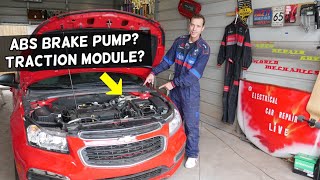
- Locate the EBCM (ABS module), which is typically attached to the hydraulic block with brake lines running to it, often low in the engine bay. 🎬 Watch this to help locate your ABS and traction control modules. Visually inspect the wiring harness and connector for any signs of corrosion, moisture, or physical damage.
- If wiring appears intact, use a digital multimeter to verify the EBCM has proper power and ground at its connector.
- If power and ground are good, test the CAN bus network integrity. This involves checking for ~60 ohms of resistance across the CAN high and CAN low wires and checking for ~2.5V on each line. This is an advanced step best left to a professional.
- If all wiring, power, and grounds are confirmed good, the EBCM itself is the likely point of failure. Replacement requires professional programming.
Parts You'll Likely Need
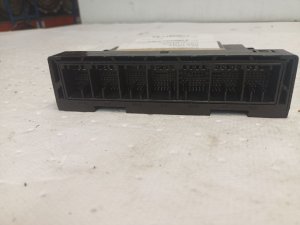
- Electronic Brake Control Module (EBCM)
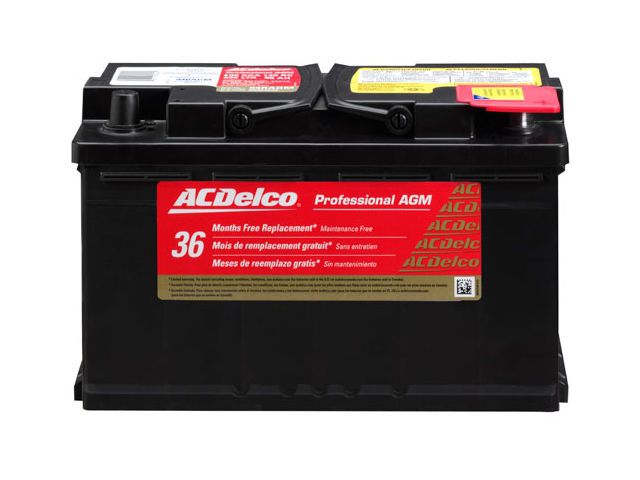
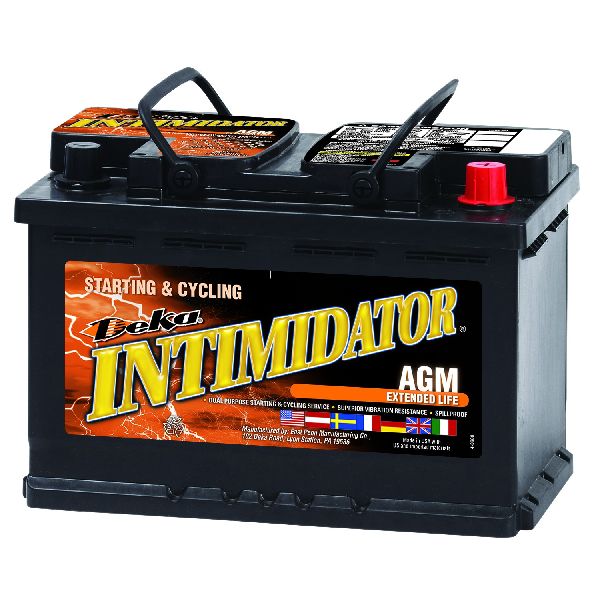
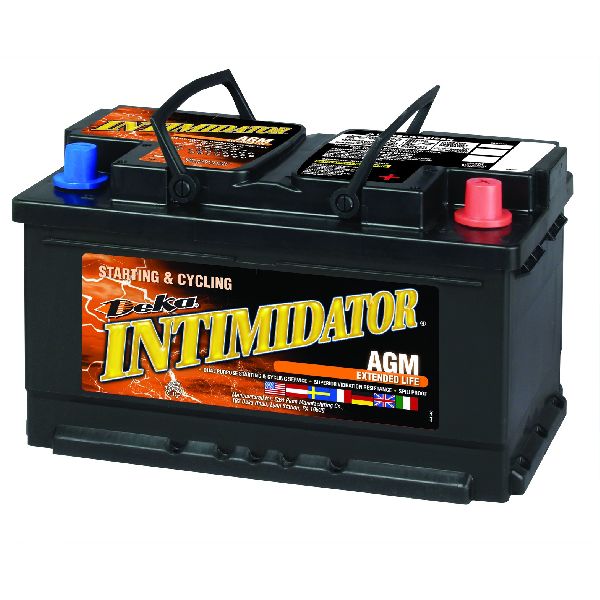
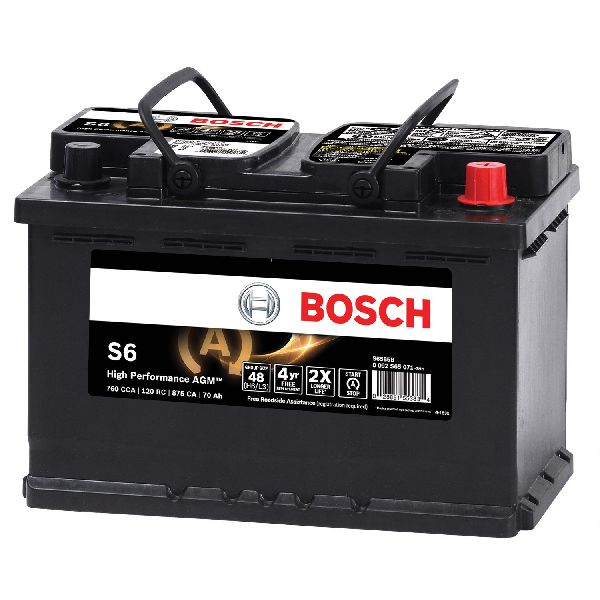
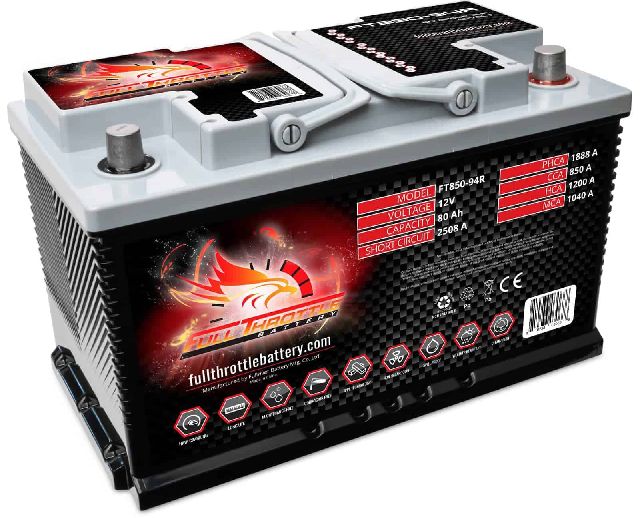
- AGM Battery
Related Codes That Often Appear With This One
- C0561 — This is a common GM code indicating that the stability control system (StabiliTrak) has been disabled, which is a direct result of a true U0121 fault.
Technical Service Bulletins (TSBs) & Recalls
- PIT5599: Communicates that a history DTC U0121 in the FVCM is a false code due to a software anomaly and should not be diagnosed. It explicitly warns not to replace the FVCM for this issue.
- 16-NA-177: Explains that DTC U0121 may set in the Front View Camera Module history due to a software anomaly and instructs technicians to ignore it as it causes no customer concern. It also notes the issue was to be fixed in the 2018 model
Platform-Specific Known Issues
- A software anomaly in the Front View Camera Module (FVCM) causes a false U0121 code to be stored in history with each ignition cycle. This is considered a 'phantom code' and should be ignored if no other symptoms are present, as documented in GM TSBs PIT5599 and 16-NA-177.
- Weak batteries are known to cause intermittent 'Service StabiliTrak' and 'Service Brake Assist' messages, which can accompany a true U0121 fault. This is often most noticeable during an auto start/stop cycle where voltage can dip.
Mechanic-Grade Diagnostic Values
- CAN Bus Network Resistance — expected: ~60 Ω between CAN High and CAN Low pins at the DLC (with battery disconnected).. Failure: A reading of ~120 Ω indicates an open circuit or one of the two terminating resistors is offline. A reading significantly lower than 60 Ω suggests a short between the CAN lines.
- CAN Bus Voltage (High-Speed) — expected: CAN High: ~2.6V, CAN Low: ~2.4V (Key On, Engine Off).. Failure: Voltages that are the same (e.g., both 2.5V) can indicate a short between the lines. Both lines at 0V can indicate a short to ground.
- Module Ground Point Resistance — expected: < 1.0 Ω between the EBCM ground wire pin at the connector and the negative battery terminal.. Failure: A resistance higher than 1.0 Ω indicates a poor ground connection, which can cause intermittent communication issues.
Scan Tool Commands That Help
- GM GDS2 (Global Diagnostic System 2): Module Diagnostics > EBCM > Control Functions — To perform bidirectional tests on a true fault. This allows a technician to individually command ABS solenoids and the pump motor to verify their operation, isolating a hydraulic or electrical failure within the ABS assembly from a wiring or communication problem.
- GM SPS2 (Service Programming System 2): Replace and Reprogram — When installing a replacement EBCM. This function is required to load the correct VIN and vehicle configuration software into the new module to make it operational. It may also allow for the programming of a used module in some cases.
- GM SPS2 (Service Programming System 2): EBCM Electronic Brake Control Module - Programming — To update the software on an existing EBCM to correct a known software bug, such as the one described in TSB 16-NA-383 for a related parking brake issue.
Wiring & Ground Locations
- Engine Compartment Fuse Block — Located in the engine bay, easily accessible.. This fuse block contains the primary fuses that supply power to the Electronic Brake Control Module (EBCM). A blown fuse here will cause a complete loss of communication.
- EBCM Ground — Typically a G1xx-series ground point. On many GM vehicles, the EBCM ground is a ring terminal bolted directly to the frame rail near the EBCM itself, often under the driver's side of the engine bay.. A corroded or loose ground is a high-probability cause for intermittent communication faults and can mimic an internal module failure. This connection provides the ground reference for the module's electronics.
- G304 Ground — A ground point related to the rear of the vehicle, specifically mentioned in a bulletin regarding the right tail lamp area.. While not directly for the EBCM, a bulletin for related GM platforms notes that water intrusion from the tail lamp can wick down the wiring to a body harness connector (X350), causing shorts and battery drain. This demonstrates how a seemingly unrelated ground or connector can cause widespread electrical issues.
Real Owner Repair Stories
- YouTube user and Reddit forum posts (2017 Cadillac XT5) — Intermittent 'Service StabiliTrak' and 'Service Brake Assist' messages, particularly when the auto start/stop feature engages at a red light. Lights on the dash would dim slightly as the engine restarted.
❌ Tried (didn't work) Initial dealer visit could not duplicate the intermittent concern.
✅ What actually fixed it The dealer performed an extended battery test (53 minutes) which confirmed the battery was failing. Replacing the original AGM battery with a new one completely resolved the warning messages. Multiple other owners of 2017-2020 models confirmed an identical fix.
OEM Part Supersession History
84057104→84740921— Standard part revision or update.
Heads up: 84740921 is the specified module for 2017 XT5 models.84329995→84401914— Standard part revision or update. This change aligns with the 2018 model year where the FVCM software anomaly was corrected.
Heads up: 84401914 is the specified module for 2018+ XT5 models. Using a 2017 module on a 2018+ vehicle or vice-versa is not recommended due to potential software/hardware differences.
Model Year Variations Within This Range
- 2017: Subject to the Front View Camera Module (FVCM) software anomaly that sets a false, historical U0121 code per TSBs PIT5599 and 16-NA-177. The specified EBCM part number is 84740921.
- 2018: The FVCM software anomaly was reportedly corrected for this model year. The specified EBCM part number was changed to 84401914, indicating a hardware or internal software revision.
Helpful Videos


Used OEM Parts in Stock



New Aftermarket Parts Available


The information in this article is provided for general reference and educational purposes only. Vehicle specifications, procedures, and part compatibility can vary by production date, trim level, and region. Always consult your vehicle's factory service manual and verify part numbers before purchasing or performing repairs. Safety-critical components such as airbags, seat belts, and braking systems should be installed by a qualified professional.
- Cadillac XT5:
- 🎬 Helpful Videos
- 🛍️ Shop This Part
- What's Unique About the 2017-2018 Cadillac XT5
- Diagnostic Flowchart
- Symptoms You May Notice
- Most Likely Causes
- Diagnosis Steps
- Parts You'll Likely Need
- Related Codes That Often Appear With This One
- Technical Service Bulletins (TSBs) & Recalls
- Platform-Specific Known Issues
- Mechanic-Grade Diagnostic Values
- Scan Tool Commands That Help
- Wiring & Ground Locations
- Real Owner Repair Stories
- OEM Part Supersession History
- Model Year Variations Within This Range
- 🎟️ Get 5% Off