

C1711 on 2012-2015 Nissan Altima: TPMS 'No Data' Fault Causes and Fixes
Code C1711 on a 2012-2015 Nissan Altima means the car's computer is not receiving a signal from the rear-left tire pressure sensor. This is almost always caused by a dead battery inside the sensor itself, a common failure for vehicles of this age. Before replacing parts, unplug all aftermarket phone chargers and dash cams to rule out radio frequency interference, a known Nissan issue. The fix is to replace the sensor and have it programmed to the vehicle, which typically costs $50-$100 for the p
- C1711 means the rear-left TPMS sensor is not communicating with your Altima.
- The most likely cause is a dead battery in the sensor, which is an expected failure on a vehicle of this age.
- Before replacing the sensor, unplug any aftermarket phone chargers or dash cams to rule out radio frequency interference, a known issue for this car.
- Repair requires specialized tools to dismount the tire and program the new sensor, making it a job for a tire shop or dealer.
What's Unique About the 2012-2015 Nissan ALTIMA
The 2012-2015 Nissan Altima's TPMS, which Nissan calls the Low Tire Pressure Warning System (LTPWS), is known to be sensitive to radio frequency (RF) interference. Nissan issued a technical service bulletin (NTB13088A) acknowledging that devices like aftermarket phone chargers, dash cams, or power inverters can disrupt the 315 MHz signal from the TPMS sensors, causing codes like C1711. While a failed sensor is the most common culprit, this platform-specific sensitivity means that checking for interference is a critical first diagnostic step. Forum users have reported dash cams, in particular, causing this issue.
Diagnostic Flowchart
Tap your situation to follow the diagnostic path that matches what you're seeing on this vehicle.
Generation note: The 2012 model year is the final year of the fourth generation (L32) Altima, while 2013-2015 models belong to the fifth generation (L33). The TPMS technology, operating at 315 MHz, and the C1711 code are applicable to both generations within this range. However, the physical location of the BCM (TPMS receiver) and the recommended relearn procedure differ between these generations.
Symptoms You May Notice
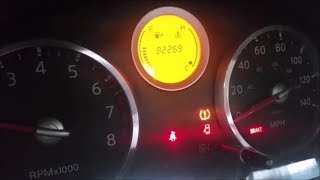
- TPMS warning light flashes for approximately 60 seconds upon startup and then stays illuminated.
- A "Check Tire Pressure" or "TPMS Error See Owner's Manual" warning message may appear in the vehicle information display.
- The vehicle's system will not be able to display the pressure reading for the rear-left tire, often showing dashes (--) instead.
- Inability to use the Easy Fill Tire Alert feature on the rear-left tire (2013-2015 models).
- Replacing the wrong sensor. Tire rotations can lead to confusion about which sensor is in which location. Always use a TPMS tool to confirm which wheel position is failing to report before replacing a sensor. A technician can trigger each sensor and see which one doesn't respond.
- Assuming the BCM is faulty before ruling out a bad sensor or RF interference. A single C1711 code almost never points to a bad BCM.
Most Likely Causes
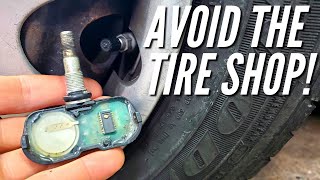
- Dead TPMS Sensor Battery 🔴 High Probability TPMS sensors use non-replaceable batteries with a finite lifespan of 5-10 years. Vehicles in the 2012-2015 year range are at an age where battery failure is the most common reason for sensor failure. It is a widely reported failure among owners of Altimas from this era.
How to confirm: A professional tire shop can use a TPMS diagnostic tool to attempt to activate the sensor. If the sensor does not respond or the tool explicitly shows a 'low battery' status, its battery is dead.
Typical fix: Replace the rear-left TPMS sensor and perform the TPMS relearn procedure. It is often recommended to replace all four sensors at once, as the others are likely to fail soon.
Est. part cost: $30-$80 - Radio Frequency (RF) Interference 🟡 Medium Probability As noted in Nissan TSB NTB13088A, the TPMS receiver is susceptible to interference from other electronic devices operating on similar frequencies. Dash cams and cheap USB phone chargers are frequently cited by owners as the source of the problem.
How to confirm: Unplug all aftermarket electronic devices, especially those plugged into 12V power outlets (e.g., phone chargers, dash cams, GPS units). Clear the code and drive the vehicle above 16 MPH for several minutes to see if the fault returns. If the light stays off, one of the devices was the cause.
Typical fix: Remove, relocate, or replace the source of the RF interference. Using a high-quality, properly shielded power adapter or hardwire kit for accessories can prevent the issue.
Est. part cost: $0 - Faulty or Damaged TPMS Sensor ⚪ Low Probability Sensors can be physically damaged during tire installation or by hitting potholes. Internal corrosion from moisture or the use of unapproved tire sealants can also cause failure.
How to confirm: If the sensor's battery is confirmed to be good (unlikely on an older vehicle) but it still fails to communicate, the sensor itself is faulty. Visual inspection after dismounting the tire may reveal cracks or corrosion.
Typical fix: Replace the faulty TPMS sensor and register the new one to the vehicle.
Est. part cost: $30-$80
Rare But Worth Checking
- Faulty Body Control Module (BCM) or TPMS Receiver: The BCM acts as the receiver for the TPMS sensor signals. While very rare for a single sensor code, a failure in the BCM's receiver circuit or a bad ground connection can prevent it from receiving data. This should only be suspected after confirming the sensor is good and there is no RF interference. A failing BCM typically presents with multiple, unrelated electrical issues like erratic lights, door locks, or starting problems.
Diagnosis Steps
- Confirm the symptom: Start the car and observe the TPMS light. A flashing for ~60 seconds followed by a solid light indicates a system fault, not low pressure.
- Eliminate RF Interference: Unplug ALL aftermarket 12V accessories (phone chargers, dash cams, power inverters). Clear codes if possible, and drive the vehicle for 5-10 minutes at speeds over 16 MPH to see if the light turns off.
- Scan for Codes: Use an OBD-II scanner capable of reading Chassis (C) codes to confirm C1711 is the active fault.
- Test the Sensor: Use a TPMS activation/diagnostic tool at the rear-left wheel. Attempt to read the sensor's ID, pressure, temperature, and battery status.
- Analyze Test Results: If the tool gets no response or shows a low/dead battery, the sensor has failed and must be replaced. This is the most common outcome.
- Confirm Location (Optional but Recommended): If there's any doubt about tire rotation history, test all four sensors to ensure you are replacing the correct one. The code C1711 should correspond to the sensor that fails the tool test.
- Inspect BCM/Receiver: Only if the sensor tests good with a TPMS tool but the car still won't read it (and RF interference is ruled out) should you suspect a problem with the BCM or its wiring. Check BCM power and ground pins per service manual procedures.
- Replace and Relearn: After replacing the sensor, a TPMS tool must be used to register the new sensor's unique ID to the vehicle's BCM.
Parts You'll Likely Need
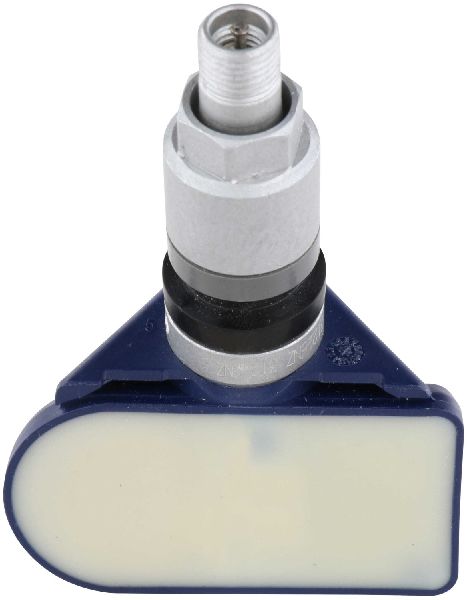
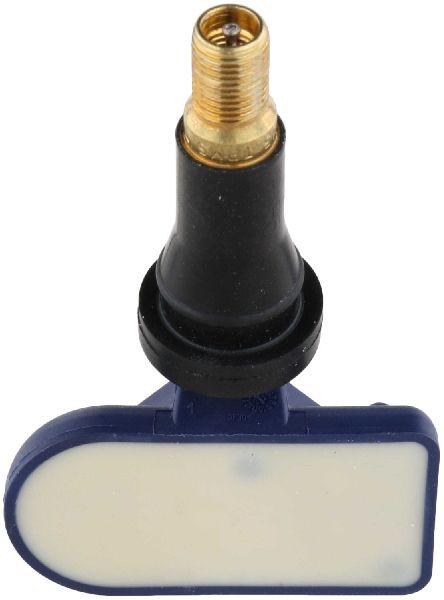
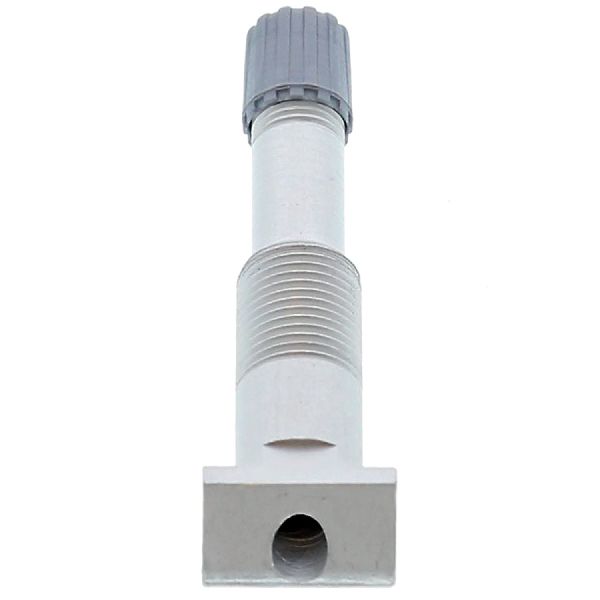
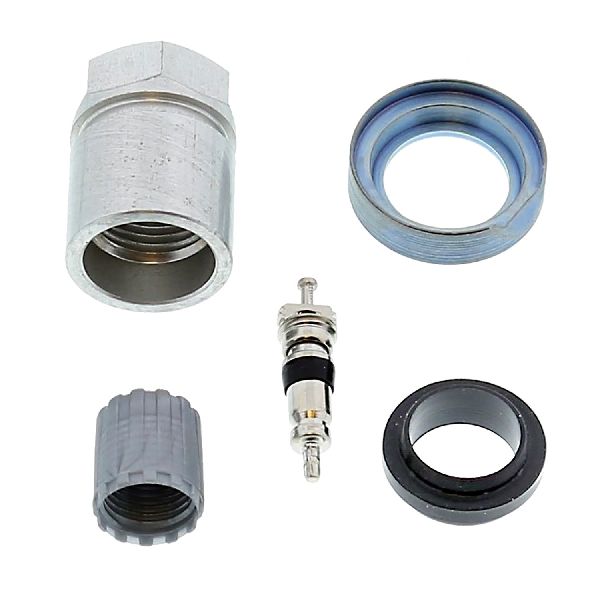
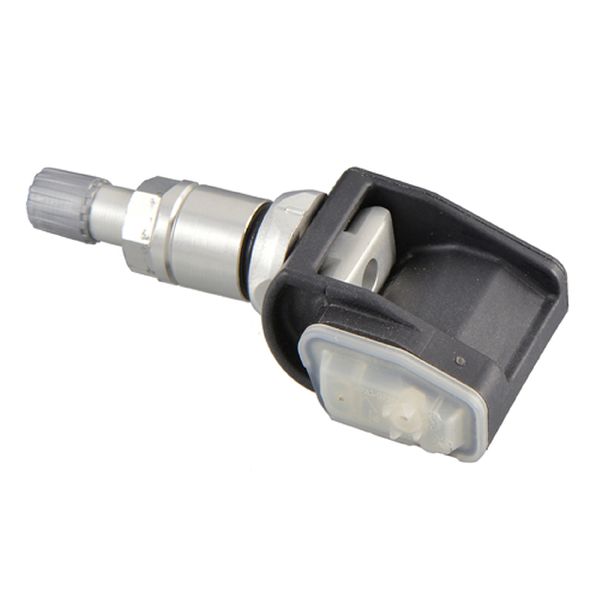
- Tire Pressure Monitoring System (TPMS) Sensor
(OEM #40700-3AN0C)— This is the component that fails, usually due to its internal battery dying after 5-10 years. It is the direct cause of the C1711 code. This part number may be superseded by 40700-3AN0D or 40700-3AN1B, or be cross-referenced with 40700-3AN0A / 40700-3AN0B.
Trusted brands: Schrader, Continental/VDO, Denso, Dorman, Autel
OEM price range: $60-$100
Aftermarket price range: $30-$60
Related Codes That Often Appear With This One
- C1708 — Relates to the Front-Left sensor. Seeing multiple codes (C1708, C1709, C1710, C1711) together 🎬 Watch: Diagnosing multiple sensor codes on a Nissan Altima could point to a systemic issue like multiple sensors failing due to age, or widespread RF interference.
- C1709 — Relates to the Front-Right sensor. If multiple sensors fail to report, it increases the likelihood of an issue beyond a single dead battery.
- C1710 — Relates to the Rear-Right sensor. Seeing codes for both rear tires (C1710 and C1711) is common if they are the same age and failing around the same time.
Technical Service Bulletins (TSBs) & Recalls
- NTB13088A: This bulletin provides general information on Nissan's Low Tire Pressure Warning System (LTPWS) and explicitly calls out radio frequency interference from devices like cell phone chargers as a potential cause for C1708, C1709, C1710, and C1711 codes.
Platform-Specific Known Issues
- Nissan has issued TSB NTB13088A, which covers this vehicle range, specifically mentioning that radio frequency interference from aftermarket electronics can cause "No Data" conditions like C1711. This is a very common first step for diagnosis on this platform.
- The 5th generation (2013-2015) Altima features an 'Easy Fill Tire Alert' system that honks the horn when the correct pressure is reached during inflation. A C1711 fault will render this feature inoperative for the affected tire.
Mechanic-Grade Diagnostic Values
- BCM Power Supply Voltage — expected: Battery voltage. Failure: No or low voltage indicates a problem with the fuse, fusible link, or wiring harness.
- BCM Ground Circuit Continuity — expected: Continuity to ground (near 0 ohms). Failure: High resistance or no continuity indicates a broken or corroded ground wire.
Scan Tool Commands That Help
- Nissan CONSULT-II / CONSULT-III: Work Support > ID REGIST — This is the dealership-level function used to register the unique IDs of new TPMS sensors to the BCM after replacement. The tool guides the tech to activate each sensor in sequence to complete programming.
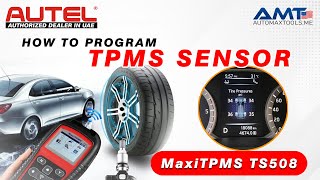
- Autel (e.g., TS508, TS608): TPMS > Relearn > OBD Relearn — This is a common aftermarket method to write the new sensor IDs to the vehicle's ECU through the OBD-II port after sensor replacement.
- Autel (and similar advanced TPMS tools): Program Sensor > Copy by Activation — This function reads the ID from the old, failing sensor (if it's still transmitting at all) and writes that same ID to a new programmable sensor. This creates a 'clone' of the old sensor, which can prevent the need for an OBD relearn procedure.
Wiring & Ground Locations
- Body Control Module (BCM) — For 2013-2015 models, the BCM is located behind the instrument cluster/speedometer. Access requires removing the upper and lower dash trim panels around the steering column.. The BCM contains the TPMS receiver. In the rare event of a suspected receiver or wiring issue, knowing its physical location is essential for testing power, ground, and antenna connections.
- BCM Ground Pins — On BCM connector M21, the primary ground connections are at terminals 134 and 143.. A poor ground at the BCM can cause a wide range of unpredictable electrical faults, including a failure to receive data from one or more TPMS sensors, even if the sensors themselves are good.
- TPMS Manual Relearn Connector (Pre-2013 models) — On some older Nissan models, a single-wire white connector is taped to the OBD-II port wiring harness under the driver's dash.. While not the recommended or reliable method for 2013-2015 models, this connector was used in a manual procedure (grounding the pin 6 times) to put the system into learning mode. Its presence on a 2012 model is possible but should be considered a secondary option to professional tools.
Real Owner Repair Stories
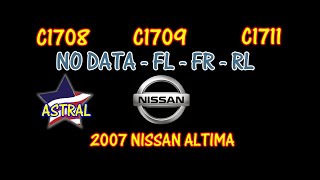
- YouTube channel 'OnlineAutoRepairVideos.com' (2007 Nissan Altima 2.5) — TPMS light on with codes C1708, C1709, and C1711 (No data from FL, FR, and RL sensors).
❌ Tried (didn't work) The mechanic noted that simply replacing the sensors based on the code's position (e.g., C1711 for Rear Left) is a common mistake that can lead to misdiagnosis if tires have been rotated.
✅ What actually fixed it The technician used a TPMS tool to individually test each sensor at the wheel. This confirmed three sensors were dead and one had a low battery. All four sensors were replaced with aftermarket units. The new sensor IDs were then programmed into the vehicle's computer using an Autel scanner to clear the codes and restore system function. - Reddit user on r/altima (2014 Nissan Altima) — A 'TPMS error see owners manual' message appeared on the dash display, with dashes (--) for the tire pressure readings.
❌ Tried (didn't work) Adjusting tire pressure up and down did not resolve the error message.
✅ What actually fixed it The consensus and recommended fix from other owners was to take the vehicle to a tire shop. The shop can use a diagnostic tool to test each of the four sensors, identify which one has failed (usually due to a dead battery), and replace only the necessary part.
OEM Part Supersession History
40700-3AN0C→40700-3AN0D, 40700-3AN1B (common supersessions)— Standard part revision and updates by the manufacturer.
Heads up: Part numbers 40700-3AN0A and 40700-3AN0B are also listed as compatible for 2012-2013 models. Always verify fitment with the vehicle's VIN, as minor changes can occur. The key is ensuring the sensor operates at 315 MHz for the North American market.40700-3AN0D→40770-3AN0D— Part number scheme change or revision.
Model Year Variations Within This Range
- 2013-2015 (5th Gen, L33): The BCM, which integrates the TPMS receiver, is located behind the instrument cluster. Relearning new sensors is most reliably done with an OBD-II scan tool. These models also feature the 'Easy Fill Tire Alert' system.
- 2012 (4th Gen, L32): The TPMS receiver may be a separate antenna located in the passenger-side A-pillar, not integrated into the BCM in the same way as the L33. A manual relearn procedure using a connector near the OBD-II port may be possible, though less reliable than a scan tool.
Helpful Videos
We Have This Part in Stock


The information in this article is provided for general reference and educational purposes only. Vehicle specifications, procedures, and part compatibility can vary by production date, trim level, and region. Always consult your vehicle's factory service manual and verify part numbers before purchasing or performing repairs. Safety-critical components such as airbags, seat belts, and braking systems should be installed by a qualified professional.
- Nissan ALTIMA:
- 🎬 Helpful Videos
- 🛍️ Shop This Part
- What's Unique About the 2012-2015 Nissan ALTIMA
- Diagnostic Flowchart
- Symptoms You May Notice
- Most Likely Causes
- Rare But Worth Checking
- Diagnosis Steps
- Parts You'll Likely Need
- Related Codes That Often Appear With This One
- Technical Service Bulletins (TSBs) & Recalls
- Platform-Specific Known Issues
- Mechanic-Grade Diagnostic Values
- Scan Tool Commands That Help
- Wiring & Ground Locations
- Real Owner Repair Stories
- OEM Part Supersession History
- Model Year Variations Within This Range
- 🎟️ Get 5% Off