

C1708 on 2011-2015 Nissan Quest: TPMS 'No Data' Causes and Fixes
On a 2011-2015 Nissan Quest, code C1708 means the front-left tire pressure sensor has failed. This is almost always due to a dead internal battery. The fix is to replace the sensor and program the new one, which typically costs $150-$275 at a tire shop. Before any repair, unplug all 12V accessories like phone chargers to rule out Radio Frequency (RF) interference, a known Nissan issue.
- C1708 on a 2011-2015 Quest means the front-left TPMS sensor is not sending a signal, usually due to a dead battery.
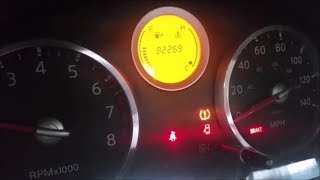
- The primary symptom is a TPMS light that flashes for a minute and then stays on.
- Before replacing any parts, unplug all phone chargers and dash cams to rule out RF interference, a known and free-to-check issue documented by Nissan.
- Replacement requires a special tool to register the new sensor's ID with the vehicle's computer (BCM).
- If multiple TPMS codes are present, it's likely all original sensors are nearing the end of their battery life and should be replaced at the same time to save on future labor.
What's Unique About the 2011-2015 Nissan QUEST
For this generation of Nissan Quest and its platform mates, the TPMS is known to be sensitive to radio frequency (RF) interference. Nissan issued a Technical Service Bulletin (NTB13-088A) specifically warning that aftermarket accessories, like cell phone chargers, dash cams, or power inverters plugged into the 12V outlets, can disrupt the sensor signal and trigger a C1708 code. Owners on various forums have confirmed that cheap, unshielded USB chargers are a common culprit. Always unplug these devices to rule out this simple fix before assuming the sensor has failed.
Diagnostic Flowchart
Tap your situation to follow the diagnostic path that matches what you're seeing on this vehicle.
Symptoms You May Notice
- TPMS warning light flashes for approximately one minute at startup, then stays on continuously.
- Inability to view the tire pressure reading for the front-left tire on the vehicle information display (if equipped).
- A 'Tire Pressure System Fault' or similar message may appear on the information display.
- Replacing the wrong wheel's sensor. C1708 is specific to the front-left position. However, if tires have been rotated without a relearn, the physical location may differ. Always use a TPMS tool to confirm which sensor is dead before removal.
- Assuming the system will 'auto-learn' a new sensor. On these Nissan models, a specific registration procedure with a tool is required.
- Immediately replacing the sensor without first checking for RF interference from 12V accessories, which is a free and common fix.
Most Likely Causes
- Dead TPMS Sensor Battery 🔴 High Probability The sealed, non-replaceable batteries inside TPMS sensors have a finite lifespan of 5-10 years. Vehicles in the 2011-2015 year range are at or beyond the typical life expectancy of the original sensors.
How to confirm: A technician can use a TPMS activation tool at the front-left wheel. If the tool cannot get a response (cannot 'wake up' the sensor), the sensor has failed. A dealer-level scan tool can also read the battery status as 'LOW'.
Typical fix: Replace the front-left TPMS sensor and register the new sensor ID to the BCM.
Est. part cost: $40-$120 - Radio Frequency (RF) Interference 🟡 Medium Probability As documented in Nissan TSB NTB13088A, the TPMS receiver can be disrupted by signals from low-quality aftermarket electronics plugged into the 12V power outlets. Forum users specifically mention cheap USB phone chargers and dash cams that lack proper RF shielding (like a ferrite choke) as common culprits.
How to confirm: Unplug all aftermarket accessories (phone chargers, dash cams, GPS units, etc.). Clear the code and drive the vehicle for several minutes. If the code does not return, one of the accessories was the cause.
Typical fix: Remove or replace the interfering electronic device with a higher-quality, shielded one.
Est. part cost: $0 - Faulty TPMS Sensor ⚪ Low Probability
How to confirm: If the sensor fails to read with a TPMS tool even after RF interference has been ruled out, the sensor itself is defective.
Typical fix: Replace the front-left TPMS sensor and perform the relearn procedure.
Est. part cost: $40-$120
Rare But Worth Checking
- Faulty Body Control Module (BCM) or TPMS Receiver: This is extremely rare. For this Quest, the TPMS receiver is integrated into the BCM. If a new, correctly programmed sensor still doesn't work and RF interference is not present, the BCM or its wiring may be at fault. This should only be considered after all other possibilities are exhausted.
- Corroded Sensor Valve Stem Nut: While less common on the Quest, a related platform (Nissan Cube) had a recall for TPMS sensor nuts corroding in road salt regions, leading to sensor failure or air leaks. It's worth a visual inspection in rust-prone areas.
Diagnosis Steps
- Verify the symptom: Confirm the TPMS light flashes for about a minute and then stays solid.
- Scan for codes: Use an OBD-II scanner capable of reading BCM/Chassis codes to confirm C1708 is present. A basic engine code reader will not see this code.
- Rule out RF Interference: Unplug ALL aftermarket 12V accessories (phone chargers, dash cams, etc.). This is a critical first step outlined in TSB NTB13-088A.
- Clear codes and test drive: After unplugging accessories, clear the codes and drive the vehicle above 16 mph for a few minutes to see if the light returns.
- Attempt to read the sensor: Use a TPMS activation tool at the front-left wheel. If the tool gets no response, the sensor is bad. A professional scan tool (like Nissan CONSULT) can also check the sensor's battery status directly.
- Check other sensors: Use the TPMS tool to quickly check the other three sensors. If they are also original, consider recommending replacement of all four to save future labor costs.
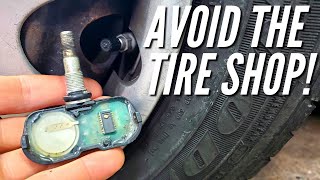
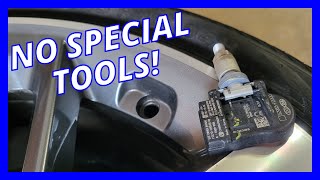
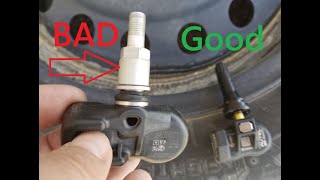
- Replace and Relearn: If the sensor is confirmed bad, replace it. Then, use a TPMS tool with OBD-II relearn capability 🎬 Watch: Step-by-step guide to finding and replacing a bad sensor. to register the new sensor's ID to the BCM.
Parts You'll Likely Need
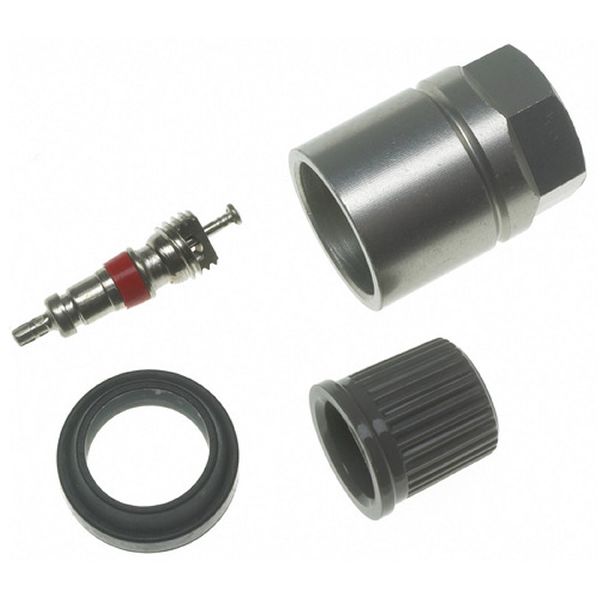
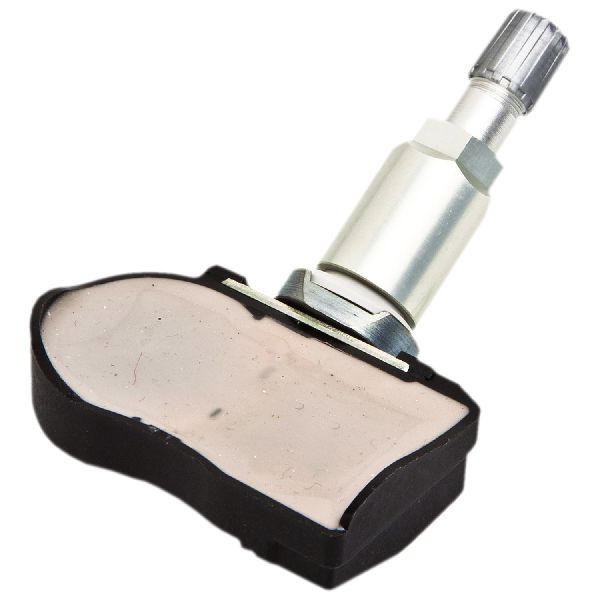
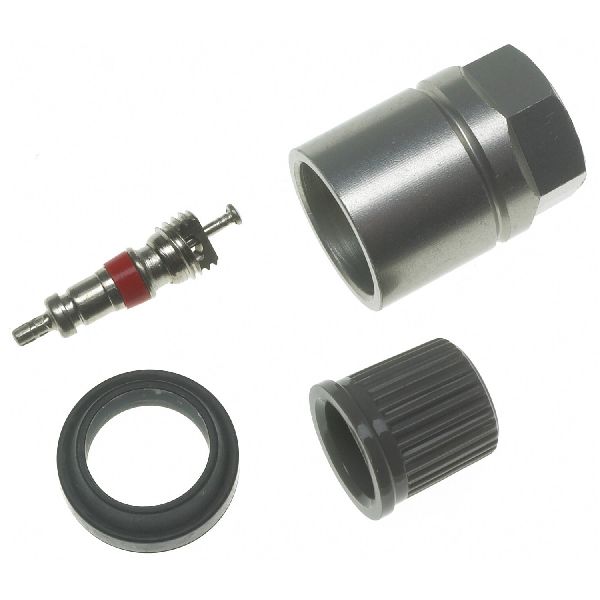
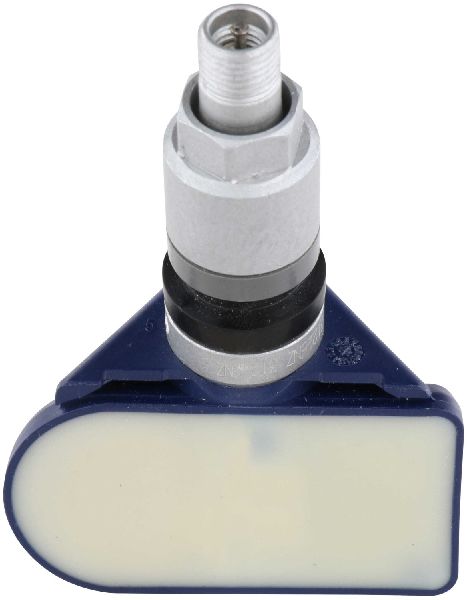
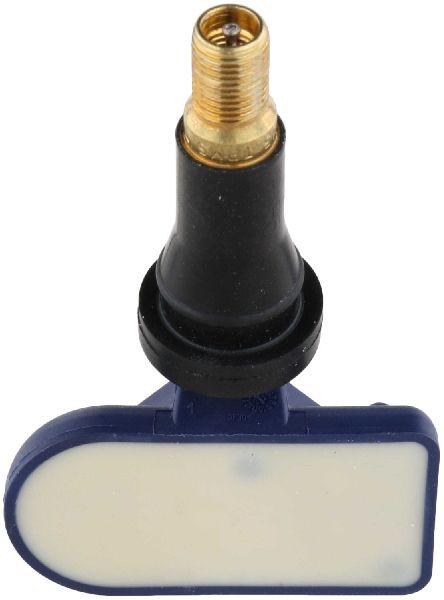
- Tire Pressure Monitoring System (TPMS) Sensor
(OEM #40700-3JA0B, 40700-1LA0C, 40700-1LA0D, 40700-3JA0A)— This part contains the battery and transmitter that fails, causing the C1708 code. The entire unit must be replaced as the battery is sealed inside. Part number 40700-3JA0B often supersedes 40700-3JA0A and 40700-1LA0C for this application.
Trusted brands: Nissan Genuine (often made by Continental or Pacific), Schrader (OEM supplier), Continental/VDO, Pacific, Huf/BH SENS, Denso, Autel (programmable)
OEM price range: $80-$120
Aftermarket price range: $40-$70
Related Codes That Often Appear With This One
- C1709 — This code indicates the same 'No Data' fault for the front-right sensor. It's common for multiple sensor batteries to fail around the same time due to age.
- C1710 — This code indicates the same 'No Data' fault for the rear-right sensor. Seeing multiple codes (C1708, C1710, etc.) strongly suggests the sensor batteries are expiring.
- C1711 — This code indicates the same 'No Data' fault for the rear-left sensor. It is often cost-effective to replace all four sensors if they are original and more than one is failing.
Technical Service Bulletins (TSBs) & Recalls
- NTB13-088A - A comprehensive bulletin on Nissan TPMS diagnostics. It explicitly states that 'Radio frequency interference causing a “No Data” (C1708, C1709, C1710, C1711 🎬 See a mechanic diagnose multiple 'No Data' TPMS codes.) condition' can be caused by devices like 'Smart cell phone chargers' and advises removing them before performing further diagnostics.
Platform-Specific Known Issues
- Per TSB NTB13088A, these vehicles are susceptible to RF interference from aftermarket 12V accessories, which can mimic a failed sensor by causing a 'No Data' condition (C1708, C1709, C1710, C1711).
Mechanic-Grade Diagnostic Values
- TPMS Sensor Battery Status — expected: 'OK'. Failure: 'LOW' or a complete failure of the tool to get any reading from the sensor.
- TPMS Sensor ID — expected: A 7-digit hexadecimal ID should be readable by a TPMS tool and match what is registered in the BCM.. Failure: The tool cannot read any ID from the sensor, indicating it is dead or not transmitting.
Scan Tool Commands That Help
- Nissan CONSULT-II / CONSULT-III: ID Regist (in TPMS Work Support) — This function is mandatory after replacing a TPMS sensor. It allows the technician to manually write the new sensor's unique 7-digit ID into the BCM's memory, allowing the system to recognize it.
- Nissan CONSULT-II / CONSULT-III: Data Monitor (in TPMS) — Used for live diagnosis to view the IDs currently registered to the BCM, the pressure reported by each sensor, and the sensor's internal battery status ('OK' or 'LOW'). This can definitively confirm a dead battery is the cause of C1708 before dismounting a tire.
Wiring & Ground Locations
- BCM (Body Control Module) — High in the dashboard, to the right of the steering column. Access typically requires removing the glove box and/or lower dash trim panels.. The BCM for this Quest generation has the TPMS receiver integrated within it. It is the central component that receives and interprets the signals from all four tire sensors. A fault within the BCM, or a bad connection at its main harness plug, can cause a 'No Data' condition like C1708.
- Grounds M23 & M79 — Common chassis ground points located in the driver's side kick panel area, near the fuse box.. The BCM relies on a solid chassis ground to function correctly. A loose or corroded connection at these ground points can introduce electrical noise or voltage drops, leading to a host of intermittent issues, including the BCM's inability to receive TPMS signals.
Real Owner Repair Stories
- Nissan Quest forum user report (2013 Nissan Quest) — Persistent C1708 code and flashing TPMS light.
❌ Tried (didn't work) Replacing the front-left sensor with a generic aftermarket TPMS sensor., Multiple attempts by a local tire shop to program the aftermarket sensor.
✅ What actually fixed it The owner took the vehicle to a Nissan dealer. The dealer installed a genuine Nissan OEM TPMS sensor (P/N 40700-3JA0B) and programmed it using the Nissan CONSULT scan tool. The code was cleared and did not return. - Tire shop technician anecdote (2011 Nissan Quest) — C1708 code appeared immediately after the customer had their tires rotated at a different shop.
❌ Tried (didn't work) Attempting to relearn the system without first identifying the sensors.
✅ What actually fixed it The technician used a TPMS trigger tool at the front-left wheel and got no response. However, they then tested the other three wheels. The sensor at the rear-left wheel was found to be dead. The previous shop had rotated the tires but failed to perform the TPMS relearn procedure. The BCM was still looking for the dead sensor's ID in the front-left position. The fix was to replace the physically dead sensor (now on the rear-left) and then perform the correct relearn procedure to register all four sensor IDs to their new positions.
When the Usual Fixes Don't Work
- While many aftermarket TPMS sensors work well, there are owner-reported cases where a generic or universal sensor failed to be programmed by a shop's tool. The issue was only resolved by using a genuine Nissan OEM sensor and having it programmed by a dealer with a CONSULT scan tool. This suggests that for a guaranteed fix, especially if an initial replacement fails, using the OEM part can save diagnostic time and labor.
OEM Part Supersession History
40700-1LA0C, 40700-3JA0A→40700-3JA0B, 40700-3JA0E— Standard part revision and supplier updates.
Heads up: All listed parts are 315 MHz and are compatible. However, when using universal/programmable aftermarket sensors (e.g., Autel MX-Sensor), they must be programmed to emulate the specific Nissan protocol for this vehicle *before* installation. Simply installing a blank universal sensor will not work.
Model Year Variations Within This Range
- 2011-2015: No significant variations in the TPMS hardware, sensor frequency (315 MHz), or diagnostic procedures have been noted across the 2011-2015 Nissan Quest generation. The causes and fixes are consistent.
Helpful Videos
We Have This Part in Stock


The information in this article is provided for general reference and educational purposes only. Vehicle specifications, procedures, and part compatibility can vary by production date, trim level, and region. Always consult your vehicle's factory service manual and verify part numbers before purchasing or performing repairs. Safety-critical components such as airbags, seat belts, and braking systems should be installed by a qualified professional.
- Nissan QUEST:
- 🎬 Helpful Videos
- 🛍️ Shop This Part
- What's Unique About the 2011-2015 Nissan QUEST
- Diagnostic Flowchart
- Symptoms You May Notice
- Most Likely Causes
- Rare But Worth Checking
- Diagnosis Steps
- Parts You'll Likely Need
- Related Codes That Often Appear With This One
- Technical Service Bulletins (TSBs) & Recalls
- Platform-Specific Known Issues
- Mechanic-Grade Diagnostic Values
- Scan Tool Commands That Help
- Wiring & Ground Locations
- Real Owner Repair Stories
- When the Usual Fixes Don't Work
- OEM Part Supersession History
- Model Year Variations Within This Range
- 🎟️ Get 5% Off