

C1708 on 2013-2015 Nissan Pathfinder: TPMS 'No Data' Causes and Fixes
On a 2013-2015 Pathfinder, code C1708 means the front left Tire Pressure Monitoring System (TPMS) sensor is not communicating with the vehicle. The most common cause is a dead battery inside the sensor. Before replacing it, unplug any aftermarket phone chargers to rule out radio frequency interference, a known issue documented in Nissan TSB NTB13088A. A new sensor costs $40-$110, plus labor for installation and programming.
- C1708 on a 2013-2015 Pathfinder means the front left TPMS sensor is not sending a signal.
- Before replacing any parts, unplug ALL aftermarket accessories (phone chargers, dash cams) to rule out radio frequency interference, a very common cause documented by Nissan.
- The most likely part failure is a dead battery inside the sensor itself, which requires replacing the entire sensor unit.
- Sensor replacement is not a simple DIY job; it requires a tire machine and a special tool to register the new sensor with the car's computer.
What's Unique About the 2013-2015 Nissan PATHFINDER
For this generation of Pathfinder (R52), Nissan issued a specific Technical Service Bulletin (NTB13088A) that highlights a common and unique cause for C1708: radio frequency (RF) interference. Aftermarket devices like cell phone chargers (especially wireless or 'smart' chargers), dash cams, and even aftermarket DVD players can transmit RF noise that blocks the 315MHz TPMS signal. This makes it crucial to unplug all 12V accessories as a first diagnostic step before assuming the sensor has failed. This issue is also documented for its Infiniti platform-mate, the QX60, under TSB ITB13-039.
Diagnostic Flowchart
Tap your situation to follow the diagnostic path that matches what you're seeing on this vehicle.
Symptoms You May Notice
- TPMS warning light flashes for approximately one minute at startup, then stays on solid. 🎬 See how to diagnose a solid TPMS light with a scan tool
- Tire pressure value for the front left tire is blank or shows dashes in the vehicle information display.
- Inability to clear the TPMS warning light.
- A "TPMS error: See owner's manual" message may appear on the instrument cluster display.
- Replacing the wrong sensor. If tires have been rotated without performing a TPMS relearn procedure, the sensor that the BCM identifies as 'Front Left' may physically be on another corner of the car. Always use a TPMS tool to confirm which sensor is not transmitting before replacement.
- Immediately assuming the sensor is bad without first checking for RF interference. Unplugging all 12V accessories is a free and very common fix that should always be the first step.
Most Likely Causes
- Dead TPMS Sensor Battery 🔴 High Probability TPMS sensors contain a non-serviceable battery with a finite lifespan of 5-10 years. For 2013-2015 vehicles, the original sensors are at or near the end of their expected service life, making battery failure the most common cause.
How to confirm: Use a TPMS activation tool at the front left wheel. If the tool cannot get a response from the sensor ('Trigger Failed' or similar), the battery is dead or the sensor has failed.
Typical fix: Replace the TPMS sensor in the front left wheel. The tire must be dismounted to access the sensor. The new sensor's ID must then be registered to the vehicle's BCM using a TPMS programming tool. Many owners opt to replace all four sensors at once if they are original, to avoid future labor costs as the others are likely to fail soon.
Est. part cost: $40-$110 - Radio Frequency (RF) Interference 🟡 Medium Probability As documented in Nissan TSB NTB13088A, the TPMS receiver in this platform is sensitive to RF noise from aftermarket 12V accessories. Inexpensive phone chargers, wireless chargers, dash cams, and other plug-in devices are common culprits that can jam the 315MHz signal.
How to confirm: Unplug all aftermarket electronic devices from the 12V power outlets (cigarette lighter sockets). Clear the codes and drive the vehicle for several minutes at speeds above 20 MPH. If the code does not return, one of the devices was the cause.
Typical fix: Identify the interfering device by plugging them back in one by one. Replace the faulty device with a higher-quality, better-shielded alternative or leave it unplugged. This repair costs nothing if the device is simply removed.
Est. part cost: $0-$50 - Damaged TPMS Sensor ⚪ Low Probability Sensors can be physically damaged during tire changes if the technician is not careful. They can also be damaged by the use of unapproved liquid tire sealants, which can clog the sensor's pressure port.
How to confirm: Visual inspection after dismounting the tire. The sensor may have visible cracks or signs of corrosion from sealant chemicals. The sensor can also be damaged if a tire is deflated while the sensor is at the 6 o'clock position.
Typical fix: Replace the damaged TPMS sensor and register the new one.
Est. part cost: $40-$110
Rare But Worth Checking
- Faulty Body Control Module (BCM): This is extremely rare. If a new, correctly registered sensor still won't clear the code and RF interference has been ruled out, the BCM itself may be the issue. This is more likely if codes for all four sensors (C1708, C1709, C1710, C1711) are present simultaneously and do not clear with new sensors. This requires advanced diagnostics by a professional.
Diagnosis Steps
- Confirm C1708 is present using a scan tool that can read BCM/Chassis codes.
- Observe the TPMS warning light at startup. A one-minute flash followed by a solid light confirms a system fault.
- CRITICAL FIRST STEP: Unplug all aftermarket accessories (phone chargers, dash cams, GPS units, etc.) from all 12V power outlets.
- Clear the code and drive the vehicle for at least 10 minutes at speeds over 20 MPH to see if the code returns. If it does not, an accessory was the cause.
- If the code returns, use a TPMS activation tool at the front left wheel to attempt to read the sensor. The tool will try to 'trigger' or 'wake up' the sensor.
- If the tool gets no response ('Trigger Failed'), the sensor has failed (likely a dead battery) and needs to be replaced.
- If the tool *does* get a response, the issue may be with the registration or the vehicle's TPMS receiver (BCM). Attempt a TPMS relearn procedure using a compatible scan tool.
- If the relearn fails, or if all four sensors fail to respond, the vehicle requires advanced diagnostics by a qualified technician to investigate the BCM and its wiring.
Parts You'll Likely Need
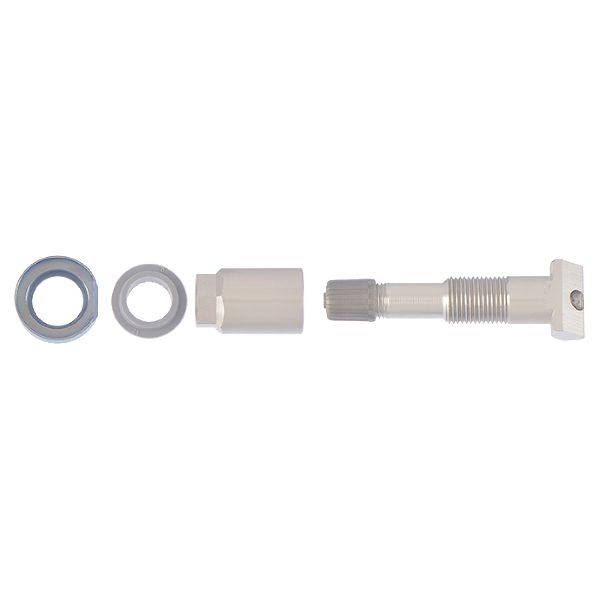
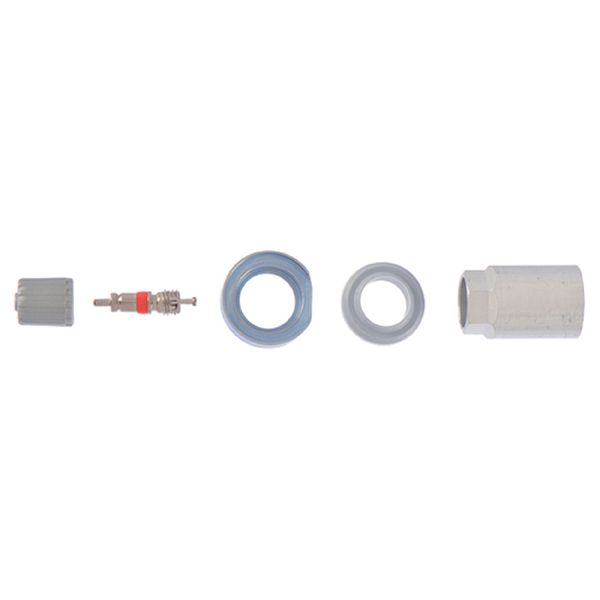
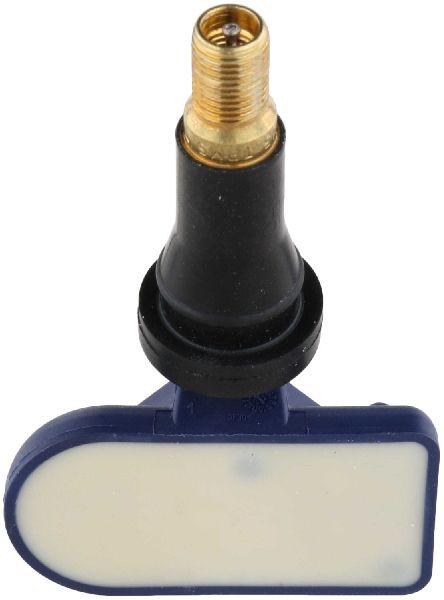
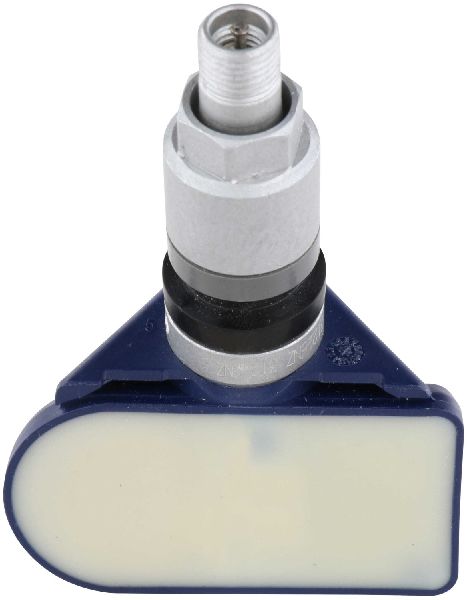
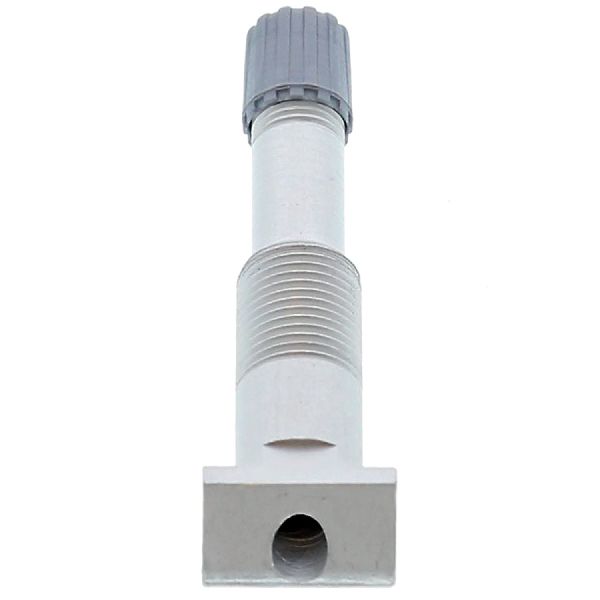
- Tire Pressure Monitoring System (TPMS) Sensor
(OEM #40700-3JA0B)— This is the part that fails, most commonly due to its internal battery expiring. The battery is not serviceable, so the entire unit must be replaced. This part number supersedes the earlier 40700-3JA0A.
Trusted brands: Nissan Genuine, Schrader, Continental/VDO, Autel, Denso
OEM price range: $80-$110
Aftermarket price range: $40-$70
Related Codes That Often Appear With This One
- C1709, C1710, C1711 — These codes correspond to the other three wheel sensors (Front Right, Rear Right, Rear Left). If they appear together, it's a strong sign that all the original sensor batteries are failing around the same time due to age, making a full set of four the most practical repair. If all appear at once and the vehicle is not old, it could point to a widespread RF interference issue or a faulty BCM.
Technical Service Bulletins (TSBs) & Recalls
- NTB13088A - Discusses Low Tire Pressure Warning System (LTPWS) diagnostics, including radio frequency interference causing 'No Data' conditions for codes C1708, C1709, C1710, and C1711. It specifically calls out 'Smart cell phone chargers' and 'aftermarket DVD's players' as potential causes.
- ITB13-039 - The equivalent TSB for Infiniti models, which also documents the RF interference issue for platform-mates like the QX60.
Platform-Specific Known Issues
- As per Nissan TSB NTB13088A, this vehicle is known to be susceptible to TPMS communication failure (codes C1708-C1711) caused by radio frequency interference from aftermarket accessories plugged into the 12V power outlets.
- Owners on forums for various Nissan models confirm that cheap, unshielded USB chargers are a frequent cause of this specific code, which disappears immediately upon unplugging the charger.
Scan Tool Commands That Help
- Nissan CONSULT-III plus: Select BCM > Air Pressure Monitor > Work Support > ID REGISTRATION — This is the official dealer procedure used to register new TPMS sensor IDs to the Body Control Module (BCM) after a sensor is replaced. It requires a separate transmitter activation tool to wake each sensor in sequence.
- Autel MaxiTPMS (e.g., TS508, TS608): Advanced Mode > Select Vehicle > Position Relearn (OBD Relearn) — This is a common aftermarket tool function that performs the same task as the dealer tool. It reads the new sensor IDs (after activating them with the tool) and then writes them to the vehicle's computer via the OBD-II port.
Wiring & Ground Locations
- Body Control Module (BCM) — Located under the driver's side dashboard. Access may require removing the instrument cluster (combination meter).. The BCM acts as the TPMS receiver, collecting signals from all four wheel sensors. A loose connection or fault within the BCM can prevent it from receiving the signal from the C1708 sensor, even if the sensor itself is good.
- Ground Points M57, M61 — Located on the left (driver's) side of the dash structure.. These are primary chassis ground points for components in the driver's side dash area, including the BCM. A corroded or loose ground connection at these points can cause various electrical issues, including intermittent signal reception for the TPMS.
Real Owner Repair Stories
- NICOclub Forums (via Go-Parts.com article) (Nissan Frontier (shares TPMS system with Pathfinder)) — TPMS light on after a tire shop broke a sensor.
❌ Tried (didn't work) Replacing the broken sensor with a cheap aftermarket sensor purchased from eBay. The new sensor would not program or be read, even by a Nissan dealership's CONSULT tool.
✅ What actually fixed it The owner purchased a genuine OEM Nissan TPMS sensor from a dealership. After installation, the sensor was able to be registered to the vehicle successfully. This highlights that not all aftermarket sensors communicate correctly with the Nissan BCM. - Reddit user on r/nissanpathfinder (2011 Nissan Pathfinder SV 4x4) — One wheel intermittently showing no data for TPMS, despite having all OEM sensors replaced previously.
❌ Tried (didn't work) Taking it to a tire shop. The shop's tool confirmed all sensors were 'working' and performed a system reset. The problem returned immediately on the drive home.
✅ What actually fixed it The thread did not have a final resolution, but it perfectly illustrates a common misdiagnosis. A sensor with a dying battery may have enough power to respond to a high-powered shop trigger tool but not enough to transmit a signal strong enough to reach the BCM during normal driving, causing an intermittent 'No Data' fault.
OEM Part Supersession History
40700-3JA0A→40700-3JA0B— Standard part revision by the manufacturer. The new part is a direct replacement.
Heads up: No known incompatibility. 40700-3JA0B is the correct service part for the entire 2013-2015 range.
Model Year Variations Within This Range
- 2013+: The 2013+ R52 Pathfinder uses a new style of TPMS that requires an updated Transmitter Activation Tool (J-45295-A) for registration. The older tool (J-45295) used for previous generations will not work, as stated in Nissan TSB NTB12-066A.
Helpful Videos
We Have This Part in Stock


The information in this article is provided for general reference and educational purposes only. Vehicle specifications, procedures, and part compatibility can vary by production date, trim level, and region. Always consult your vehicle's factory service manual and verify part numbers before purchasing or performing repairs. Safety-critical components such as airbags, seat belts, and braking systems should be installed by a qualified professional.
- Nissan PATHFINDER:
- 🎬 Helpful Videos
- 🛍️ Shop This Part
- What's Unique About the 2013-2015 Nissan PATHFINDER
- Diagnostic Flowchart
- Symptoms You May Notice
- Most Likely Causes
- Rare But Worth Checking
- Diagnosis Steps
- Parts You'll Likely Need
- Related Codes That Often Appear With This One
- Technical Service Bulletins (TSBs) & Recalls
- Platform-Specific Known Issues
- Scan Tool Commands That Help
- Wiring & Ground Locations
- Real Owner Repair Stories
- OEM Part Supersession History
- Model Year Variations Within This Range
- 🎟️ Get 5% Off