

C0050 on 2011 Buick Lucerne: Right Rear Wheel Speed Sensor Fault Causes and Fixes
On a 2011 Buick Lucerne, code C0050 indicates a fault with the right rear wheel speed sensor. The most common cause is metallic debris on the wheel hub's magnetic encoder ring, as noted in GM TSB PIC5428G. The fix is often to clean the ring with a soft, non-metallic brush, but if that fails, the bearing is noisy, or the encoder ring is cracked, the right rear wheel hub assembly needs replacement.
- Code C0050 on a 2011 Lucerne means the right rear wheel speed sensor signal has failed, disabling ABS and StabiliTrak.
- Before replacing any parts, inspect and clean the magnetic ring on the back of the right rear wheel hub; this is a common, no-cost fix documented in a GM TSB.
- If cleaning doesn't work or the bearing is noisy, the entire right rear wheel hub and bearing assembly must be replaced.
- Do not ignore this code. The loss of ABS and stability control significantly compromises vehicle safety in emergency situations.
What's Unique About the 2011-2011 Buick LUCERNE
For this generation of Buick Lucerne and its platform-mate, the Cadillac DTS, the magnetic ring (encoder) that the wheel speed sensor reads is integrated into the wheel hub and bearing assembly. This design is highly susceptible to collecting ferrous metallic debris (brake dust and road grime) between the sensor and the ring, which disrupts the signal. This specific failure mode is so common that General Motors issued a Technical Service Bulletin (PIC5428G and its successors) outlining the issue and recommending cleaning with a soft nylon brush as a first step before any parts are replaced.
Diagnostic Flowchart
Tap your situation to follow the diagnostic path that matches what you're seeing on this vehicle.
Symptoms You May Notice
- ABS warning light is on
- StabiliTrak or Traction Control warning light is on
- "Service StabiliTrak", "Service Brake Assist", or similar message in the driver information center
- ABS system is disabled and wheels may lock up during hard braking
- Heavier steering feel at low speeds (a default mode when wheel speed data is lost)
- Intermittent clicking or grinding noises at low speeds as the system falsely activates
- Replacing the wheel speed sensor when the hub assembly is the actual problem. On the Lucerne, the sensor reads a magnetic ring on the hub; if this ring is damaged or covered in debris, a new sensor will not fix the issue.
- Replacing the hub assembly without first attempting to clean the magnetic encoder ring, which is often a sufficient and no-cost fix as per GM's TSB.
Most Likely Causes
- Debris on Wheel Hub Magnetic Encoder Ring 🔴 High Probability The design of the hub assembly allows metallic dust from brakes and road grime to accumulate on the magnetic encoder ring, disrupting the sensor's reading. This is a well-documented issue in GM TSB PIC5428G.
How to confirm: Remove the right rear wheel, brakes, and wheel speed sensor to visually inspect the inboard side of the hub assembly for rust, scale, or metallic shavings stuck to the magnetic ring. A scan tool showing symptom byte 0F, 18, or 5A strongly points to this cause.
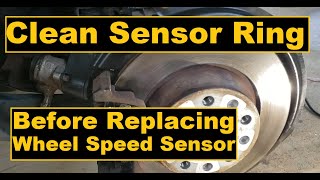
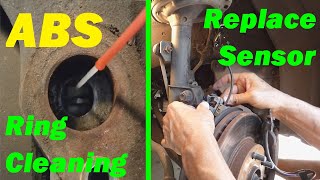
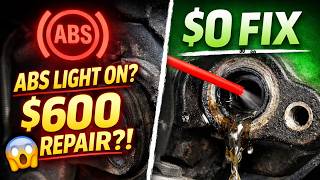
Typical fix: Thoroughly clean the magnetic encoder ring with a dry, soft nylon bristle brush and/or mild soap and water. Do not use a magnetic tool, as it can damage the encoder. Reassemble, clear codes, and test drive.
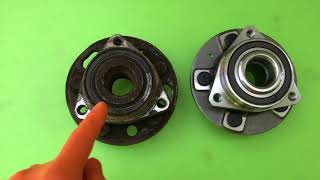
Est. part cost: $0 - Failed Right Rear Wheel Hub and Bearing Assembly 🔴 High Probability The magnetic encoder ring is integrated into the hub assembly and can crack or break apart over time. Also, normal bearing wear can cause excessive play, leading to an incorrect air gap or an erratic signal. If the bearing is making a humming or grinding noise, it has failed.
How to confirm: If cleaning the encoder ring doesn't resolve the code, or if the ring is visibly damaged (cracked, missing pieces), the hub has failed. A humming/grinding noise or wheel wobble also confirms a bad bearing. A user on the GM-Forum replaced the hub twice, suggesting part quality can vary.
Typical fix: Replace the entire right rear wheel hub and bearing assembly.
Est. part cost: $80-$250 - Damaged Wheel Speed Sensor Wiring or Connector 🟡 Medium Probability The wiring is exposed to the elements near the wheel and can be damaged by road debris, corrosion, or improper servicing. A user on a GM forum with a Lucerne chased this code, suspecting wiring after multiple hub replacements.
How to confirm: Visually inspect the wiring harness from the sensor to the main chassis for any signs of fraying, melting, or breaks. Check the connector for corrosion or bent pins. A multimeter can be used to check for continuity and shorts to ground.
Typical fix: Repair the damaged section of wire or replace the pigtail connector.
Est. part cost: $15-$50
Rare But Worth Checking
- Failed Electronic Brake Control Module (EBCM): This is rare. The EBCM is the computer that controls the ABS. It should only be suspected after all other possibilities (sensor, hub, wiring) have been definitively ruled out. A failure here would typically require testing the circuit at the module itself. One Reddit thread for a C0550 (a different EBCM code) on a 2011 Lucerne found the alternator to be the root cause, which is highly unusual but worth noting as an outlier.
Diagnosis Steps
- Connect an OBD-II scanner capable of reading ABS codes to confirm C0050 is present. Note any symptom bytes like 0F (Erratic Signal), 18 (Low Signal Amplitude), or 5A (Signal Not Plausible), which point to a mechanical issue at the hub.
- Use the scanner's live data function to monitor all four wheel speeds while driving slowly in a straight line. Confirm that the right rear wheel speed reads 0 mph or is erratic compared to the other three.
- Safely raise and support the vehicle. Remove the right rear wheel.
- Visually inspect the wheel speed sensor wiring and connector for obvious damage, corrosion, or looseness.
- Remove the brake caliper and rotor to gain access to the wheel hub assembly.
- Following the guidance in TSB PIC5428G, inspect the magnetic encoder ring on the inboard side of the hub for metallic debris.
- If debris is present, carefully clean it off with a dry, soft non-metallic brush (e.g., nylon) and, if necessary, a mild soap solution. Do not use magnets for cleaning.
- While there, inspect the encoder ring for any visible cracks or missing sections. If damage is found, the hub must be replaced.
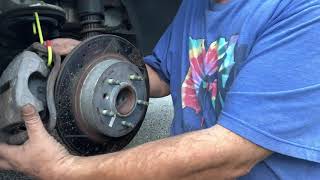
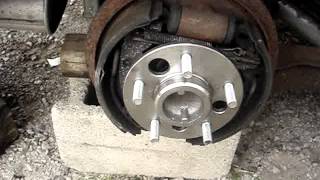
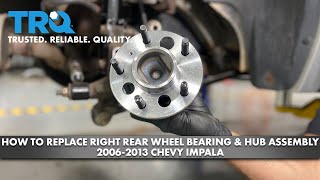
- Reassemble the components, clear the code, and perform a test drive. If the code returns, the wheel hub assembly is the most likely faulty part and needs to be replaced. 🎬 Watch this step-by-step 2011 Lucerne wheel bearing replacement walkthrough
- If the code persists after replacing the hub, perform circuit integrity tests on the wiring harness back to the EBCM. A GM-specific test involves checking for a brief 12V pulse from the module upon key-on to verify the circuit is intact.
Parts You'll Likely Need
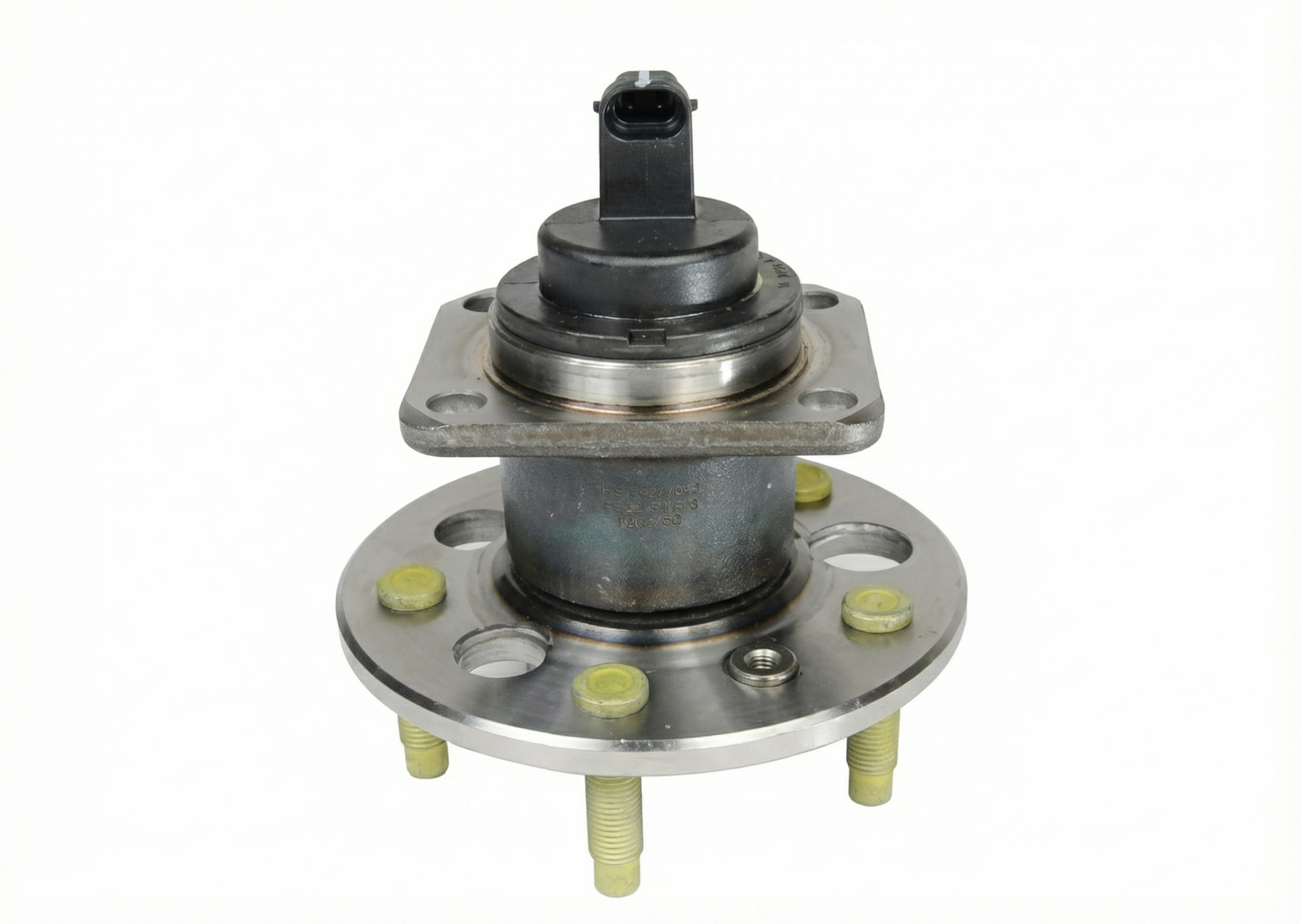
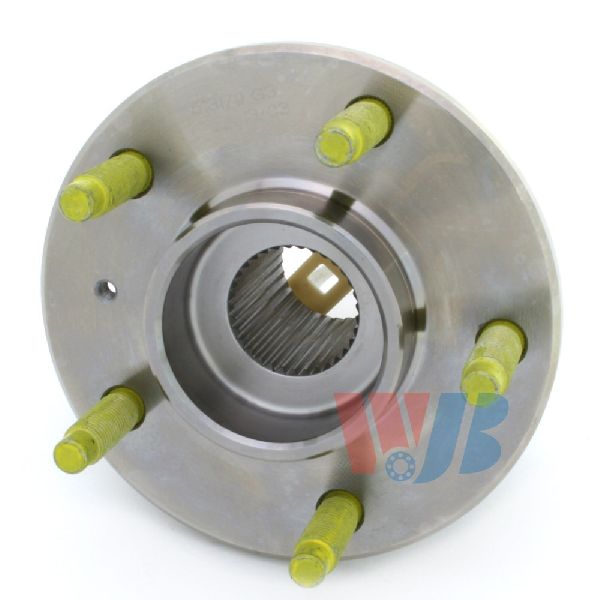
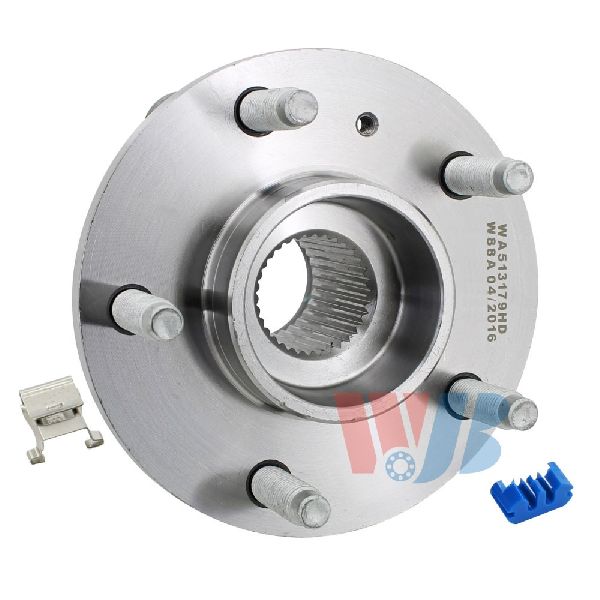
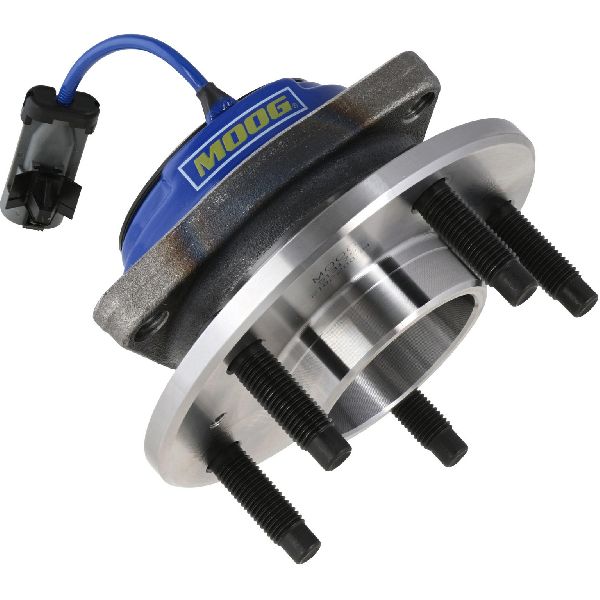
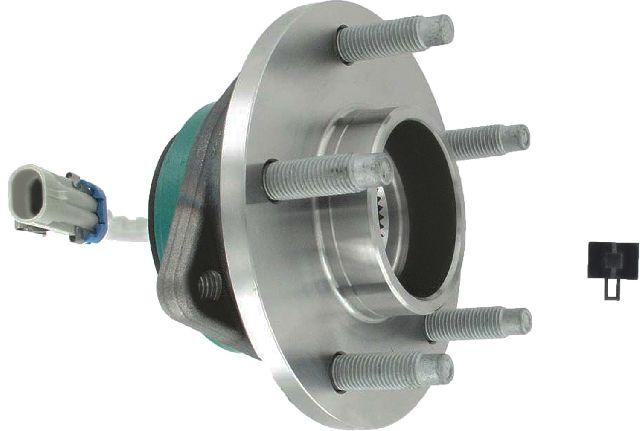
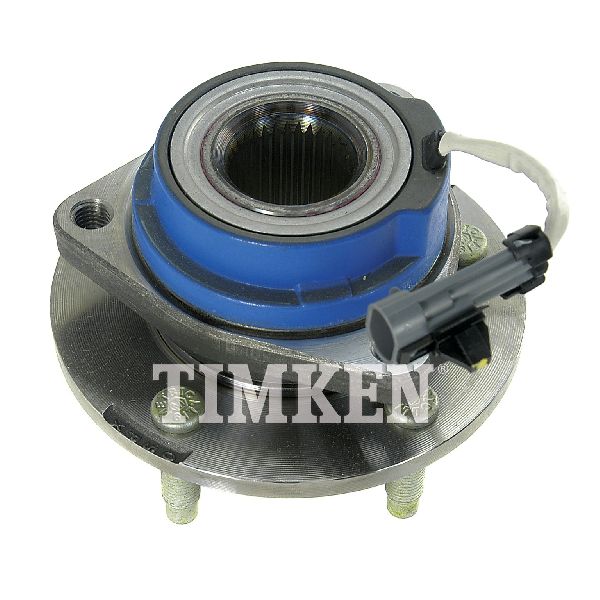
- Right Rear Wheel Hub and Bearing Assembly
(OEM #512003, GM 13502729)— This assembly contains the integrated magnetic encoder ring that is the primary cause of code C0050, either due to debris accumulation or physical damage. The bearing and encoder ring are not serviced separately.
Trusted brands: ACDelco, Timken, MOOG, SKF
OEM price range: $170-$250
Aftermarket price range: $80-$180
Related Codes That Often Appear With This One
- U0415 — As noted in TSB PIC5428G, when the wheel speed sensor signal is lost, the Power Steering Control Module may set a U0415 code ('Invalid Data Received From EBCM') and steering may feel heavier at low speeds. This is a normal default action.
- C0045 — This is the code for the Left Rear Wheel Speed Sensor. It's not uncommon for both rear hub assemblies to wear out at a similar rate, or for debris to accumulate on both sides, potentially causing codes for both sides to appear around the same time.
Technical Service Bulletins (TSBs) & Recalls
- PIC5428G: Addresses ABS, StabiliTrak, and/or Service Steering lights with DTCs C0035-C0050. It identifies the cause as debris on the magnetic encoder ring and provides instructions for inspection and cleaning. It notes this applies to a wide range of GM vehicles.
- 17-NA-047: A later bulletin that supersedes and replaces PIC5428G, carrying over the same diagnostic advice and updating the affected model years.
Platform-Specific Known Issues
- The vehicle is subject to Technical Service Bulletin (TSB) #PIC5428G, which explicitly states that codes C0035-C0050 are often caused by ferrous metallic debris accumulating on the wheel bearing's magnetic encoder ring. The bulletin advises that cleaning this debris is often a sufficient repair without replacing parts.
- A forum user on GM-Forum.com with a 2008 Lucerne reported a persistent C0050 even after replacing the hub and pigtail connector, highlighting that wiring issues further up the harness can sometimes be the cause.
Mechanic-Grade Diagnostic Values
- Wheel Speed Sensor Digital Signal Current — expected: Switches between 7mA (Low) and 14mA (High) DC current as the wheel rotates.. Failure: Signal that does not switch or is outside of this range indicates a fault in the sensor or hub encoder ring.
- EBCM Circuit Test at Key-On — expected: A brief 12V pulse on the sensor's power feed circuit immediately after turning the ignition on.. Failure: Absence of this pulse suggests a problem with the EBCM or the wiring between the module and the sensor connector.
- Sensor Circuit Voltage at EBCM Connector — expected: Less than 1V between the sensor's 12V reference circuit terminal and ground with the key on and EBCM disconnected.. Failure: Voltage greater than 1V indicates a short to voltage in the harness.
Hidden / Shadow Codes Worth Checking
- C0050 0F: Signal Erratic. The EBCM is receiving a signal, but it is inconsistent or jumping, which is a classic symptom of metallic debris on the magnetic encoder ring or a cracked ring. (see via Professional scan tool (e.g., GM Tech2/GDS2) capable of reading manufacturer-specific symptom bytes.)
- C0050 18: Signal Amplitude Less Than Minimum. The signal from the sensor is too weak or missing entirely. This can be caused by an excessive air gap (from a loose bearing), a failing sensor, high resistance in the wiring, or a severely damaged encoder ring. (see via Professional scan tool (e.g., GM Tech2/GDS2) capable of reading manufacturer-specific symptom bytes.)
- C0050 5A: Signal Not Plausible. The signal from the right rear sensor does not correlate with the signals from the other wheel speed sensors (e.g., showing 0 mph while others show 30 mph). (see via Professional scan tool (e.g., GM Tech2/GDS2) capable of reading manufacturer-specific symptom bytes.)
- C0050 06: Low Voltage/Open. The EBCM has detected a short to ground or an open/high resistance in the sensor's power feed or signal circuit. (see via Professional scan tool (e.g., GM Tech2/GDS2) capable of reading manufacturer-specific symptom bytes.)
Scan Tool Commands That Help
- GM Tech2 / GDS2 or equivalent: Live Data > EBCM > Wheel Speed Sensors — This is the primary diagnostic step. Use it while driving in a straight line above 10 mph to visually confirm that the Right Rear wheel speed reading is erratic, dropping to zero, or not matching the other three wheels.
- Oscilloscope: Key-On EBCM Pulse Test — After confirming the hub and sensor are good but the code persists. Disconnect the sensor and connect an oscilloscope to the harness connector terminals. Cycle the key on; a healthy EBCM and wiring will produce a brief 12V pulse. This quickly verifies the integrity of the module and harness.
Wiring & Ground Locations
- EBCM (Electronic Brake Control Module) — Located on the driver's side of the engine bay, attached to the ABS hydraulic pump assembly, near the brake master cylinder.. This module supplies power to the wheel speed sensor and interprets its signal. All circuit tests ultimately lead back to this module's connector.
- EBCM Connector X1 - Pins 32 & 33 — At the main harness connector for the EBCM.. Pin 33 is the 12-volt reference (power supply) from the EBCM to the RR wheel speed sensor. Pin 32 is the signal return circuit from the sensor to the EBCM. These are the specific pins to test for continuity, shorts, and voltage when diagnosing a circuit fault.
- Ground G103 — On the left side of the engine compartment, near the EBCM and underhood fuse block.. This is the primary ground for the Electronic Brake Control Module. A loose or corroded ground here can cause a variety of ABS faults, including erratic behavior and false codes for multiple components.
Real Owner Repair Stories
- GM-Forum.com user (2008 Buick Lucerne) — ABS light on, with messages for "Service Brake Assist/Traction Control/Stabilitrack". Codes C0050-00 and C0050-0F were present.
❌ Tried (didn't work) Replaced the right rear hub/bearing assembly with a MOOG part., Replaced the hub/bearing a second time with another new part., Replaced the wheel speed sensor pigtail connector.
✅ What actually fixed it The user's final update stated "All Fixed !!!" in the thread title after another user suggested a wiring issue further up the harness was likely. While the user did not specify the exact location of the wiring repair, their experience confirms that after replacing the hub and pigtail, the next logical step is to trace and load-test the wiring harness back to the EBCM.
OEM Part Supersession History
PIC5428F→PIC5428G, then 17-NA-047— Updated model list and model years covered by the TSB.
Model Year Variations Within This Range
- 2011-2011: No significant variations are noted for the 2011 model year regarding the C0050 fault. The causes and diagnostic procedures are consistent for the entire production year.
Helpful Videos
Used OEM Parts in Stock
New Aftermarket Parts Available


The information in this article is provided for general reference and educational purposes only. Vehicle specifications, procedures, and part compatibility can vary by production date, trim level, and region. Always consult your vehicle's factory service manual and verify part numbers before purchasing or performing repairs. Safety-critical components such as airbags, seat belts, and braking systems should be installed by a qualified professional.
- Buick LUCERNE:
- 🎬 Helpful Videos
- 🛍️ Shop This Part
- What's Unique About the 2011-2011 Buick LUCERNE
- Diagnostic Flowchart
- Symptoms You May Notice
- Most Likely Causes
- Rare But Worth Checking
- Diagnosis Steps
- Parts You'll Likely Need
- Related Codes That Often Appear With This One
- Technical Service Bulletins (TSBs) & Recalls
- Platform-Specific Known Issues
- Mechanic-Grade Diagnostic Values
- Hidden / Shadow Codes Worth Checking
- Scan Tool Commands That Help
- Wiring & Ground Locations
- Real Owner Repair Stories
- OEM Part Supersession History
- Model Year Variations Within This Range
- 🎟️ Get 5% Off