

B3935 on 2023-2025 GMC Yukon: Transponder Authentication Error Causes and Fixes
Code B3935 on a 2023-2025 GMC Yukon indicates a security system problem, often causing a no-start. Before replacing parts, check for radio frequency interference from devices like aftermarket chargers or key fobs, as this is a known issue documented by GM. This check can resolve the issue for free.
- B3935 is a security code meaning your key is not being recognized, which will prevent the Yukon from starting.
- The most likely cause is not a broken part, but interference from an electronic device in your car. Remove all aftermarket chargers, dash cams, toll passes, and even other fobs from your keychain first.
- If interference is not the cause, try your spare key or replace the CR2450 battery in your primary key fob.
- Do not let a mechanic replace expensive components like the BCM or starter until these simple, free, or low-cost steps have been taken.
- If the problem persists, a BCM software update at the dealership may be required, especially if code B2955 is also present.
What's Unique About the 2023-2025 Gmc YUKON
On modern GM T1 platform trucks and SUVs like the Yukon, Tahoe, and Escalade, the immobilizer system is notoriously sensitive to Radio Frequency (RF) interference. GM has issued multiple Technical Service Bulletins (TSBs), most notably the PIC5650 series, specifically addressing intermittent no-start conditions caused by RFI. This means common external electronic devices can disrupt the 125 kHz communication frequency between the key and the vehicle, triggering this code without any actual part failure.
Symptoms You May Notice
- Intermittent no-crank or no-start condition
- Engine starts and immediately stalls
- Security light is illuminated or flashing on the dashboard
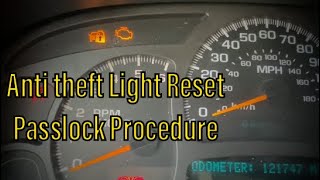
- "Service Theft Deterrent System" message on the driver information center 🎬 Watch: How to reset the GM anti-theft security light
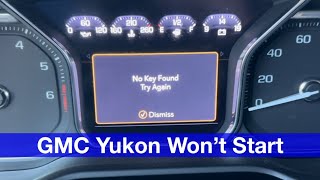
- "No Fob Detected" message, even with the key inside the vehicle
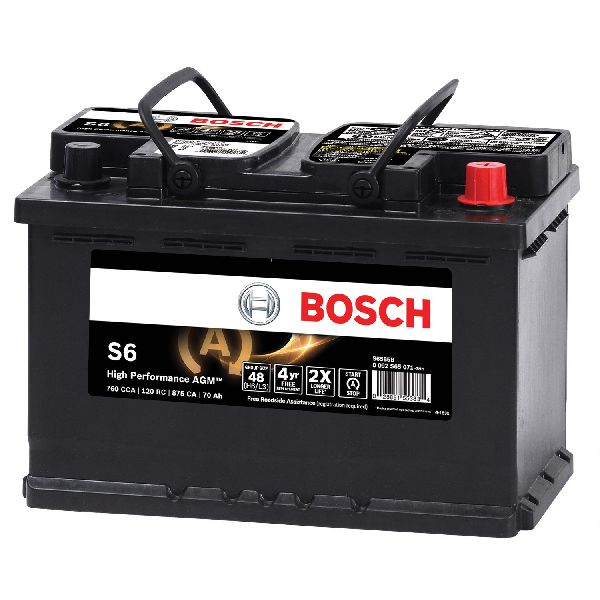
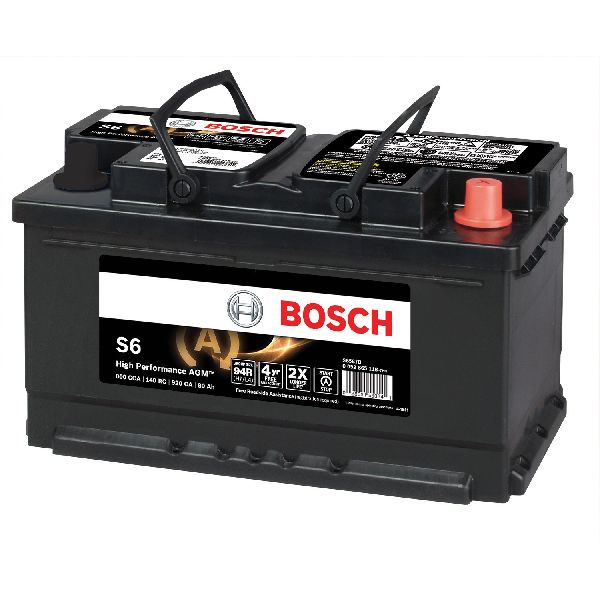
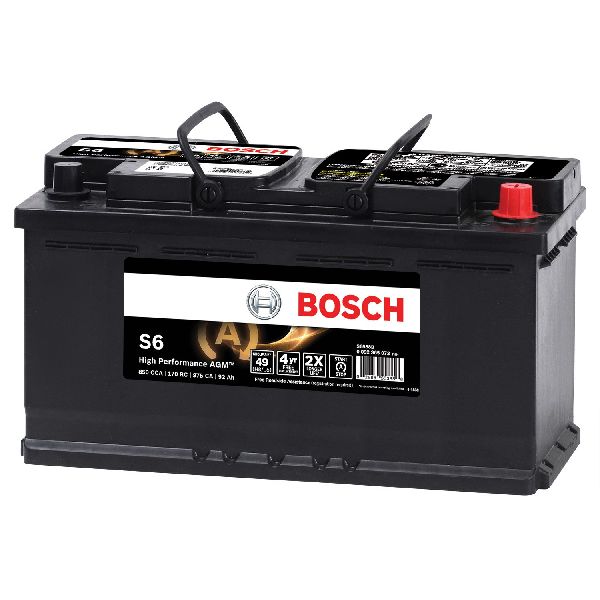
- Replacing the vehicle's main 12V battery without checking its connections first
- Replacing the starter motor
- Replacing the Body Control Module (BCM) without first checking for software updates or RFI
Most Likely Causes
- Radio Frequency Interference (RFI) 🔴 High Probability As noted in GM TSBs PIC5650L and PIC5650M, these vehicles are susceptible to RFI. The immobilizer system operates at a frequency (125 kHz) that can be disrupted by other electronics.
How to confirm: Remove all non-essential electronic devices from the vehicle and keychain. This includes aftermarket phone chargers, dash cams, other key fobs, toll passes (like E-ZPass), and even building access cards. Try starting the vehicle again. If it starts, re-introduce devices one by one to find the culprit.
Typical fix: Identify and remove the source of the interference. No parts are replaced.
Est. part cost: $0 - Weak or Dead Key Fob Battery 🟡 Medium Probability
How to confirm: Try using the vehicle's other key fob. If the vehicle starts and runs normally, the first key's battery is the likely culprit. You can also try placing the problematic fob in the designated transmitter pocket (in the center console cup holder area 🎬 Watch: How to start your Yukon with a dead key fob) which is designed to allow the vehicle to start with a weak battery.
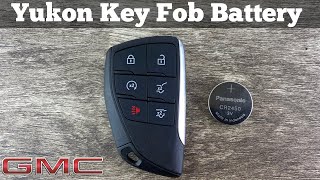
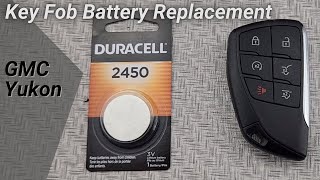
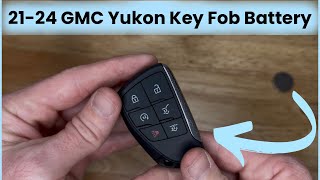
Typical fix: Replace the battery in the key fob. For this generation of Yukon, the correct battery is a CR2450. 🎬 See this quick walkthrough on replacing your key fob battery
Est. part cost: $5-$15 - Body Control Module (BCM) Software Glitch ⚪ Low Probability GM has released software updates to address this specific code. TSB PI1180A notes that a BCM reprogram is the fix when B3935 appears with B2955, caused by the BCM not correctly reading immobilizer data.
How to confirm: This requires a dealer or qualified shop to check the current BCM software version against the latest available calibrations on GM's TIS2WEB system.
Typical fix: Reprogram the BCM with the latest software calibration. This must be done by a professional with access to GM's Service Programming System (SPS).
Est. part cost: $0 (parts), $100-$250 (labor for programming)
Rare But Worth Checking
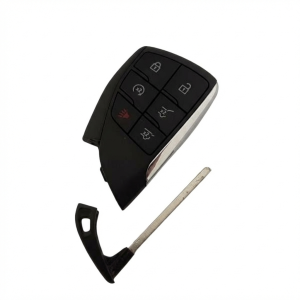
- Faulty Key Fob: The internal transponder chip in the key can fail. If a new CR2450 battery doesn't solve the issue and the second key works fine, the first key itself may be bad and require replacement and programming.
- Defective Theft Deterrent Module (TDM) or Antenna: The module that reads the key or the antenna ring can fail, but this is far less common than software, interference, or key-related issues.
- Corroded or Loose Battery Cables/Grounds: A user on TahoeYukonForum.com mentioned that intermittent power loss accompanying the theft deterrent message can sometimes be traced back to poor connections at the main vehicle battery or grounding points, causing voltage drops that upset sensitive modules.
Diagnosis Steps
- Verify the complaint. Confirm the no-start/start-stall condition and check if the security light or "Service Theft Deterrent System" message is on.
- Scan for all DTCs. Note B3935 and any other codes, especially B3055, B3060, or B2955.
- Question the driver about any new or existing electronic devices in the car (phone chargers, dash cams, toll passes, aftermarket LED lights, etc.).
- Remove ALL potential sources of Radio Frequency Interference (RFI) from the vehicle and keychain.
- Attempt to start the vehicle with all RFI sources removed. If it starts, the issue is confirmed as RFI.
- If the issue persists, try the second key fob. If the vehicle starts, the first key fob's battery or the fob itself is likely faulty.
- If neither key works, replace the CR2450 battery in one of the key fobs and re-test.
- If the key fob battery is not the issue, try starting the vehicle by placing the key fob in the transmitter pocket located in the center console/cup holder area.
- If the problem remains, the vehicle must be taken to a qualified technician to check for BCM software updates as per TSBs like PI1180A.
- As a final step, a technician will need to perform advanced diagnostics on the Theft Deterrent Module, its antenna, and associated wiring using dealer-level tools.
Parts You'll Likely Need
- Key Fob Battery
(OEM #CR2450)— This is the simplest and often most effective first part to replace when a key authentication error occurs.
Trusted brands: Energizer, Duracell, Panasonic
OEM price range: $5-$15
Aftermarket price range: $5-$10 - Key Fob / Transmitter
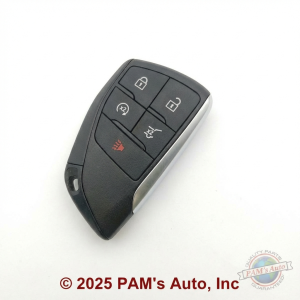
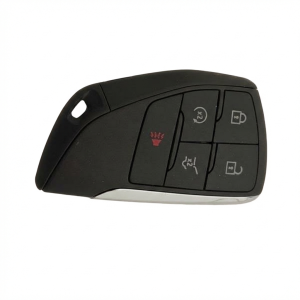
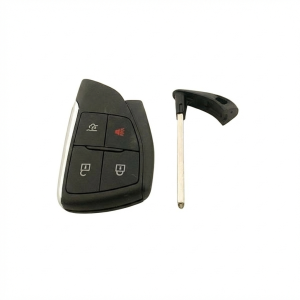
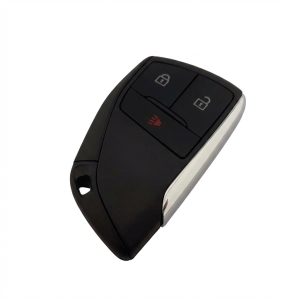
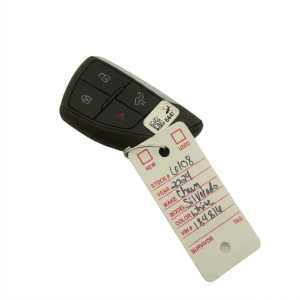
(OEM #13537964 / 13541567 / 13545336 / 13548434)— If the key fob's internal transponder has failed, the entire unit must be replaced and programmed to the vehicle.
Trusted brands: ACDelco (OEM)
OEM price range: $150-$400
Aftermarket price range: $80-$200
Related Codes That Often Appear With This One
- B3055 — Indicates a problem with the key transponder signal, often set for the same reasons as B3935, such as RFI or a weak key.
- B3060 — Means the key code was not received, which is a direct consequence of the authentication failure that triggers B3935.
- B2955 — Often seen with B3935 when a BCM software glitch is the root cause, as documented in TSB PI1180A.
- C0750, C0755, C0760, C0765, C0775 — These are Tire Pressure Monitoring System (TPMS) codes that can appear alongside B3935 due to shared modules or general communication issues caused by widespread Radio Frequency Interference, as noted in TSB #PIC5650M.
Technical Service Bulletins (TSBs) & Recalls
- PIC5650M
- PIC5650L
- PIC5650K
- PI1180A
Platform-Specific Known Issues
- TSB #PIC5650M: Notes that B3935 can appear with a cluster of other security and TPMS codes during an intermittent no-crank, no-start, or start-stall concern.
- TSB #PIC5650L: Explicitly warns technicians not to replace parts for this concern and to first investigate if the customer uses any Radio Frequency Identification devices, which can cause interference.
- TSB #PIC5650K: Provides an extensive list of potential RFI sources, including aftermarket LED lighting, cell phone chargers, USB power banks, and even toll passes, advising technicians to remove these before attempting diagnosis.
Mechanic-Grade Diagnostic Values
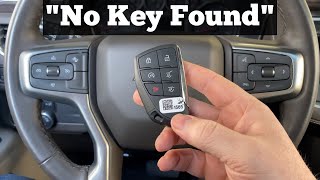
- Immobilizer Coil Function Test — expected: Vehicle should power up or start.. Failure: Vehicle displays "No Key Found" or similar message and does not power up.
Hidden / Shadow Codes Worth Checking
- B3935 57: Transponder Authentication Error. This is a generic symptom byte indicating the transponder's calculation did not match the TDM's calculation. (see via GM GDS2 or other professional-grade scan tool with manufacturer-specific data.)
Scan Tool Commands That Help
- GDS2: Immobilizer Learn — Used when replacing the BCM, ECM, or adding/replacing key fobs. This function guides the technician through the multi-step process of programming keys and modules.
- GDS2: BCM Keyless Entry Data List — To diagnose related issues that can cause programming to fail. A technician can monitor the status of various antennas (e.g., 'Short to Ground'), which must be fixed before an immobilizer learn will succeed.
- GDS2 / SPS (Service Programming System): Body Control Module Reprogramming — When DTCs B3935 and B2955 are set together, indicating a known software issue that requires a BCM calibration update via TIS2WEB.
Wiring & Ground Locations
- BCM Ground — Inside the cabin, located beside the front left speaker. Access requires removing the A-pillar covers and pulling up the front dash trim.. A poor ground connection for the Body Control Module (BCM) can cause a wide range of unpredictable electrical issues, including failure to communicate with the immobilizer system, which can mimic a component failure and trigger B3935.
- Frame Grounds — Located on the frame right behind both front wheels.. These grounds are in a location prone to corrosion from tire splash. While not directly for the BCM, poor frame grounds can introduce electrical noise and voltage stability problems that affect sensitive modules involved in the anti-theft system.
Real Owner Repair Stories
- Reddit user ZAM2345 (2023 GMC Yukon AT4) — Vehicle displayed "key not detected" for both key fobs. Remote start and lock/unlock buttons on the fob worked, but the vehicle would not start with the push-button. Placing the fob in the transmitter pocket did not work.
❌ Tried (didn't work) Using the second key fob, Placing the fob in the transmitter pocket (cup holder), Disconnecting the main vehicle battery for an hour to reset systems
✅ What actually fixed it The dealership replaced the Restraint Control Module after consulting with GM corporate engineers.
Helpful Videos
Used OEM Parts in Stock
New Aftermarket Parts Available

The information in this article is provided for general reference and educational purposes only. Vehicle specifications, procedures, and part compatibility can vary by production date, trim level, and region. Always consult your vehicle's factory service manual and verify part numbers before purchasing or performing repairs. Safety-critical components such as airbags, seat belts, and braking systems should be installed by a qualified professional.
- Gmc YUKON:
- 🎬 Helpful Videos
- 🛍️ Shop This Part
- What's Unique About the 2023-2025 Gmc YUKON
- Symptoms You May Notice
- Most Likely Causes
- Rare But Worth Checking
- Diagnosis Steps
- Parts You'll Likely Need
- Related Codes That Often Appear With This One
- Technical Service Bulletins (TSBs) & Recalls
- Platform-Specific Known Issues
- Mechanic-Grade Diagnostic Values
- Hidden / Shadow Codes Worth Checking
- Scan Tool Commands That Help
- Wiring & Ground Locations
- Real Owner Repair Stories
- 🎟️ Get 5% Off