

B2555 on 2007-2010 GMC Sierra 3500: The Ghost Code You Can Probably Ignore
On most 2007-2010 GMC Sierra 3500s, code B2555 is a 'ghost code' caused by a software anomaly in the door modules. Per GM TSB #PIT5201A, if your truck doesn't have courtesy lights on the door panels, this code should be ignored and requires no repair.
- Before any repair, check if your truck has small lights on the interior door panels.
- If you do NOT have these lights, B2555 is a known glitch. The official GM fix is to do nothing.
- Do not replace the expensive door modules unless you have confirmed the truck has courtesy lights, they don't work, and the bulb/wiring are good.
- A scan tool that can read Body Control Module (BCM) and manufacturer-specific codes is necessary for proper diagnosis.
What's Unique About the 2007-2010 Gmc SIERRA 3500
The GMT900 platform, which includes the 2007-2010 Sierra, uses universal software in its door control modules for cost-saving purposes. This software always checks for a courtesy lamp circuit, even on trim levels (like WT, LS, or some LT trims) where the lamps were never installed. This programming oversight is the primary reason B2555 appears, leading GM to issue a technical service bulletin advising technicians to disregard the code in vehicles without these specific lights.
Diagnostic Flowchart
Tap your situation to follow the diagnostic path that matches what you're seeing on this vehicle.
Generation note: The 2007-2010 model years all fall within the second generation of the GMC Sierra HD (GMT900 platform). The issue described in TSB PIT5201A applies to this entire generation and its platform-mates, up to the 2014 model year for some 2500/3500 and SUV models.
Symptoms You May Notice
- In most cases, absolutely no symptoms will be present. The code is only found with a scan tool capable of reading body codes.
- If the vehicle IS equipped with door panel courtesy lights, the primary symptom will be the light on the affected door not turning on.
- The code does not cause a Check Engine Light; it is a body (B) code stored in the door modules.
- Replacing the Driver Door Module (DDM) or Passenger Door Module (PDM) when the vehicle is not equipped with courtesy lights. This is an unnecessary expense as the new module has the same software and the code will likely return.
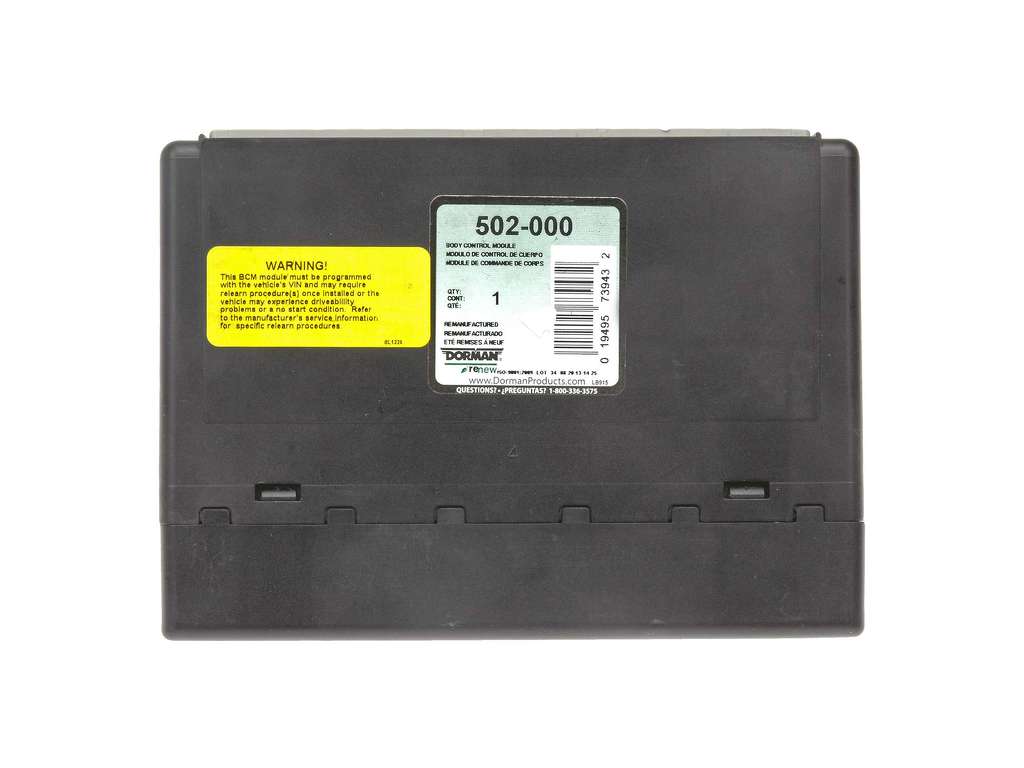
- Replacing the Body Control Module (BCM). The BCM is not the source of this specific ghost code; it originates in the DDM or PDM.
Most Likely Causes
- Software Anomaly ('Ghost Code') 🔴 High Probability As documented in GM TSB #PIT5201A, the door modules use a universal calibration that looks for courtesy lights even if the truck is not equipped with them, falsely setting a fault code.
How to confirm: Physically inspect the lower interior panels of the front doors. If there is no courtesy light lens or just a blank plastic filler plate, the vehicle is not equipped with them. If no lights are present, this is the confirmed cause.
Typical fix: Ignore and clear the code. No parts replacement is necessary. GM has not released a software patch, so the code may return after being cleared, but it remains harmless and can be safely ignored.
Est. part cost: $0
Rare But Worth Checking
- Actual Courtesy Lamp Circuit Fault: This is only a possibility if your truck IS equipped with factory door panel courtesy lights and one is not working. The fault could be a burnt-out bulb, a wiring short/open in the door harness (especially in the rubber boot between the door and A-pillar), a bad connection, or a faulty door module.
- Broken Wires in Door Harness Boot: For any electrical issue in the doors of GMT900 trucks, including a legitimate B2555 code, broken wires inside the rubber boot between the door and the body are a very common cause due to repeated flexing. This should be inspected before replacing any modules.
Diagnosis Steps
- Use a scan tool capable of reading body codes (e.g., XTool, Autel, Tech 2) to confirm that code B2555 is stored in the Driver Door Module (DDM) or Passenger Door Module (PDM). Note any suffix, like -01 (short to battery) or -02 (short to ground).
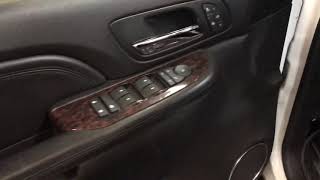
- Physically inspect the driver and passenger interior door panels. Determine if they are equipped with courtesy lamps. These are small lights, usually on the bottom rear portion of the panel, separate from overhead lighting.
- If the truck does NOT have door courtesy lamps: The diagnosis is complete. Per GM TSB #PIT5201A, the code is a known software anomaly and should be ignored. The official GM recommendation is to take no action. You can clear the code, but do not replace any parts.
- If the truck DOES have door courtesy lamps and one is not working: Begin standard electrical diagnosis. Check the bulb first. Then, pull back the rubber boot between the door and the A-pillar and inspect the wiring harness for any signs of chafing, broken, or cracked wires. This is a common failure point.
- If the bulb and wiring harness appear intact, use a multimeter to check for power and ground at the lamp socket when the door is open. Wiring diagrams can be found through services like AutoZone's free guides.
- If the bulb and wiring are good, the fault may lie within the door module itself, which may require replacement.
Parts You'll Likely Need
- No Parts Needed — In the vast majority of cases for this vehicle, B2555 is a ghost code that requires no repair or parts, as per GM's own service bulletin.
OEM price range: $0
Aftermarket price range: $0 - Driver or Passenger Door Module
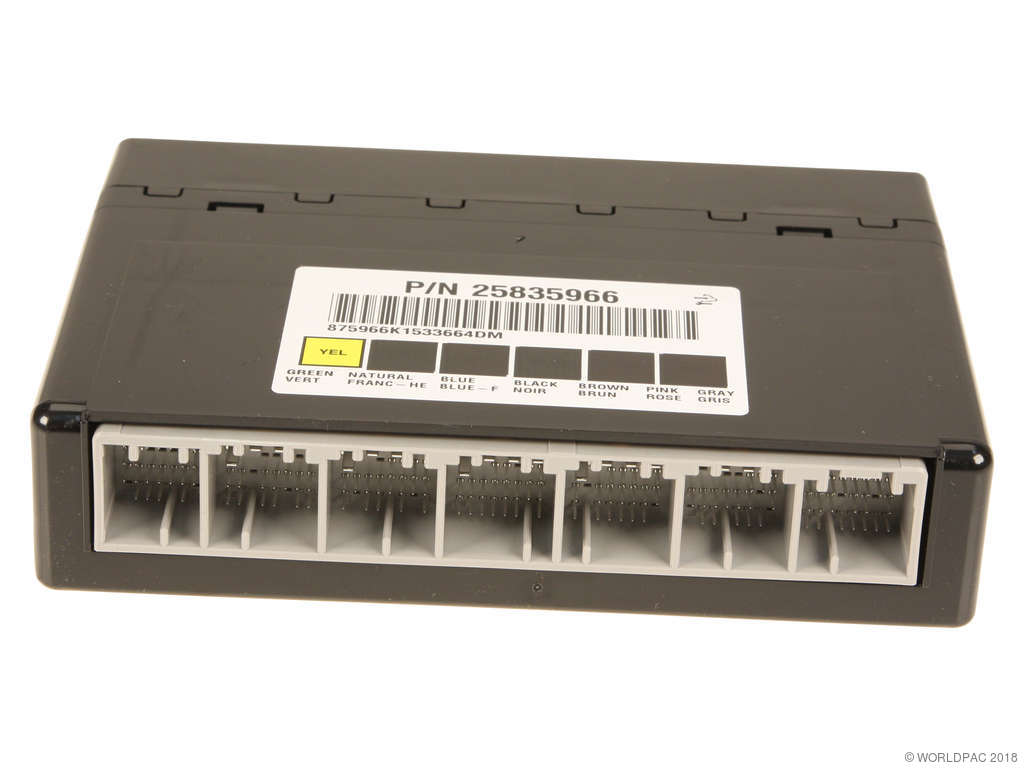
(OEM #Varies by options. Ex: ACDelco 20835553 (Driver Switch/Module Assembly))— Only needed in the rare case that the vehicle has courtesy lights, they don't work, and all other circuit components (bulb, wiring) have been tested and confirmed to be good. The module is often integrated with the window switch panel. 🎬 See this guide on diagnosing door switch and module issues.
Trusted brands: ACDelco, Dorman (e.g., 901-149), Standard Motor Products
OEM price range: $100-$180
Aftermarket price range: $70-$150
Technical Service Bulletins (TSBs) & Recalls
- PIT5201 / PIT5201A: Diagnostic Tip - Driver Or Passenger Door Module DTC B2555. This bulletin explicitly states: 'DTC B2555 should be ignored if set in a DDM and/or PDM on a vehicle NOT equipped with front door panel courtesy lights.' It confirms the cause is a universal door module calibration.
Platform-Specific Known Issues
- A known software anomaly causes DTC B2555 to be stored in the Driver and/or Passenger Door Modules on vehicles that are not equipped with the optional door panel courtesy lights. This is documented in GM TSB #PIT5201 and its successor, #PIT5201A.
- Owner Experience: A technician using an XTool D8BT scanner on a 2013 Silverado found B2555-01 in both the driver and passenger door modules. Referencing the GM bulletin, he confirmed the code should be disregarded, cleared it, and noted it may come back but is not a fault.
Mechanic-Grade Diagnostic Values
- Courtesy Lamp Control Circuit Voltage — expected: Battery voltage (9-16V) when commanded ON by the BCM.. Failure: 0V when commanded ON (open/short to ground), or constant voltage when commanded OFF (short to power).
- Courtesy Lamp Control Circuit Wire Color — expected: Gray (GY). Failure: N/A
Hidden / Shadow Codes Worth Checking
- B2555 01: Passenger Compartment Lamp Control Circuit Short to Battery. The door module detects a short to voltage on the circuit. (see via A professional-grade scan tool like a GM Tech 2, GDS2, or a high-end aftermarket scanner (Autel, XTool) capable of reading manufacturer-specific symptom bytes.)
- B2555 02: Passenger Compartment Lamp Control Circuit Short to Ground. The door module detects a short to ground on the circuit. (see via A professional-grade scan tool like a GM Tech 2, GDS2, or a high-end aftermarket scanner (Autel, XTool) capable of reading manufacturer-specific symptom bytes.)
Scan Tool Commands That Help
- Tech 2: Body > Door Module(s) > [Select specific door] > Special Functions > Output Control > Door Window Test — While not a direct test of the courtesy lamp, this bidirectional command confirms that the scan tool is communicating properly with the door module. If the window can be controlled via the scan tool but other functions are dead, it points away from a total module or communication failure and towards a specific circuit issue (like wiring).
Wiring & Ground Locations
- G303 — On the lower left 'B' pillar, behind the trim panel (Driver's side).. This is a primary body ground for components in the driver's side door area. A poor connection at G303 can cause intermittent or total failure of the Driver Door Module and its associated circuits.
- G304 — On the lower right 'B' pillar, behind the trim panel (Passenger's side).. This is the corresponding body ground for the passenger side. A fault here can affect the Passenger Door Module and its circuits.
- Door Harness Connector — Inside the rubber boot/bellows between the door and the A-pillar.. This is the most common location for wire fatigue and breakage on GMT900 trucks due to repeated opening and closing of the door. The ground wire (Black) and other power/data wires for the door module pass through here.
Real Owner Repair Stories
- BobIsTheOilGuy forum user 'clinebarger' (2011 Silverado 1500 (GMT900 platform mate)) — DTC B0085 (Left Front Impact Sensor fault), but the repair is identical for any broken wire in the door harness, which can cause B2555.
❌ Tried (didn't work) The technician noted that simply soldering the wires back together in the same spot often leads to a repeat failure because the harness remains too tight.
✅ What actually fixed it The technician went straight to the wires in the door jamb bellows, found broken wires, and repaired them by adding a new section of wire to make the harness longer. This relieves the strain that causes the break. He also recommended not re-attaching the harness to the bellows' internal 'wings' to provide further slack.
OEM Part Supersession History
15093440, 15906881, 20877336, 25783951, 25976222→20835553— Standard part evolution and consolidation for the driver's side master window/lock switch assembly, which contains the Driver Door Module.
Heads up: A new GMT900 driver door switch will require programming with a tool like a Tech 2 or GDS2 to function correctly with the vehicle's options.
Helpful Videos
Used OEM Parts in Stock


New Aftermarket Parts Available

The information in this article is provided for general reference and educational purposes only. Vehicle specifications, procedures, and part compatibility can vary by production date, trim level, and region. Always consult your vehicle's factory service manual and verify part numbers before purchasing or performing repairs. Safety-critical components such as airbags, seat belts, and braking systems should be installed by a qualified professional.
- Gmc SIERRA 3500:
- 🎬 Helpful Videos
- 🛍️ Shop This Part
- What's Unique About the 2007-2010 Gmc SIERRA 3500
- Diagnostic Flowchart
- Symptoms You May Notice
- Most Likely Causes
- Rare But Worth Checking
- Diagnosis Steps
- Parts You'll Likely Need
- Technical Service Bulletins (TSBs) & Recalls
- Platform-Specific Known Issues
- Mechanic-Grade Diagnostic Values
- Hidden / Shadow Codes Worth Checking
- Scan Tool Commands That Help
- Wiring & Ground Locations
- Real Owner Repair Stories
- OEM Part Supersession History
- 🎟️ Get 5% Off