

Tesla Model S & X Infotainment Display (2016-2025): MCU Failure, Yellow Borders, and Replacement Guide
This guide covers the common failures, recalls, and critical differences between the infotainment systems in the 2016-2025 Tesla Model S and Model X.
- There are two incompatible screen types: a vertical screen for 2016-2020 models (MCU1/MCU2) and a horizontal screen for 2021+ 'Refresh' models (MCU3).
- Pre-March 2018 models with MCU1 are subject to a major recall for a failing 8GB eMMC memory chip that causes the screen to go black. Ensure any used MCU1 has had the recall performed.
- A yellow border on the screen is a common, fixable cosmetic issue and does not require screen replacement. A UV light treatment can resolve it.
- A replacement display/MCU will require software configuration by Tesla or a qualified independent shop to pair it with your vehicle's VIN and features.
Understanding the Generations: MCU1, MCU2, and MCU3

The infotainment system in the 2016-2025 Tesla Model S and Model X is not a one-size-fits-all part. There are three distinct generations of the Media Control Unit (MCU), and the screen itself changed dramatically in 2021. Understanding which version your vehicle has is critical for diagnosis and replacement.
Pre-2021: Vertical Screen (MCU1 & MCU2)
Model S and Model X vehicles built before the 2021 'Refresh' feature a large, vertically-oriented touchscreen.
- MCU1 (2016 - Early 2018): Found in vehicles built before March 2018, this first-generation unit is powered by an NVIDIA Tegra 3 processor. These units are notorious for a specific memory failure and generally slower performance compared to newer versions.
- MCU2 (Mid-2018 - 2020): Introduced around March 2018, this upgraded unit uses a more powerful Intel Atom processor. It offers a significantly faster and smoother experience, a modern Chromium-based web browser, and enables features like Tesla Theater (Netflix, YouTube) and Sentry Mode recording.
2021-2025: Horizontal 'Refresh' Screen (MCU3)
Starting in 2021 with the 'Refresh' models, the Model S and Model X switched to a horizontal screen layout, similar to the Model 3 and Y. These vehicles are equipped with the latest generation MCU.
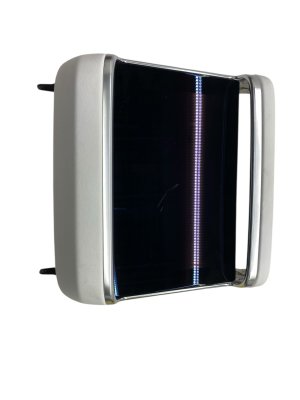
- MCU3 (2021 - 2025): This system is powered by a high-performance AMD Ryzen processor. It provides the fastest performance, advanced gaming capabilities, and improved vehicle visualizations. These models also feature a smaller, secondary display for rear passengers.
Pro Tip: To check which processor your car has, go to 'Controls' > 'Software' > 'Additional Vehicle Information' on your touchscreen. An NVIDIA Tegra processor indicates MCU1, while an Intel Atom processor means you have MCU2. If you have access to Tesla Theater (Netflix, Hulu), you have at least an MCU2.
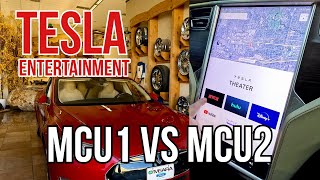
🎬 Watch: A side-by-side comparison of MCU1 and MCU2 performance.Known Issues, Recalls, and TSBs

MCU1 8GB eMMC Memory Failure (NHTSA Recall)
The most significant issue affecting 2016-2018 Model S and Model X vehicles is the failure of the 8GB embedded Multi-Media Card (eMMC) within the MCU1. This flash memory chip has a finite number of write cycles, and Tesla's system software performed excessive data logging, causing the chip to wear out prematurely. Tesla confirmed that all of these units would eventually fail.
This failure led to a formal recall by the National Highway Traffic Safety Administration (NHTSA) in early 2021 for approximately 135,000 vehicles, including 2012-2018 Model S and 2016-2018 Model X cars. Under the recall, Tesla service centers replace the faulty memory daughterboard with an upgraded 64GB eMMC chip, free of charge.
Symptoms of eMMC failure include:
- A completely black or blank center screen.
- The screen being stuck on the Tesla logo or rebooting continuously.
- Loss of rearview camera display.
- Inability to use climate controls, especially the defroster.
- Loss of turn signal chimes and other audible alerts.
- Slower touchscreen response and longer boot-up times leading up to total failure.
Screen Yellow Border
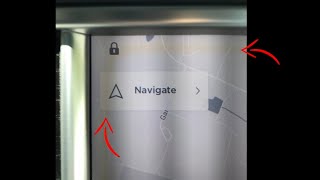
A common cosmetic issue on pre-refresh Model S and Model X vehicles is the appearance of a yellow or brownish border around the edges of the display. This is caused by the degradation of an adhesive layer within the screen, often accelerated by heat and UV exposure. It does not affect the functionality of the touchscreen.
Tesla Service Centers developed a fix using a special UV light tool that cures the adhesive and removes the yellowing in a few hours, without needing to replace the screen. This repair is typically covered under warranty. Some owners have successfully replicated this fix at home using inexpensive UV nail curing lamps.
🎬 See how the UV light fix removes the yellow border.Screen Bubbling or Leaking
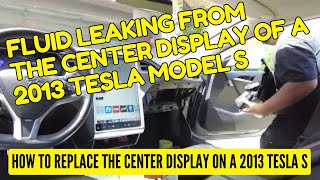
In some older Model S and X vehicles, the screen can develop bubbles or appear to be leaking a gel-like fluid. This is a physical failure of the LCD panel itself. The only solution for this is to replace the touchscreen assembly.
Buying a Used Infotainment Display

Purchasing a used infotainment display can be a cost-effective solution, but careful verification is essential. Because the MCU is a complex, software-driven component, compatibility is more than just physical fitment.
Warning: The vertical screens from pre-2021 models and the horizontal screens from 2021+ 'Refresh' models are NOT interchangeable. They use completely different mounting hardware, wiring, and computer systems.
Key Considerations When Buying Used:
- Verify the MCU Generation: This is the most critical step. Ensure you are buying the correct generation (MCU1, MCU2, or MCU3) for your vehicle. A seller should be able to provide the processor type (NVIDIA, Intel, or AMD). An MCU2 is a desirable upgrade for a car that originally came with MCU1.
- Check for eMMC Recall/Repair (MCU1): If buying an MCU1, ask for proof that the 8GB eMMC recall has been performed. A unit with the original 8GB chip will inevitably fail. A repaired unit will have a 64GB chip.
- Inspect for Physical Damage: Check photos carefully for any signs of screen delamination, bubbling, deep scratches, or cracks. For vertical screens, specifically look for the yellow border issue, although this is often fixable.
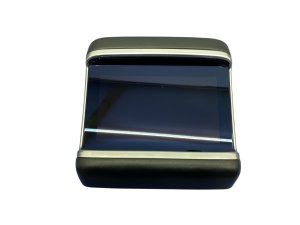
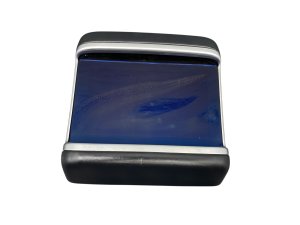
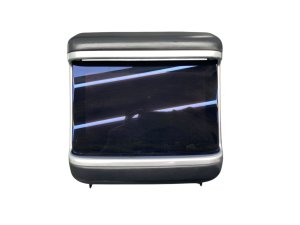
- Part Number Verification: While many part numbers exist, they often supersede each other. Focus on the MCU generation and screen orientation first. The part numbers provided in the initial data (e.g., 1450737-00-B, 1451809-xx-x) are typically associated with the vertical MCU1/MCU2 screens. Part numbers like 1566028-xx-x are for the rear passenger display in 2021+ models.
- Programming Requirements: A replacement MCU will need to be configured to your vehicle's specific options and VIN. While some basic functions may work on plug-in, a visit to a Tesla Service Center or a qualified independent shop with Tesla's Toolbox software is often required for full functionality.
MCU1 to MCU2 Infotainment Upgrade

For owners of Model S and Model X vehicles built before March 2018 (with MCU1), Tesla offers an official Infotainment Upgrade to MCU2. This paid upgrade provides a faster processor, a modern web browser, and access to features like video streaming and more advanced games. As of early 2021, the price for this upgrade was reduced to $1,500. An optional radio upgrade to retain FM and SiriusXM radio costs an additional $500, as the base MCU2 hardware does not support them.
Cost Comparison
| Item | Estimated Cost | Notes |
|---|---|---|
| New OEM Display (from Tesla) | $1,500 - $2,500 | Often part of a full MCU upgrade package. |
| Used OEM Display (MCU1/MCU2) | $350 - $700 | Price varies by condition and whether the eMMC has been upgraded. |
| Used OEM Display (MCU3 'Refresh') | $500 - $1,000+ | Newer part, higher price. Includes front and rear displays. |
| MCU1 to MCU2 Upgrade (from Tesla) | $1,500 + $500 for Radio | Includes installation. |
| Shop Labor for Replacement | $200 - $400 | Estimated 1.5-2.5 hours of labor. Replacement is moderately complex. | 🎬 Watch this DIY walkthrough for replacing the center display.
Frequently Asked Questions (FAQ)
Does a replacement infotainment display need to be programmed?
Yes, a replacement MCU typically needs to be programmed or configured to the vehicle. While some functions might work immediately, a Tesla Service Center or an independent shop with access to Tesla's diagnostic software (Toolbox) will need to pair the unit to the car's VIN and enable the correct features for full functionality.
Can I install a newer MCU3 horizontal screen in my older Model S/X with a vertical screen?
No, this is not a direct swap. The dashboard structure, wiring, and computer systems are completely different between the pre-2021 vertical screen models and the 2021+ 'Refresh' horizontal screen models. While complex retrofits may be technically possible, it is not a standard repair or upgrade.
Will replacing the screen fix the 'yellow border' issue?
Yes, but it's usually not necessary. The yellow border is a cosmetic flaw that can be fixed with a UV light treatment, which is much cheaper than replacing the entire screen assembly. You should only replace the screen if it has other problems like delamination, cracks, or is non-functional.
What happens when the MCU fails? Can I still drive the car?
Yes, you can still drive the car. The core driving controls (steering, acceleration, braking) are on a separate system. However, a failed MCU is a major safety concern as you will lose the backup camera, defroster controls, and audible turn signal indicators. Driving without a functional backup camera may also be illegal in some areas. It is highly recommended to get the unit repaired immediately.
Helpful Videos

Technical Specifications
OEM Part Numbers: 1450737-00-B 1451809-00-A 1451809-00-B 1451809-00-H 1451809-50-H 1451809-80-E 1451809-80-H 1451809-S0-H 1451809-U0-H 1566010-00-D 1566028 1566028-00-C 1566028-00-D 156602800C 1566034 1566034-00
MCU1 Processor: NVIDIA Tegra 3 MCU2 Processor: Intel Atom E8000 Series MCU3 Processor: AMD Ryzen Screen Orientation (2016-2020): Vertical Screen Orientation (2021-2025): Horizontal
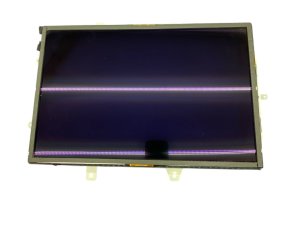
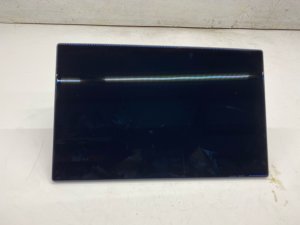
We Have This Part in Stock

The information in this article is provided for general reference and educational purposes only. Vehicle specifications, procedures, and part compatibility can vary by production date, trim level, and region. Always consult your vehicle's factory service manual and verify part numbers before purchasing or performing repairs. Safety-critical components such as airbags, seat belts, and braking systems should be installed by a qualified professional.
- TESLA MODEL S:
- Tesla Model X:
- 🎬 Helpful Videos
- 🛍️ Shop This Part
- Understanding the Generations: MCU1, MCU2, and MCU3
- Pre-2021: Vertical Screen (MCU1 & MCU2)
- 2021-2025: Horizontal 'Refresh' Screen (MCU3)
- Known Issues, Recalls, and TSBs
- MCU1 8GB eMMC Memory Failure (NHTSA Recall)
- Screen Yellow Border
- Screen Bubbling or Leaking
- Buying a Used Infotainment Display
- MCU1 to MCU2 Infotainment Upgrade
- Cost Comparison
- Frequently Asked Questions (FAQ)
- 🎟️ Get 5% Off