

2012-2017 Mazda 5 Body Control Module: Why Programming Is Not an Optional Step
A complete guide to the Mazda 5 Body Control Module, covering common failures, replacement costs, and the critical programming requirements that can leave you stranded if ignored.
- A replacement BCM (new or used) MUST be programmed to the vehicle by a dealer or properly equipped shop; otherwise, the car will not start due to the immobilizer.
- Before replacing the BCM, always test the battery and check all related fuses, as a weak battery can cause identical electrical symptoms.
- When buying a used BCM, you must match the OEM part number exactly to the one in your vehicle to ensure compatibility.
- Common failure symptoms include erratic electronics (lights, locks, wipers), a battery that dies overnight, and a no-start condition with the security light on.
Symptoms of a Failing 2012-2017 Mazda 5 BCM

A failing Body Control Module can create a wide range of confusing and seemingly unrelated electrical problems. Because the BCM controls so many different systems, you will likely experience more than one symptom at a time. These issues are typically not related to how the engine runs, but rather how the car's accessories and electronic features behave.
🎬 Watch: 5 common symptoms of a bad BCM and how to check it.- Erratic Electronics: This is the most common sign. You may notice power windows not working, door locks engaging or disengaging on their own, the horn sounding randomly, or windshield wipers activating without being turned on.
- Parasitic Battery Drain: A classic symptom is a battery that dies overnight or after being parked for a few hours. This happens when the BCM fails to enter "sleep mode" after the car is turned off, causing a continuous power draw that drains a perfectly good battery. 🎬 See how a mechanic finds and repairs a parasitic battery drain.
- No-Start Condition: Because the BCM is linked to the immobilizer system, a complete failure can prevent the car from starting. The engine may not crank at all, or it might start for a second and then immediately shut off. The security light on the dashboard may stay illuminated or flash.
- Key Fob and Lighting Issues: Your keyless entry remote may stop working, and you might experience problems with headlights, taillights, or interior lights flickering, staying on, or not working at all.
- Dashboard Warning Lights: The instrument cluster may light up with multiple, unrelated warning lights, sometimes called the "Christmas tree" effect. This indicates a communication breakdown between the BCM and other modules in the vehicle.
Associated OBD-II Trouble Codes
While many issues can cause BCM-related symptoms, a common trouble code associated with a failing module is U0140 - Lost Communication With Body Control Module. This code indicates that other computers in the vehicle can no longer receive a signal from the BCM. Before condemning the BCM, it's important to check for wiring issues, blown fuses, or poor ground connections, as these can also trigger this code.
Pro Tip: Before assuming the BCM has failed, always check the battery and charging system. A weak or failing battery can cause low voltage issues that mimic BCM failure, leading to many of the same erratic electrical symptoms.
Known Issues, Recalls, and Technical Service Bulletins (TSBs)
As of early 2026, there are no specific, widespread safety recalls issued by the National Highway Traffic Safety Administration (NHTSA) for the Body Control Module on the 2012-2017 Mazda 5. While Mazda has issued TSBs for other models regarding BCM software updates to fix issues like parasitic drain, no major campaigns have been identified specifically for the Mazda 5 in this year range. Failure is typically on a case-by-case basis due to internal electronic faults rather than a universal design flaw.
Programming and Immobilizer Requirements

Warning: A replacement Body Control Module—whether new or used—MUST be programmed to your specific vehicle. This is not an optional step. If you install an unprogrammed BCM, the car's anti-theft immobilizer will activate, and the engine will not start. You will not be able to drive the vehicle to a shop for programming after installation; it will need to be towed.
The Programming Process
The official Mazda procedure is called "Configuration." It uses Mazda's diagnostic software (M-MDS or the newer MDARS) to sync the BCM with your car's Vehicle Identification Number (VIN) and its unique set of electronic features. This process also involves reprogramming your existing keys to be recognized by the new module. The proper procedure involves two key steps:
- Configuration Read-Out: Before removing the old BCM, a technician should use the Mazda software to read and save the vehicle's configuration data from the original module.
- Configuration Write-In: After installing the new BCM, this saved data is written to the new module. This ensures all options your car came with (like keyless entry, specific lighting, etc.) function correctly. If the old module is completely dead and cannot be read, the technician must use "As-Built" data from Mazda's servers to program the new module.
Who Can Program the BCM?
- Mazda Dealerships: This is the most reliable option, as they have the required software and experience.
- Independent Repair Shops: Some high-end independent shops may have the expensive scan tools (like Autel or Snap-on with a paid Mazda subscription) and the expertise to perform the configuration. It is essential to confirm with the shop beforehand that they have successfully programmed Mazda BCMs.
- Automotive Locksmiths: Most standard locksmiths cannot program a BCM. However, some specialized electronic locksmiths may offer "cloning" services, where the data from your old module is directly copied to the replacement. This can be a viable option if your old module is still readable but is not a guaranteed solution.
Buying a Used Body Control Module for Your Mazda 5

A used OEM Body Control Module is a cost-effective solution, but it requires careful purchasing to ensure compatibility.
- Match Part Numbers Exactly: This is the most critical step. The part number on the replacement BCM must perfectly match the one on your original module. The primary OEM part numbers for this generation of Mazda 5 are CG36-67-561 and CG37-67-561. Note that part number CG36-67-561 is a newer revision that replaces CG37-67-561. Always verify the number printed on your specific unit before ordering.
- Inspect for Damage: Do not buy a module with any signs of water damage, corrosion on the pins, or a burnt plastic smell. These are signs of a unit that has already failed or will fail soon.
- Source from a Reputable Recycler: Purchase from a seller that offers a warranty and has good reviews. This provides some protection if you receive a defective part.
Replacement Cost Breakdown
The total cost will vary based on the part source and local labor rates. Remember to factor in the mandatory programming fee, which is often separate from the installation labor.
| Part/Service | Estimated Cost |
|---|---|
| New OEM BCM | $450 - $570 |
| Used OEM BCM | $75 - $200 |
| Shop Labor (Installation) | $100 - $250 |
| Shop Labor (Programming) | $100 - $200 |
| Total Estimated Cost (Used) | $275 - $650 |
| Total Estimated Cost (New) | $650 - $1020 |
Frequently Asked Questions (FAQ)
Can I replace the BCM myself and drive it to the dealer for programming?
No. Once you install an unprogrammed BCM, the vehicle's immobilizer will prevent the engine from starting. The vehicle will need to be towed to a facility with the proper programming equipment.
Do my old keys need to be reprogrammed?
Yes. The BCM is a central part of the anti-theft system. When you replace it, your existing keys must be electronically registered to the new module during the programming process.
Is a BCM the same as an ECU or PCM?
No. The BCM (Body Control Module) controls body electronics like lights, windows, and locks. The ECU (Engine Control Unit) or PCM (Powertrain Control Module) is the computer that manages the engine and transmission performance. They are separate components.
Where is the BCM located on a 2012-2017 Mazda 5?
The Body Control Module is located behind the dashboard, on the right-hand (passenger) side of the vehicle. Access typically requires removing the glove box and surrounding trim panels.
🎬 Watch this walkthrough on how to replace a Body Control Module.Helpful Videos


Technical Specifications
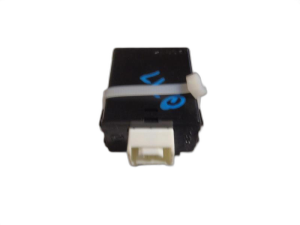
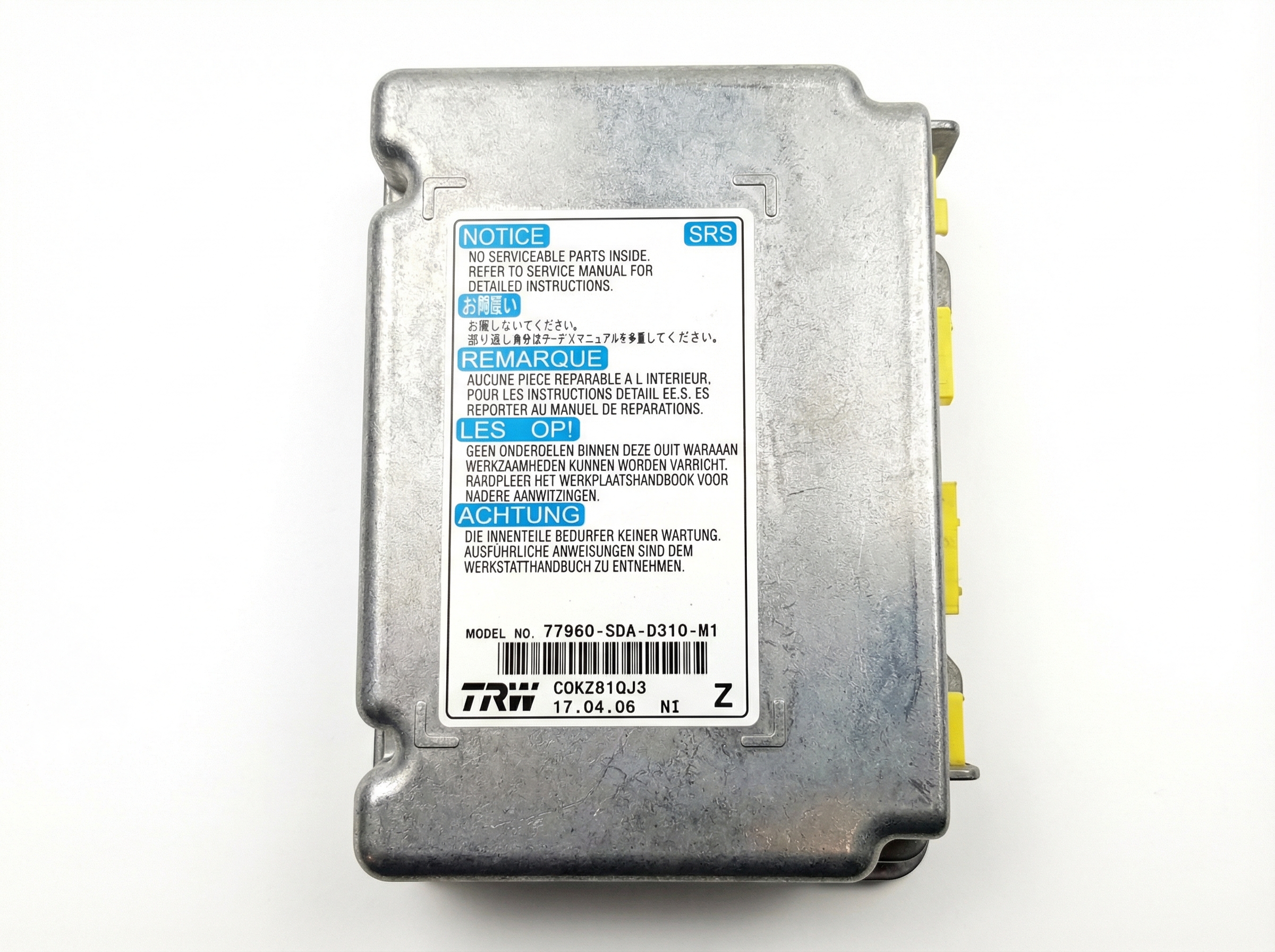
OEM Part Numbers: CG36-67-561 CG37-67-561 CG3657K30A CG3657K30B CG3657K30C
Controls vehicle body electronics and integrates with the immobilizer system. Requires VIN-specific programming upon installation.
We Have This Part in Stock


The information in this article is provided for general reference and educational purposes only. Vehicle specifications, procedures, and part compatibility can vary by production date, trim level, and region. Always consult your vehicle's factory service manual and verify part numbers before purchasing or performing repairs. Safety-critical components such as airbags, seat belts, and braking systems should be installed by a qualified professional.
- Mazda MAZDA 5:
- 🎬 Helpful Videos
- 🛍️ Shop This Part
- Symptoms of a Failing 2012-2017 Mazda 5 BCM
- Associated OBD-II Trouble Codes
- Known Issues, Recalls, and Technical Service Bulletins (TSBs)
- Programming and Immobilizer Requirements
- The Programming Process
- Who Can Program the BCM?
- Buying a Used Body Control Module for Your Mazda 5
- Replacement Cost Breakdown
- Frequently Asked Questions (FAQ)
- 🎟️ Get 5% Off