

2019-2020 Mustang & Transit Connect SYNC 3 APIM Module: Black Screen, Lag, and Replacement Guide
This guide covers the common failures of the SYNC 3 infotainment module in the 2019-2020 Ford Mustang and 2019 Ford Transit Connect, including diagnosis, programming requirements, and replacement costs.
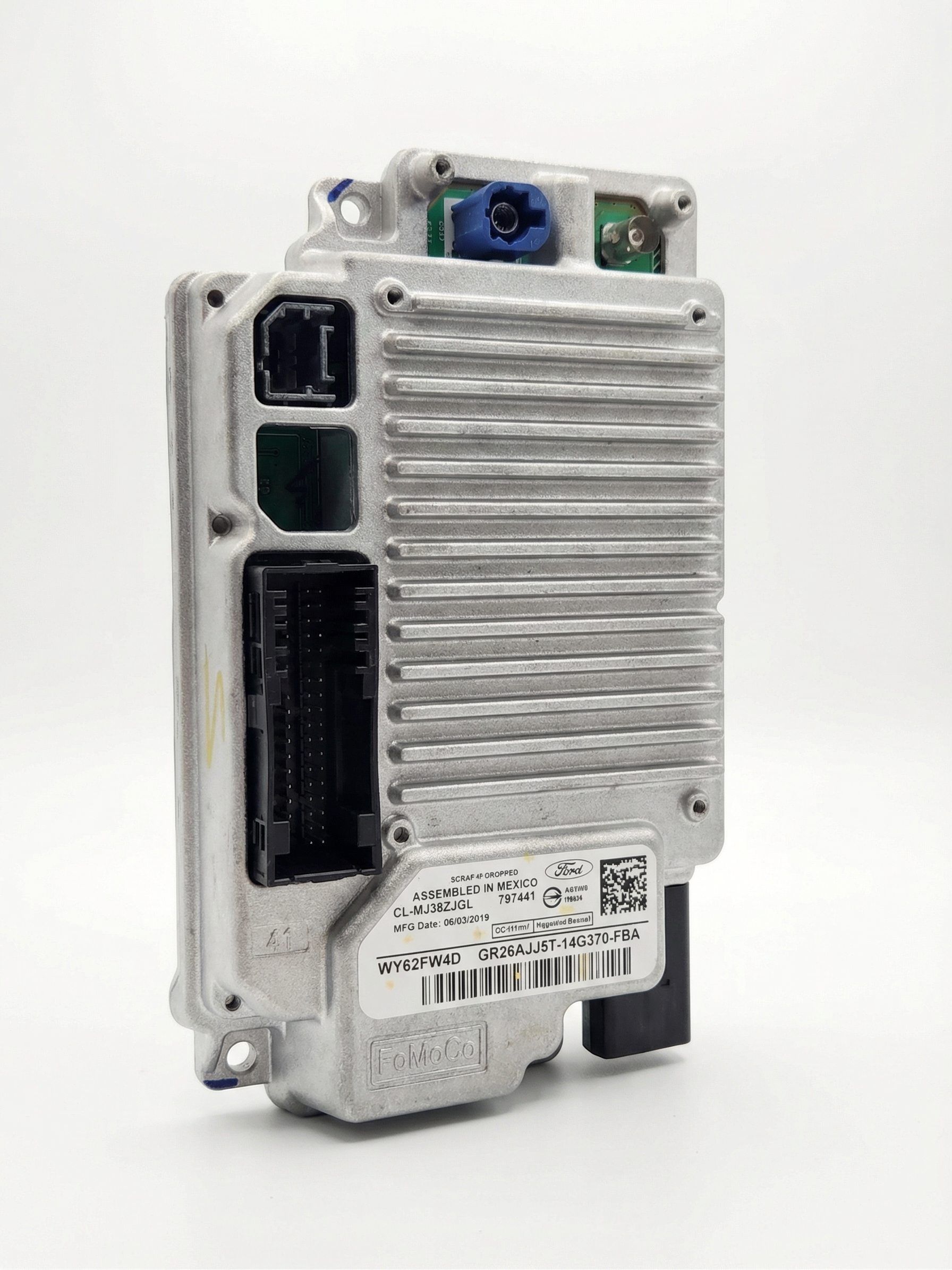
- This part is the SYNC 3 APIM (infotainment computer), not the Body Control Module (BCM).
- Many symptoms like a black screen or lag can be fixed with a software update; always try resets and updates before replacing the hardware.
- A replacement APIM MUST be programmed to your vehicle's VIN. Buying a used unit that is pre-programmed is the most cost-effective solution.
- For the 2019 Transit Connect, this part fits early, non-navigation models. For the Mustang, ensure the part number is specified for your vehicle.
Is it a Body Control Module or a SYNC APIM?

First, let's clear up a common point of confusion. The part number 3U5T-14G371-CDC and its variants are for the SYNC 3 Accessory Protocol Interface Module (APIM), which is the computer for your infotainment system. It is NOT the Body Control Module (BCM), which handles functions like power windows, locks, and lights. If your primary problems are with a black screen, lagging radio, or glitchy navigation, you are dealing with the APIM module.
Known Issues, TSBs, and Recalls
Ford has issued several Technical Service Bulletins (TSBs) for the SYNC 3 system in these vehicles due to widespread performance issues. TSBs like 23-2307 and 24-2182 cover a long list of symptoms that can be caused by software glitches.
Common issues addressed by software updates include:
- A frozen, black, or unresponsive touchscreen.
- Slow system response or lag.
- Loss of Bluetooth pairing or connectivity.
- Apple CarPlay or Android Auto not launching.
- Rearview camera display issues, such as a solid blue screen or the camera staying on at low forward speeds (2019 models).
- An echo or robotic voice during Bluetooth phone calls.
- Various error messages like "MEM_ERR" or "PKG_ERR" during updates.
Pro Tip: Ford explicitly notes in its service bulletins that many APIMs are replaced when the actual problem is outdated software that could be fixed with an update. Always try software updates and resets before replacing the module.
There is also a recall (NHTSA 22V-382, Ford 22S37) for some 2019-2020 Ford Mustangs related to the Powertrain Control Module (PCM), not the APIM. This PCM issue can cause the reverse camera and driver-assist features to fail, which can be confused with an APIM problem. A Ford dealer can check your VIN to see if this recall applies to your vehicle.
Symptoms of a Failing SYNC 3 APIM Module

When the APIM begins to fail, you may experience one or more of the following symptoms. Note that some of these can also be caused by a weak battery, so it's wise to test your battery first.
- Black or Blank Screen: The most common symptom is a screen that goes completely black and unresponsive.
- Constant Reboots or Freezing: The system may get stuck on the Ford logo, freeze, or continuously reboot itself.
- Laggy and Unresponsive Touchscreen: Severe delays between touching an icon and the system responding.
- Connectivity Failures: Inability to pair Bluetooth devices, frequent disconnections, or non-functional USB ports.
- Camera Problems: The rearview camera display may be distorted, flicker, or not appear at all.
- Failed Voice Commands: Voice recognition may not work or may misunderstand commands.
Diagnosing the Issue: Is it Software or Hardware?

Before spending money on a new module, follow these diagnostic steps in order.
- Check the Battery: A weak or failing vehicle battery can cause a host of strange electrical issues that mimic APIM failure. Ensure your battery is providing a stable 12-volt supply.
- Perform a Soft Reset: With the vehicle running, press and hold the Power button and the Seek Forward button simultaneously for about 10 seconds until the screen turns off and the system reboots. This is a simple first step that can resolve temporary glitches.
- Check for SYNC Software Updates: Connect your vehicle to a trusted Wi-Fi network and check for over-the-air updates in the SYNC settings menu. Alternatively, you can visit Ford's owner website, enter your VIN, and download any available updates to a USB drive. Following the TSB procedures by updating the software often resolves these issues without needing a new part.
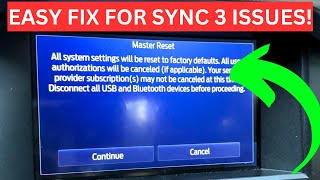
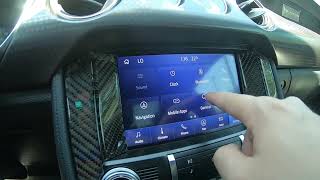
- Perform a Master Reset: This will erase all your personal data (paired phones, saved addresses, etc.) and restore the SYNC system to its factory settings. You can find this option in the "Settings" > "General" > "Reset" menu.
- Check Fuses: For the 2019-2020 Mustang, the fuse for the SYNC system is typically fuse #32 in the passenger compartment fuse panel, located in the passenger footwell.
If none of these steps resolve the problem, the APIM hardware has likely failed and will need to be replaced.
Buying a Used SYNC 3 APIM Module
Warning: A replacement APIM module is NOT plug-and-play. It must be programmed to your vehicle's specific VIN and feature set.
Buying a used OEM module is the most cost-effective way to fix your SYNC system. Here’s what you need to know:
- Find a Pre-Programmed Unit: The single most important factor is to buy a module that the seller pre-programs to your vehicle's VIN before shipping. Many reputable sellers on sites like eBay offer this service. This saves you the significant hassle and expense of dealer programming.
- Verify Compatibility: Ensure the part number is a valid replacement. The original part number is 3U5T-14G371-CDC, but other engineering numbers may also be compatible. More importantly, confirm the module's features match your vehicle.
- Navigation vs. Non-Navigation: If your vehicle came with factory navigation, you must get a replacement APIM that also has navigation. A non-nav module will not work. The reverse is also true.
- Vehicle-Specific Fitment:
- 2019-2020 Ford Mustang: Fitment is specific to vehicles requiring part number 3U5T-14G371-CDC or a compatible successor.
- 2019 Ford Transit Connect: This part fits early production models (built through 08/30/2018) that are NOT equipped with a factory navigation system.
- Inspect the Part: When you receive the used module, check for any physical damage, especially to the connectors. Avoid modules from flood-damaged vehicles.
Programming Requirements
If you purchase a module that is not pre-programmed, it will not function correctly. You have three main options for programming:
- Dealer Programming: A Ford dealership can program the module using their Integrated Diagnostic Software (IDS). This is the most expensive option.
- Independent Shop: Many independent auto repair shops that specialize in electronics have the tools to program Ford modules.
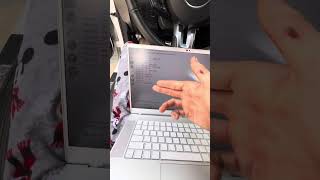
- DIY with FORScan: For advanced DIYers, it is possible to program the module yourself. This requires a compatible OBD adapter (like the OBDLink EX), a Windows laptop, and the FORScan software with an extended license. You will need to download your vehicle's "As-Built" data from Ford's service website and write it 🎬 See this guide for programming your APIM using FORScan to the new APIM. This process is complex and carries the risk of damaging the module if done incorrectly.
Replacement Overview

The difficulty of replacing the APIM is moderate, primarily involving careful removal of interior trim panels. The module itself is typically bolted to the back of the 8-inch touchscreen display.
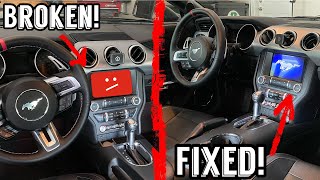
- 2019-2020 Ford Mustang: The process involves prying off the trim pieces on either side of the center console, removing the trim around the screen and climate controls, and then unscrewing the screen assembly to access 🎬 Watch: Step-by-step Mustang APIM replacement walkthrough the module on the back.
- 2019 Ford Transit Connect: The module is usually located behind the glove box. You will need to lower the glove box completely to access the bracket holding the APIM.
Cost Breakdown
The cost to replace a SYNC 3 APIM can vary dramatically depending on the path you choose.
| Part Source | Estimated Part Cost |
|---|---|
| New OEM (Dealer) | $800 - $1,200+ |
| Remanufactured / Aftermarket | $400 - $800 |
| Used OEM (Pre-Programmed) | $150 - $450 |
| Shop Labor (Replacement & Programming) | $250 - $500 |
Frequently Asked Questions (FAQ)
Can I upgrade from a 4-inch screen to an 8-inch screen using this module?
While this APIM is part of an 8-inch SYNC 3 system, upgrading from a base 4-inch screen is a much more involved project. It requires a new screen, a different wiring harness, a new bezel, and extensive programming. This guide is intended for replacing a faulty module in a vehicle that already has the 8-inch SYNC 3 system.
Do I need to replace the screen too?
Not usually. The APIM module and the touchscreen are separate components, though they are bolted together. In most cases of black screens or software glitches, only the APIM module has failed. The screen itself is typically fine.
Will a used module from a different Ford model work?
Physically, an APIM from another Ford vehicle (like an F-150 or Fusion) might fit, but it must be properly reprogrammed with your vehicle's specific As-Built data using a tool like FORScan. Buying a unit advertised as compatible and pre-programmed for your exact model is a much safer option.
What is FORScan and can I use it to fix my module?
FORScan is a powerful software tool for Ford vehicles that allows for diagnostics and module programming. While it can be used to program a replacement APIM, it generally cannot repair a module that has suffered an internal hardware failure. It is primarily used to configure a new or used replacement part to work with your car.
Helpful Videos

Technical Specifications
OEM Part Numbers: 3U5T-14G371-CDC 3U5T14G371CDC JS7Z-14G371-CDC
This is a SYNC 3 APIM module. Variants exist for navigation and non-navigation systems. The part number 3U5T-14G371-CDC corresponds to a 32GB unit with navigation capability.
We Have This Part in Stock




The information in this article is provided for general reference and educational purposes only. Vehicle specifications, procedures, and part compatibility can vary by production date, trim level, and region. Always consult your vehicle's factory service manual and verify part numbers before purchasing or performing repairs. Safety-critical components such as airbags, seat belts, and braking systems should be installed by a qualified professional.
- Ford Mustang:
- Ford Transit Connect:
- 🎬 Helpful Videos
- 🛍️ Shop This Part
- Is it a Body Control Module or a SYNC APIM?
- Known Issues, TSBs, and Recalls
- Symptoms of a Failing SYNC 3 APIM Module
- Diagnosing the Issue: Is it Software or Hardware?
- Buying a Used SYNC 3 APIM Module
- Programming Requirements
- Replacement Overview
- Cost Breakdown
- Frequently Asked Questions (FAQ)
- 🎟️ Get 5% Off