

2008 Ford Focus Audio Control Panel: Fixing SYNC, Display, and Button Problems
Diagnose common radio failures, understand compatibility, and learn how to replace the audio control panel in your 2008 Ford Focus.
- Compatibility is key: A replacement unit must have the ID number 8S4T-18A802-BH to ensure it works correctly.
- Programming is not required for a like-for-like swap, but you may need a 4-digit anti-theft code after installation.
- Common failures include unresponsive buttons, a blank display, and no audio output. No-audio issues often point to the separate Audio Control Module (ACM).
- Replacement is a simple DIY task, requiring only basic trim removal tools and a screwdriver.
Common Failure Symptoms
The audio control panel and the related audio module in the 2008 Ford Focus are known for several common issues as they age. Problems can range from minor annoyances to a completely non-functional radio.
1. Unresponsive or Intermittent Buttons
One of the most frequent complaints is that the buttons on the control panel stop working, either intermittently or altogether. You might find you can't change the volume, switch stations, or even turn the unit off. Sometimes, the backlighting for the controls will also fail, which often happens at the same time the buttons become unresponsive. This can be caused by failing solder joints on the control panel's circuit board.
2. Blank or Fading Display
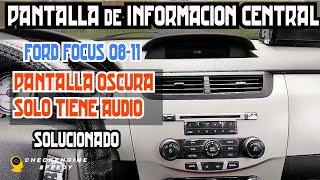
The digital display that shows the radio station, time, and other information can start to fade or go completely blank. This issue is often intermittent and can be affected by temperature; some owners report the display works in the cold but disappears in the heat, or vice-versa. 🎬 Watch: How to fix a fading or blank information display In many cases, the radio itself still produces sound, but you cannot see what is selected.
3. No Sound, Static, or Popping Noises
You may experience a total loss of audio, where the radio appears to be on and functioning, but no sound comes from the speakers. Alternatively, you might hear loud popping or crackling sounds, especially when turning the car on or changing sources. These symptoms usually point to a failure within the internal Audio Control Module (ACM), not the faceplate itself.
4. SYNC and Bluetooth Connectivity Problems
For vehicles with the SYNC system, you might have trouble pairing your phone, or the connection might drop randomly. The system may display a "No Phone" message even when you try to initiate pairing. Often, these issues can be resolved with a system reset or by re-pairing the phone, but they can also indicate a deeper problem with the audio module.
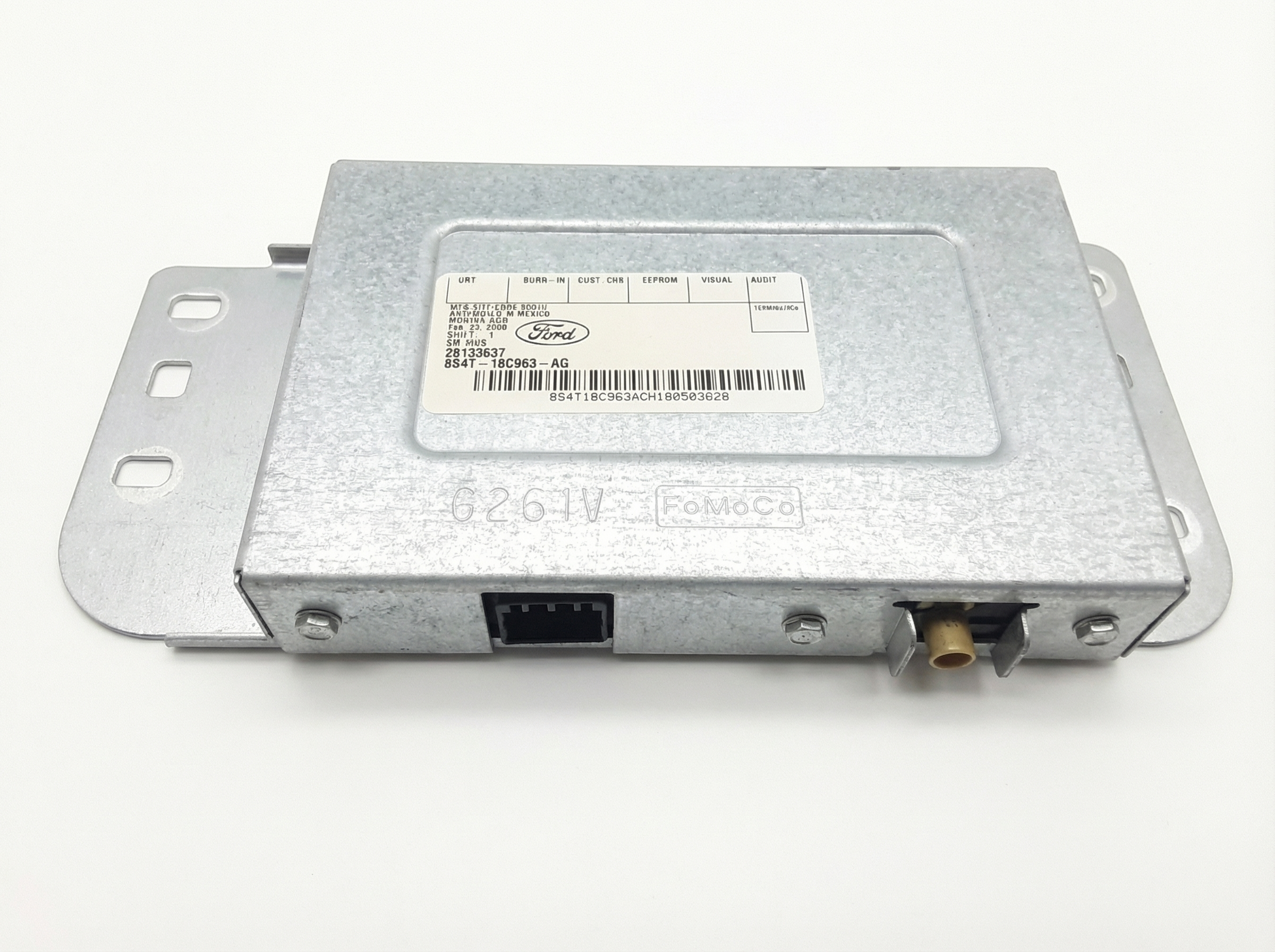
Audio Control Panel vs. Audio Control Module (ACM): It's important to understand the difference. The part you see and touch, with the buttons and display, is the Audio Control Panel (Part ID 8S4T-18A802-BH). The 'brain' of the radio, a separate metal box located behind it, is the Audio Control Module (ACM) (e.g., Part No. 8S4T-19C107-BH). Button and display failures are often the panel, while no-sound or static issues are usually the ACM. They are often replaced as a single assembly.
Buying a Used 2008 Focus Audio Control Panel
Buying a used OEM audio panel is the most cost-effective way to restore factory function. Aftermarket options require new dash kits and wiring harnesses, which can complicate the installation and change the interior's look. Here’s what to look for in a used unit.
Key Compatibility Check
You must match the ID number. The most critical step is to verify that the replacement panel has the exact ID number 8S4T-18A802-BH printed on it. While other panels may look identical, they can have different internal wiring or button configurations for features like SYNC, and will not work correctly.
What to Inspect
- Button Graphics: Make sure the icons and text on the buttons are not worn off.
- Display Screen: Check for deep scratches or any signs of delamination (the screen layers peeling apart).
- Mounting Tabs: Ensure all plastic mounting points are intact and not cracked or broken.
- Knobs: Turn the volume and tuning knobs to make sure they rotate smoothly and have a solid feel.
Known Issues, TSBs, and Recalls
There are no specific recalls for the audio unit in the 2008 Ford Focus. However, Ford did issue a Technical Service Bulletin (TSB) related to the SYNC system.
- TSB SSM 46132: This bulletin notes that some vehicles with SYNC may generate an incorrect Vehicle Health Report (VHR) that flags a non-existent issue with the brake system. This is a software glitch related to the SYNC module and does not indicate an actual problem with your brakes.
Programming and Installation
Pro Tip: A like-for-like replacement of the audio control panel or the entire radio assembly does not require dealer programming. It is a plug-and-play installation.
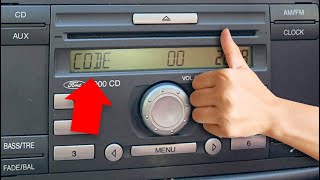
After installation, you may need to enter a 4-digit anti-theft code to unlock the radio. This happens any time the unit loses power. You can find the code in your owner's manual paperwork or by retrieving the radio's serial number and using an online code generator service. To get the serial number, turn the radio on and press and hold preset buttons 1 and 6 for a few seconds; the serial number (starting with 'V') will scroll across the screen.
🎬 See how to retrieve your Ford radio unlock codeReplacement Steps
Replacing the audio panel is a straightforward DIY job that takes less than an hour.
- Use a plastic trim removal tool to gently pry off the silver trim piece surrounding the radio and climate controls. It is held in by clips.
- Once the trim is off, you will see four screws (usually 7mm or Phillips head) holding the radio assembly in place.
- Remove the four screws, and the entire radio unit will slide out.
- Carefully unplug the main wiring harness and the antenna cable from the back of the unit.
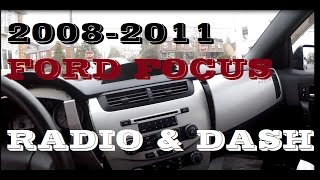
- Plug in the replacement unit, secure it with the four screws, and snap the trim piece back into place. 🎬 Watch: Step-by-step dash removal and radio replacement guide
Cost Comparison
| Part Type | Estimated Cost |
|---|---|
| New OEM | Discontinued. No longer available from Ford. |
| New Aftermarket | $150 - $400+ (Requires a full head unit, dash kit, and wiring harness). |
| Used OEM | $50 - $125 |
| Remanufactured OEM | $200 - $300 |
| Shop Labor | $75 - $150 |
Frequently Asked Questions (FAQ)
Does the 2008 Ford Focus audio control panel need to be programmed?
No, a replacement OEM audio control panel or radio assembly does not need to be programmed by a dealer. It is a plug-and-play part. However, you may need to enter a 4-digit security code to unlock it after installation.
Why are my radio buttons not working but the sound is fine?
This is a classic symptom of a failing Audio Control Panel (the faceplate). The internal connections for the buttons wear out or develop cracked solder joints over time. Replacing the control panel assembly typically resolves this issue.
Can I upgrade my basic radio to one with SYNC?
While technically possible, it is a complex and expensive process. It requires not only the SYNC-equipped radio but also the separate SYNC module, a new wiring harness, a microphone, and potentially a different steering wheel with controls. It is generally not a cost-effective upgrade.
Why did my radio stop working after I disconnected the battery?
The radio has an anti-theft feature that requires a 4-digit code to be entered any time it loses power. This is normal. You can find the code in your vehicle's original paperwork or retrieve it using the radio's serial number.
Helpful Videos

Technical Specifications
OEM Part Numbers: 8S4T-18A802-BHW 8S4T18A802BH 8S4Z18842BA
Fits 2008 Ford Focus. Designed for vehicles with and without SYNC system (part numbers vary). Connects to main vehicle harness and antenna.
We Have This Part in Stock



The information in this article is provided for general reference and educational purposes only. Vehicle specifications, procedures, and part compatibility can vary by production date, trim level, and region. Always consult your vehicle's factory service manual and verify part numbers before purchasing or performing repairs. Safety-critical components such as airbags, seat belts, and braking systems should be installed by a qualified professional.
- Ford Focus:
- 🎬 Helpful Videos
- 🛍️ Shop This Part
- Common Failure Symptoms
- 1. Unresponsive or Intermittent Buttons
- 2. Blank or Fading Display
- 3. No Sound, Static, or Popping Noises
- 4. SYNC and Bluetooth Connectivity Problems
- Buying a Used 2008 Focus Audio Control Panel
- Key Compatibility Check
- What to Inspect
- Known Issues, TSBs, and Recalls
- Programming and Installation
- Replacement Steps
- Cost Comparison
- Frequently Asked Questions (FAQ)
- 🎟️ Get 5% Off