

2022-2025 Toyota Flashing SOS Light & GPS Faults: The DCM Antenna Explained
If your Toyota's SOS light is flashing or you see a 'Communication module activation failed' message, the problem is likely not a simple antenna failure; here's what owners of the Camry, Corolla, Prius, RAV4, and more need to know.
- The flashing SOS light and 'DCM failure' message are almost always a software problem, not a failed antenna.
- Do not buy a replacement antenna. The correct first step is to have a Toyota dealer perform a DCM firmware update per TSB T-SB-0089-21.
- If your service subscription is expired, the dealer must use a specific procedure (TSB T-TT-0678-21) to temporarily activate the system for the update.
- Physical replacement of this antenna is a difficult, expert-level job requiring full dashboard disassembly and should only be done if a hardware failure is confirmed.
Is This a Hardware or Software Problem?

For owners of the 2025 Toyota Camry, 2022-2025 Toyota Corolla, 2023-2025 Toyota Prius, 2023 Toyota RAV4, 2023-2025 Toyota Prius Prime, 2025 Toyota 4Runner, 2023 Toyota Venza, 2023 Toyota GR Corolla, 2023-2024 Toyota bZ4X, and 2023 Toyota RAV4 Prime, seeing a flashing SOS light or a GPS malfunction message can be alarming. While these symptoms seem to point to a failed antenna, the root cause is almost always a software issue within the Data Communication Module (DCM) that this antenna serves.
Important: Before buying any parts, understand that replacing the physical antenna rarely solves this issue. The most common solution is a firmware update performed by a Toyota dealer. Attempting to replace the antenna first can be a costly and unnecessary repair.
Symptoms of DCM and Antenna Failure

The symptoms are directly tied to the DCM losing its ability to communicate. Because these vehicles share a common electronics platform, you will likely experience one or more of the following:
- Flashing SOS Light: The most common symptom is the overhead SOS light flashing alternately between red and green. This indicates a system fault or an inability to connect to the cellular network. A solid red light can also indicate a system issue.
- Dashboard Error Messages: You may see messages like "Communication module activation failed," "DCM Error," or "System Offline" on your infotainment screen or instrument cluster.
- Inoperative Connected Services: The Toyota App will fail to communicate with the vehicle. This means features like remote start, remote lock/unlock, and checking vehicle status (fuel level, mileage) will not work.
- GPS and Navigation Problems: The vehicle's onboard navigation may fail to get a location fix or may show an incorrect position.
- Spoken Alerts: Upon starting the vehicle, an audible voice may announce that the communication module has failed to activate.
Vehicle-Specific Known Issues & TSBs
This is a well-documented issue across the Toyota lineup. While the antenna itself is a simple device, the DCM it connects to is complex. Toyota has issued several Technical Service Bulletins (TSBs) to address these software-related problems.
- TSB T-SB-0089-21 & T-SB-0095-20: These bulletins detail the procedure for dealers to perform a firmware update on the DCM for numerous Toyota models, including many on this list. The update resolves glitches that cause the flashing SOS light and loss of connectivity.
- TSB T-TT-0678-21 Rev: This document provides a critical procedure for dealers. If your connected services subscription has expired, the DCM can't connect to Toyota's servers to get the required update. This TSB allows the dealer to request a temporary 72-hour activation to force the firmware update through.
- GR Corolla TSB: A specific TSB was released for the 2023-2024 GR Corolla where sudden impacts from hitting a curb or pothole could erroneously trigger an emergency SOS call. This is resolved with an SRS ECU logic update from the dealer.
Pro Tip: When you visit a dealer, mention your symptoms and ask them to reference TSBs T-SB-0089-21 and T-TT-0678-21. This shows you have done your research and directs them toward the most likely solution, potentially saving diagnostic time and money.
Diagnosis and Repair Walkthrough

Do not immediately assume you need a new antenna. Follow these steps in order:
- Attempt a Hard Reset: As a first step, you can try disconnecting the vehicle's 12-volt battery for at least 30 minutes. This forces a hard reboot of all vehicle modules, including the DCM. In some cases, this can temporarily restore function. However, if the underlying software issue exists, the problem will likely return.
- Visit a Toyota Dealer for Firmware Update: This is the official and most permanent solution. A technician will connect the vehicle to their Techstream diagnostic tool and reflash the DCM with the latest firmware. This service is generally not free if the vehicle is outside of its basic warranty period. Expect to pay for about one hour of labor.
- Confirm Hardware Failure Before Replacement: Only if the firmware update fails and the dealer performs further diagnostics to confirm the antenna or DCM has an internal hardware fault should you consider replacement. It is extremely rare for this antenna to fail on its own.
Buying a Used DCM Antenna
You should only consider buying a used antenna if a professional technician has definitively diagnosed a hardware failure. In that rare case, a used OEM part is a smart way to save money over a new one.
- Verify the Part Number: The replacement part MUST match the OEM part number exactly. The primary part number is 86880-02090, which supersedes the older 86880-42010. Using an incorrect part will not work.
- Inspect for Damage: Since this part is located inside the dashboard, it is unlikely to have physical damage. However, check the connectors and any attached wiring for cuts, bent pins, or signs of stress.
- Source from a Reputable Seller: Purchase from a recycled parts seller that offers a warranty and guarantees the part is tested and functional.
- Why Used OEM is a Good Choice: For an electronic module like this, a used OEM part that has been verified to work is often more reliable than a new, unproven aftermarket alternative (if one even exists). It ensures perfect integration with the vehicle's systems.
Replacement Difficulty & Location
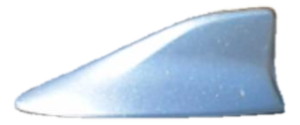
This is not the 'shark fin' antenna on the roof. Part diagrams and the official name "Antenna Assembly, Instrument Panel Integration" confirm this component is located deep within the dashboard, likely near the infotainment unit or instrument cluster.
- Difficulty Rating: 5 out of 5 (Expert level)
- DIY Feasibility: Not recommended for DIY mechanics.
- Procedure: Replacement requires extensive disassembly of the dashboard and its components. This is a time-consuming and complex job with a high risk of damaging trim panels, clips, and other electronic modules if done incorrectly. This repair should be left to a professional technician.
Cost to Repair or Replace
The cost varies significantly depending on whether the fix is software or hardware.
| Item | Estimated Cost | Notes |
|---|---|---|
| DCM Firmware Update (at Dealer) | $150 - $300 | This is the most common and likely solution. Cost is typically one to two hours of the dealer's labor rate. |
| New OEM Antenna (Part Only) | $470 - $715 | This is for part number 86880-02090. MSRP is over $700, but online retailers offer it for less. |
| Used OEM Antenna (Part Only) | $150 - $300 | Estimated cost, typically 30-50% of the new OEM price. Availability may vary. |
| Shop Labor for Physical Replacement | $400 - $600+ | Estimated 3-5 hours of labor for dashboard disassembly and reassembly. This is in addition to the part cost. |
Frequently Asked Questions
Can I just ignore the flashing SOS light?
You can, but it's not recommended. A flashing or solid red SOS light means the Safety Connect system, including Automatic Collision Notification and emergency assistance, is not working. This is a key safety feature that you would want to be active in the event of an accident.
Will replacing this antenna add GPS navigation to my car?
No. This antenna is for vehicles that already came equipped with a factory navigation system. It is a replacement part, not an upgrade. It will not add features your vehicle did not have when it was built.
Why did the dealer say they can't update my car because my subscription is expired?
This is a known issue. The DCM needs to connect to Toyota's servers to download the firmware update, but it can't do that with an inactive subscription. Refer them to Toyota Tech Tip T-TT-0678-21, which outlines the official process for getting a temporary activation to complete the repair.
Is there a recall for this issue?
As of early 2026, there is no safety recall for this specific DCM software issue. Toyota is handling it through Technical Service Bulletins (TSBs), which are repair instructions for dealers. This means the repair is typically only covered for free under the vehicle's original basic warranty.
Technical Specifications
OEM Part Numbers: 86880-02090 86880-42010
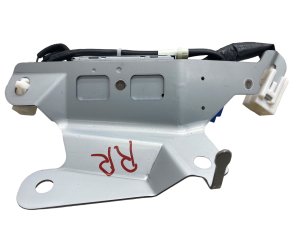
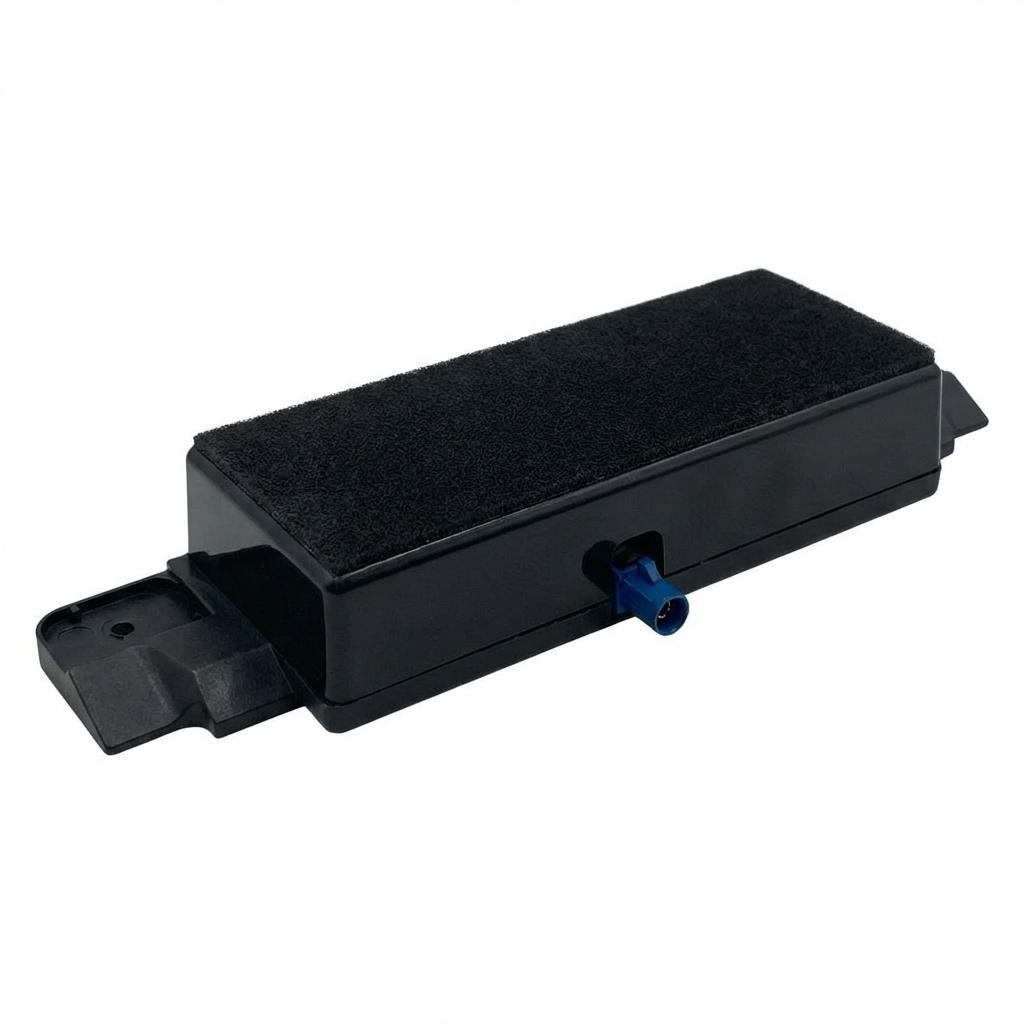
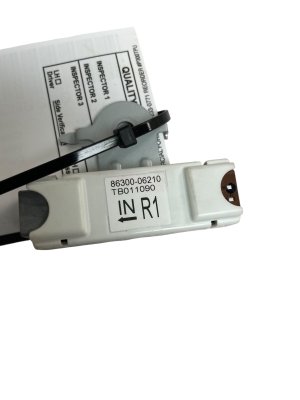
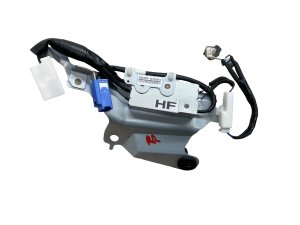
This is a multi-function antenna for the Data Communication Module (DCM), providing connectivity for GPS and cellular networks. It is located inside the instrument panel.
We Have This Part in Stock

The information in this article is provided for general reference and educational purposes only. Vehicle specifications, procedures, and part compatibility can vary by production date, trim level, and region. Always consult your vehicle's factory service manual and verify part numbers before purchasing or performing repairs. Safety-critical components such as airbags, seat belts, and braking systems should be installed by a qualified professional.
- TOYOTA CAMRY:
- TOYOTA COROLLA:
- TOYOTA PRIUS:
- TOYOTA RAV4:
- TOYOTA PRIUS PRIME:
- TOYOTA 4RUNNER:
- TOYOTA VENZA:
- TOYOTA GR COROLLA:
- TOYOTA BZ4X:
- TOYOTA RAV4 PRIME: